Managing a single short-term rental is straightforward.
Managing multi-family properties, condo buildings, or properties with multiple rentable units is where most automation platforms break down.
Until now, many smart home systems treated every location as a single space—forcing hosts to:
- Share devices across unrelated guests
- Manually coordinate access for different units
- Give up automation features entirely for multi-unit setups
That limitation made true automation nearly impossible for apartment buildings, duplexes, triplexes, and condo properties.
The new Units feature changes that completely.
Introducing Units: Real Automation for Multi-Unit Properties
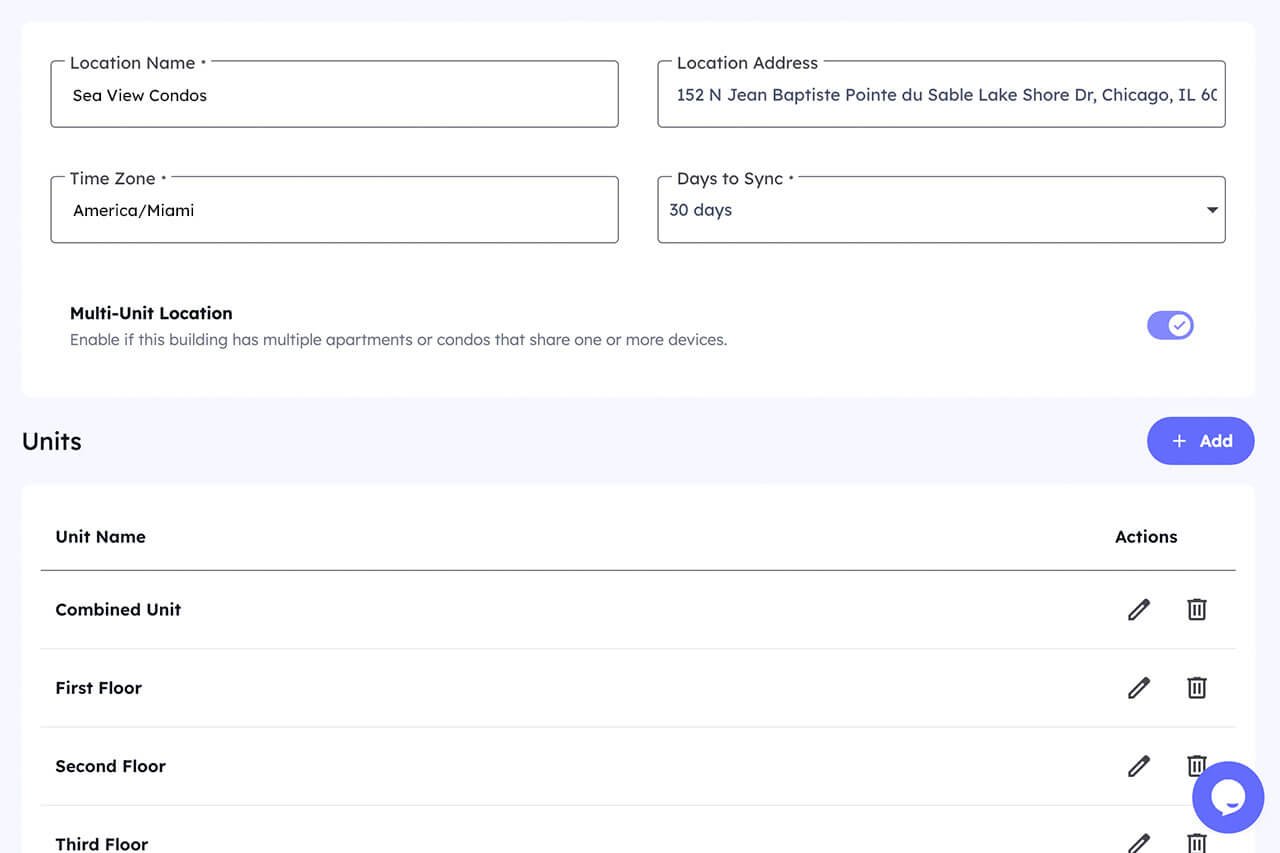
Units allow you to segment a single physical location into multiple independently managed spaces, all running on one smart home hub.
Each location can now contain:
- Multiple units
- Shared devices (like building entry doors)
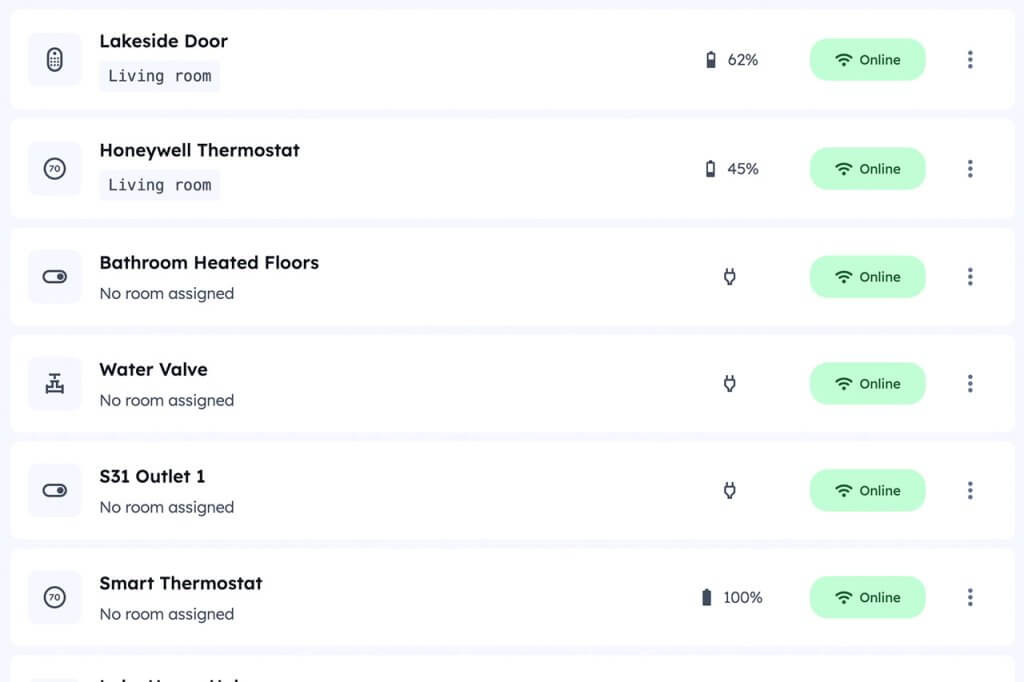
- Unit-specific devices (locks, thermostats, sensors, switches)
- Independent automations per unit
This unlocks full automation for:
- Multi-family homes
- Apartment buildings
- Condo complexes
- Guest suites and ADUs
- Mixed-use short-term and mid-term rentals
And it does so without adding hubs, duplicating setups, or compromising security.
How Shared Entry Locks Work With Individual Units
Many multi-unit properties share a common entrance—but that shouldn’t mean shared access.
With Units, you can:
- Assign shared entry locks to the location
- Assign private locks to each unit
- Control access independently for every reservation
This means:
- Guests only access the doors they’re authorized for
- Building access and unit access are managed separately
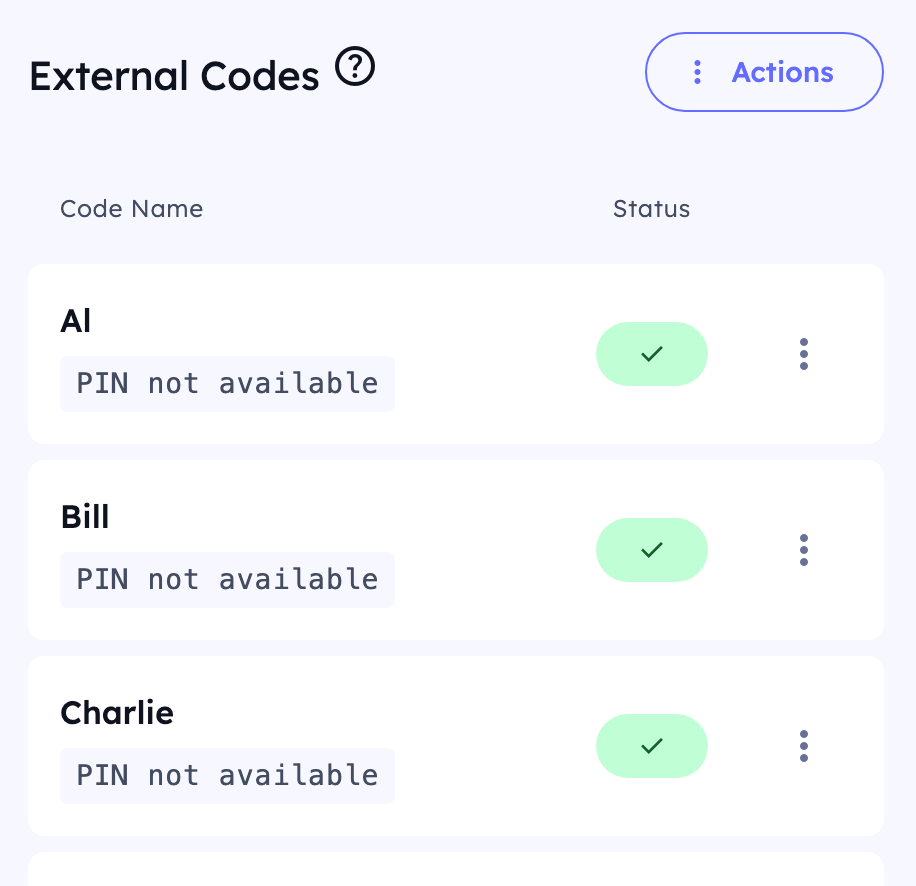
- Codes can be created, scheduled, and removed automatically
From the guest’s perspective, it’s seamless.
From the operator’s perspective, it’s scalable.
Separate Automations for Each Unit (On One Hub)
Before Units, automations had to apply at the location level—making advanced features unusable in multi-unit properties.
Now, each unit can have:
- Its own lock schedules
- Its own thermostat logic
- Its own occupancy states
- Its own automation rules
That means:
- One unit can be occupied while another is vacant
- Energy-saving automations apply only where appropriate
- Maintenance alerts stay isolated to the correct unit
All of this runs on one hub, keeping infrastructure simple while logic stays precise.
Combined Units: Rent Separately or Together—Easily
Some properties don’t fit neatly into “single unit” or “multi-unit” categories.
Examples include:
- Two adjacent condos rented individually or together
- A main home + guest suite sometimes rented as one
- Multi-bedroom properties split seasonally
The Units feature supports combined units, allowing you to:
- Rent units individually or as a single combined reservation
- Automatically adjust access based on booking type
- Enable or disable devices depending on how the space is rented
This eliminates manual reconfiguration and prevents access conflicts—one of the biggest operational headaches in flexible rental layouts.
Unlimited Units. Unlimited Locations. No Artificial Caps.
The Units feature is designed for real growth, not arbitrary limits.
You can:
- Add as many units as you want per location
- Add an unlimited number of locations
- Scale from one building to an entire portfolio without re-architecting your setup
This makes the system ideal for:
- Property managers
- Hosts scaling from single listings to portfolios
- Operators managing mixed property types
Your automation grows with you—not against you.
Why This Feature Unlocks Capabilities That Weren’t Possible Before
Before Units, smart devices couldn’t be cleanly segmented within a location. That meant:
- Some automations had to be disabled
- Shared devices caused conflicts
- Multi-unit properties required manual workarounds
By introducing unit-level device segmentation, previously unavailable features now work exactly as intended—even in complex properties.
This is the difference between:
- “Smart devices installed”
- A fully automated rental operation
Designed for Modern Rental Reality
Today’s rental portfolios aren’t uniform—and automation systems shouldn’t assume they are.
Units were built to support:
- Dense urban properties
- Hybrid short-term / mid-term rentals
- Flexible layouts
- Portfolio-level management
Whether you’re managing a duplex or a 50-unit building, automation should adapt to your structure—not force you into a simplified model.
Ready to Automate Multi-Unit Properties the Right Way?
If you manage apartments, condos, or multi-family rentals, automation shouldn’t force compromises. The new Units feature gives you precise control, shared infrastructure, and full automation—without complexity.