



It programs my door codes and turns on my heated floors, which makes sure my guests have a great experience from the start.
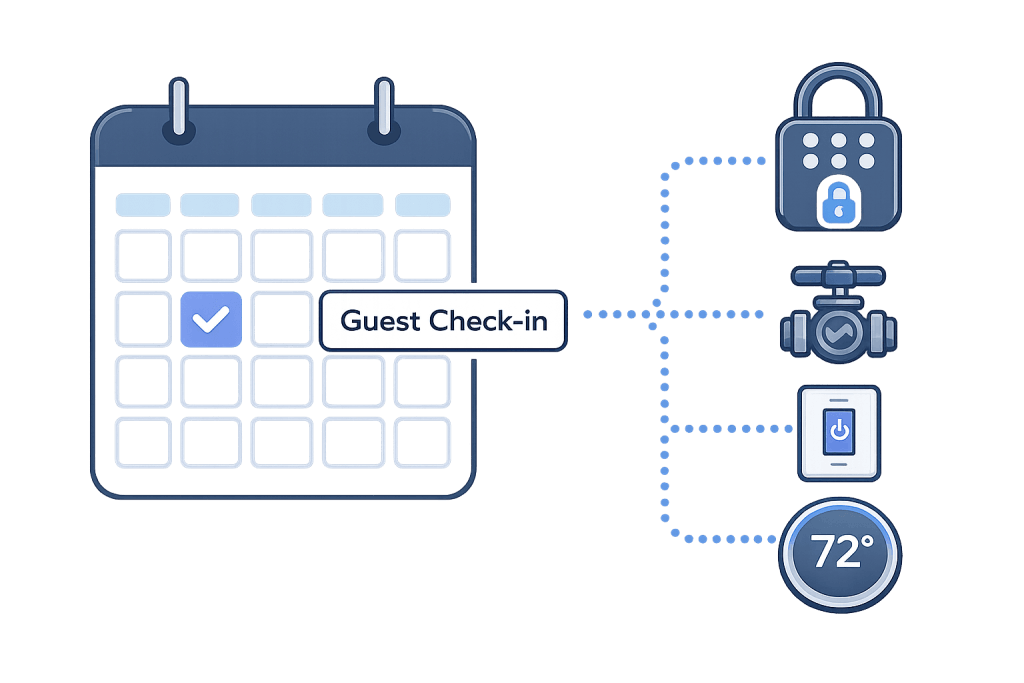
Connect your booking calendar to locks, thermostats, water, lighting, and more — so your property automatically responds around every guest stay.
Designed to work with:
Your Rental Should Follow the Reservation
Most smart homes are built around the routines of the people who live there. Short-term rentals work differently. Guests arrive and leave constantly. The property may be occupied today, vacant tomorrow, and preparing for another guest the next day.
Rental Home Automator uses your booking calendar to automatically change how the property operates as occupancy changes.
How to Get Started
Not sure where to begin? We’ve got all the information and tools in one place for you, and have options for everyone from beginners to advanced users. Get started quickly with smart home automation for short-term rentals by following these steps:
1. Connect your calendar
Connect Airbnb, Vrbo, your PMS, Google Calendar, or another supported calendar source.
2. Add smart devices
Add compatible locks, thermostats, water valves, lights, sensors, and other devices.
3. Choose What Happens
Decide what each device should do before check-in, during a stay, after checkout, and while vacant.
Rental Home Automator handles the rest automatically as reservations change.
Compatible Smart Ecosystems:
Other smart home ecosystems including Hubitat, Homey and others coming soon. To request a specific integration, click here.
Built for Rentals — Not Typical Smart Homes
Typical smart-home automation asks:
“What should happen every day at 8:00 a.m.?”
Rental Home Automator asks:
“What should happen before this guest arrives, while they’re staying, after they leave, and while the property is vacant?”
That’s the difference between automating a house and automating a short-term rental.
- Reservation-aware — automations follow bookings instead of fixed routines.
- Device-independent — coordinate different types of smart devices through one rental workflow.
- Built for remote operation — alerts, retries and monitoring help when you’re not at the property.
- Guest invisible — guests don’t need another app or account.
Spend less time managing your rental and more time enjoying the income.
I used to have to remember to change the temperature and turn on the water for guests. Now my calendar handles it for me automatically.
I use it to manage all my door codes at multiple properties – it’s super simple and it just works.
Rental Home Automator has saved us countless hours sending staff to properties to open them up and shut them down.
This tool saved me hours each week — my Airbnb basically runs itself now.
The step-by-step guides in the Knowledge Base made setting these things up a breeze.
Frequently Asked Questions
A: Rental Home Automator connects your smart home devices—like locks, thermostats, lights, and water valves—to your Airbnb and Vrbo calendars. It automatically prepares the property before each stay and returns devices to your configured checkout or vacancy settings afterward—without needing any apps or manual work.
A: You can automate a wide range of smart home devices, including:
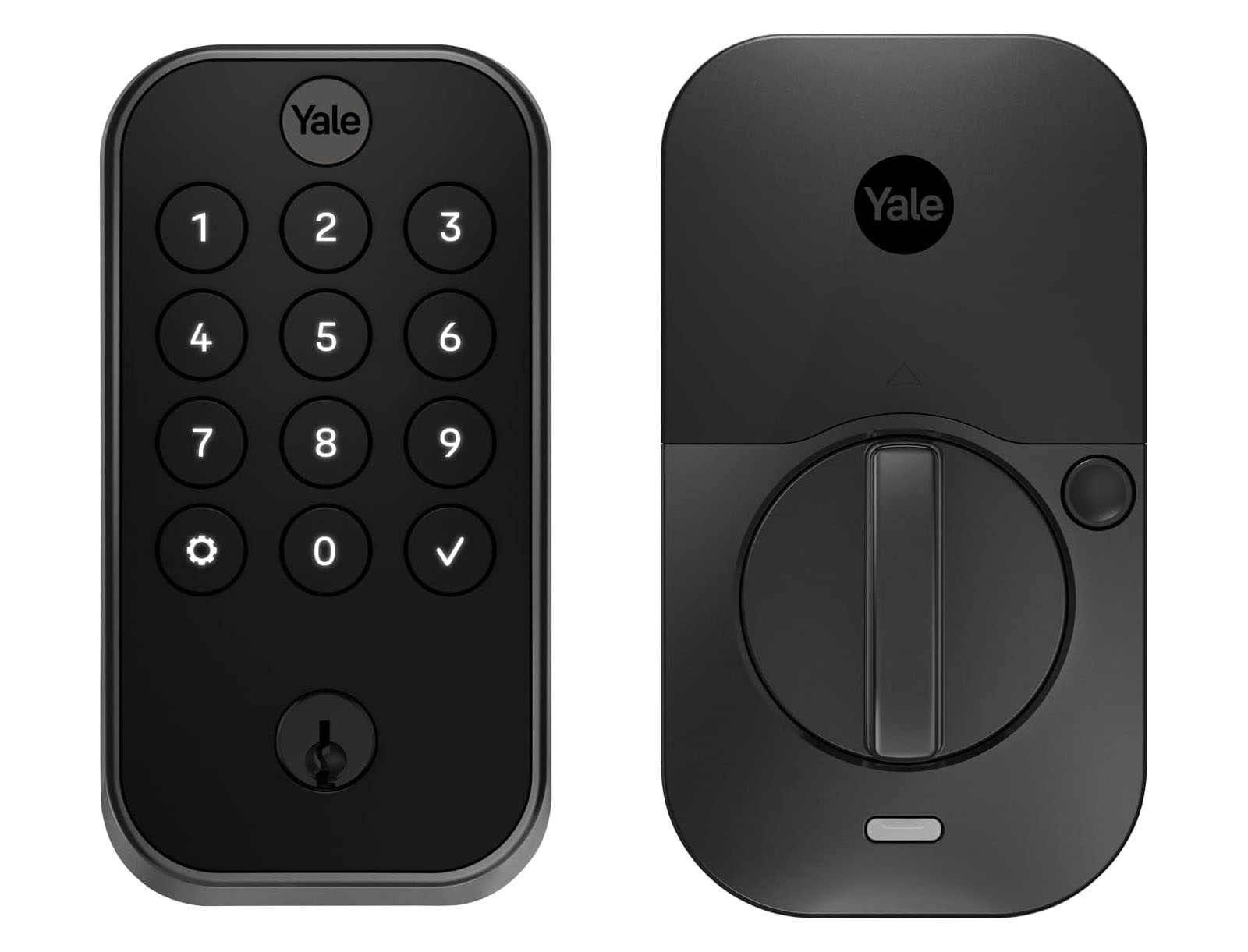
- Smart locks (e.g., Yale, Kwikset, Schlage
- Thermostats (e.g., ecobee, Honeywell, Nest)
- Lights (e.g., Lutron, Kasa, Hue)
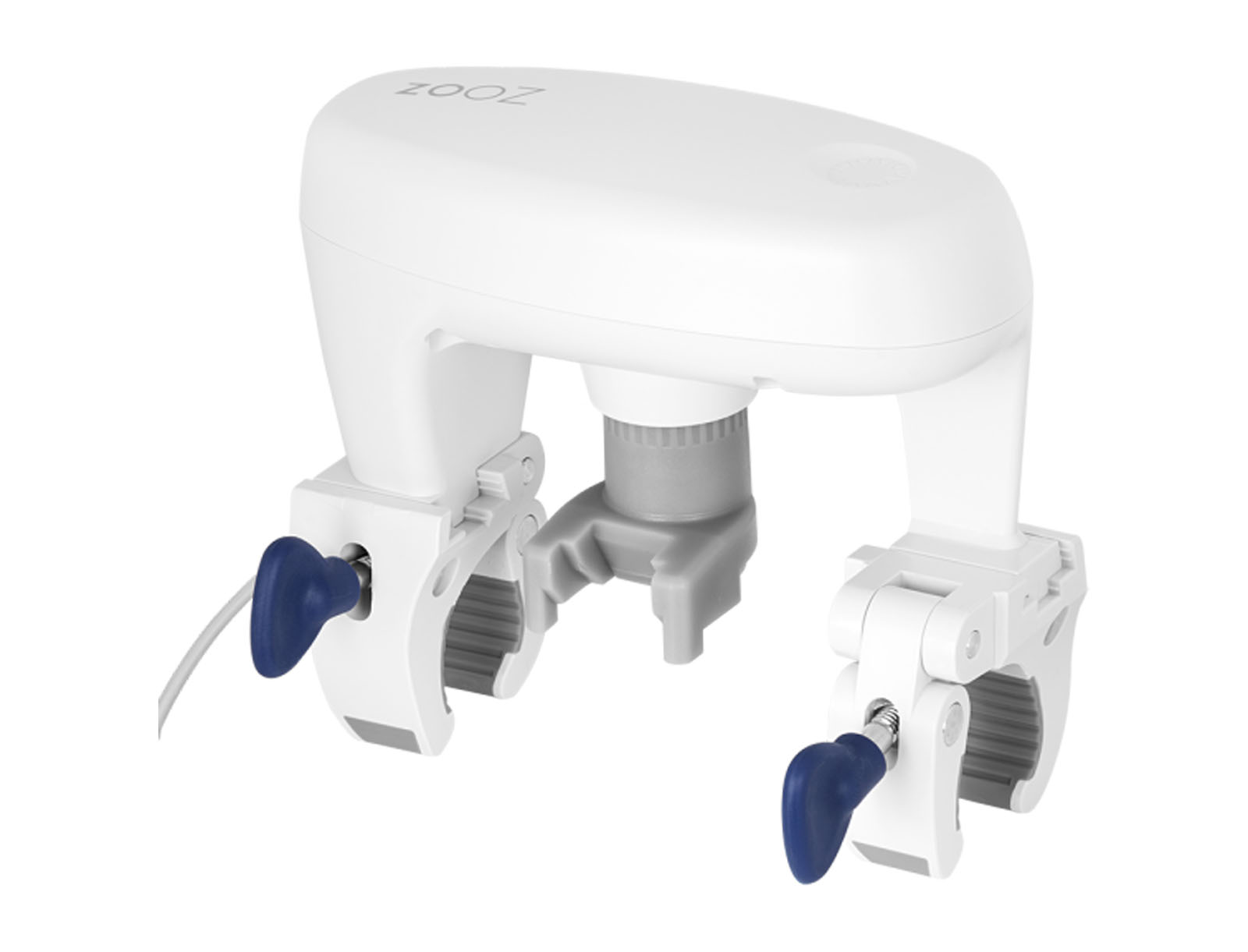
- Water valves (e.g., Dome, Zooz, etc)
Rental Home Automator controls compatible devices through its supported smart-home integrations and automatically coordinates them with your booking calendar.
A: Rental Home Automator syncs automatically with your Airbnb, Vrbo, or other iCal-based calendar. It knows exactly when guests are checking in and out—so your home can turn on (or off) the right devices at the right time.
It provides settings so you can decide exactly when to have your devices adjust for guests (e.g. at check-in time or a few hours ahead of time).
A: No—guests don’t need to install or interact with any app. Rental Home Automator works completely behind the scenes, setting door codes and preparing your home automatically.
A: Yes! You can set up device actions based on check-in/check-out time, and offset individual automations as you’d like. Want the water to turn on 2 hours before check-in and adjust the heat 4 hours before check-in? You can do that—with no extra apps or logins.
A: When a guest leaves, Rental Home Automator can:
- Turn off the lights
- Adjust the thermostat up or down
- Remove the lock codes set for the guest
- Shut off the water
In short, you can reset your smart home to a safe, energy-saving state. You don’t need to remember anything—it’s fully automated.
A: Initial setup can usually be completed in minutes: connect your calendar, connect your smart-home platform, and configure your automations. That’s it.
A: Yes—we offer a 14-day free trial so you can try Rental Home Automator risk-free.
A: Yes, Rental Home Automator works across multiple properties. You can manage devices at each home with a single dashboard—perfect for remote hosts or property managers.
Works with Your Favorite Devices
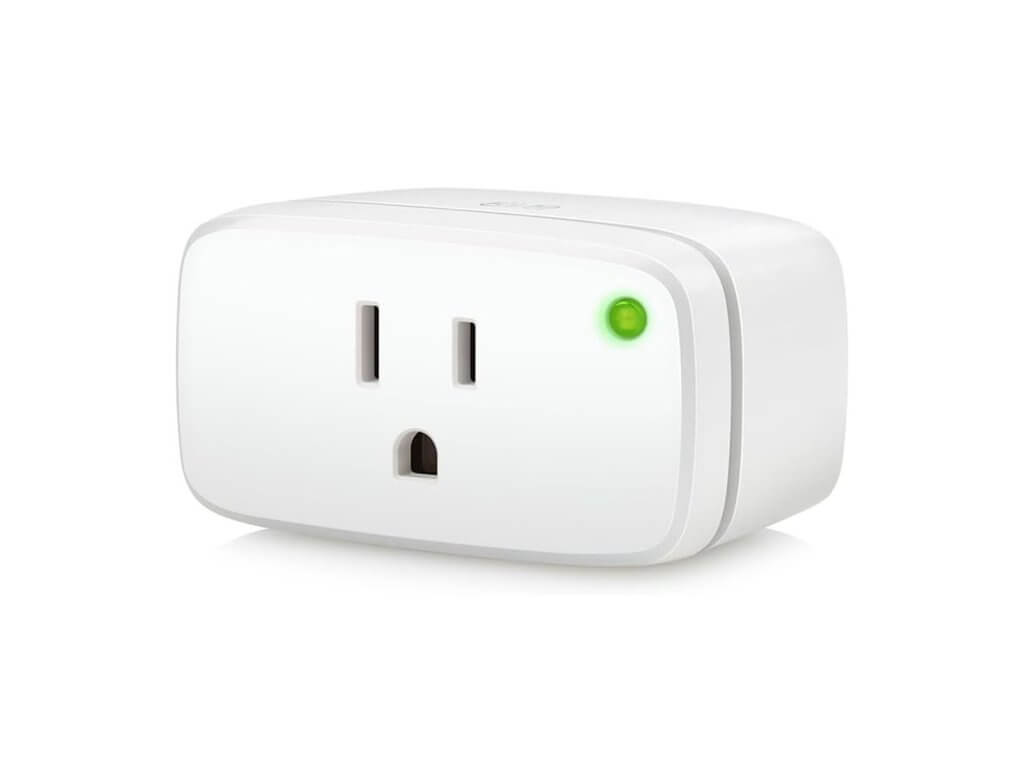
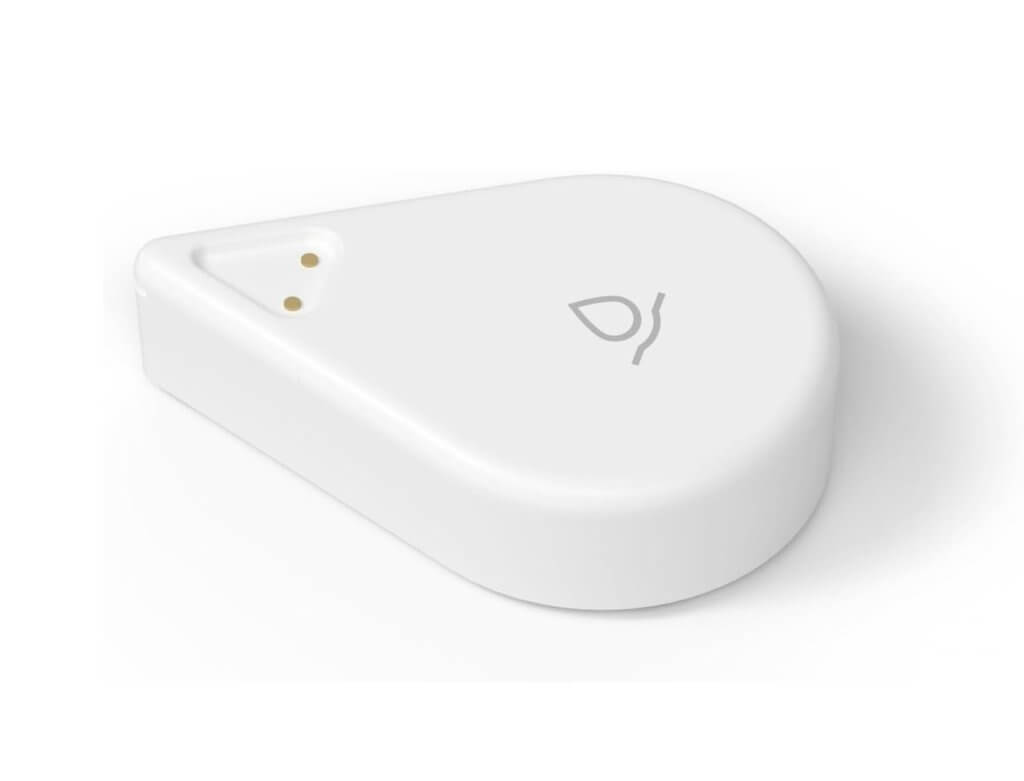
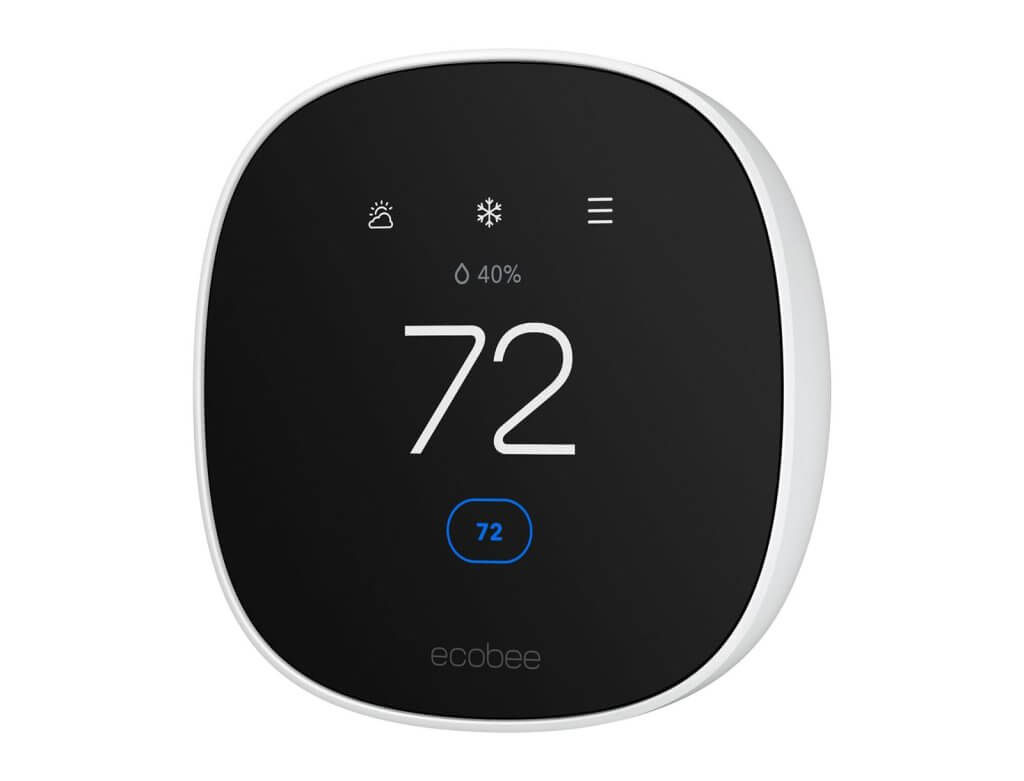
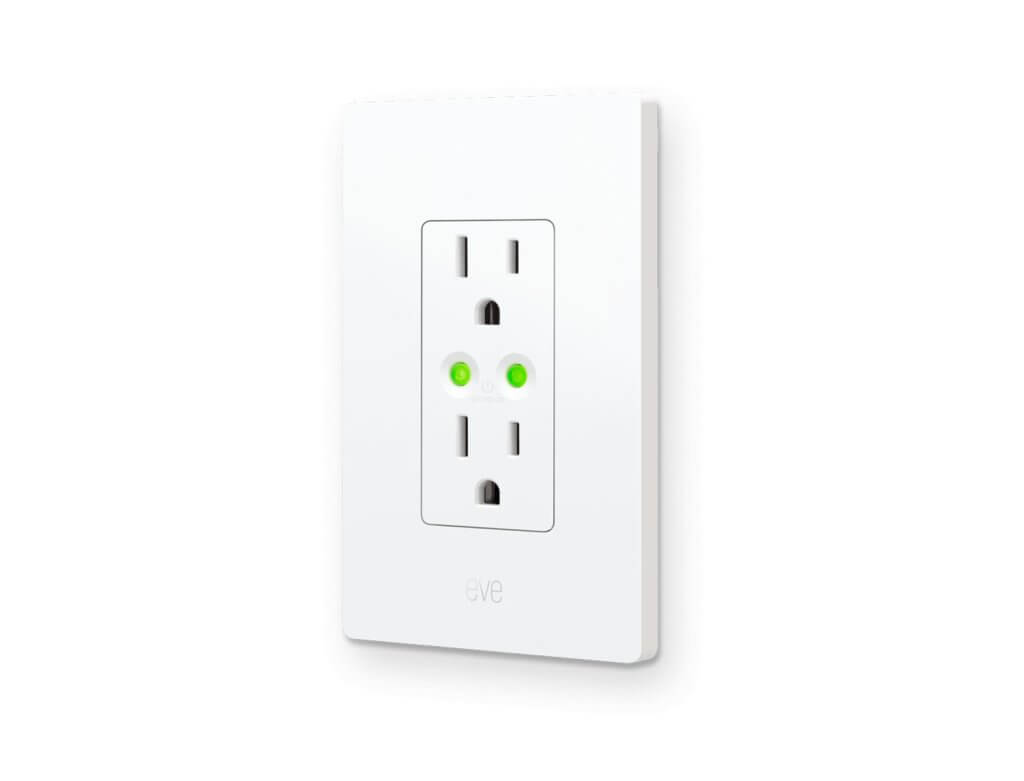
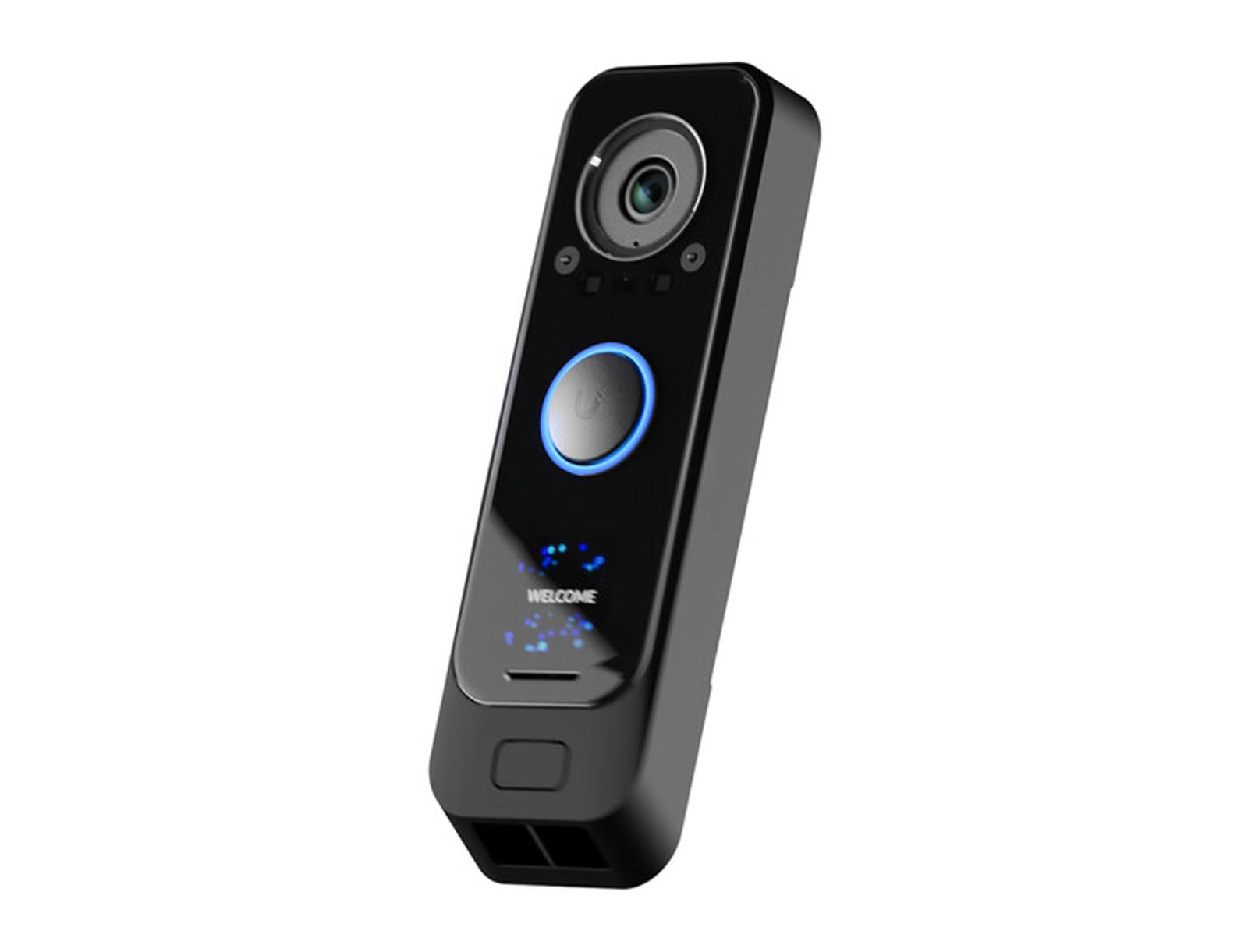
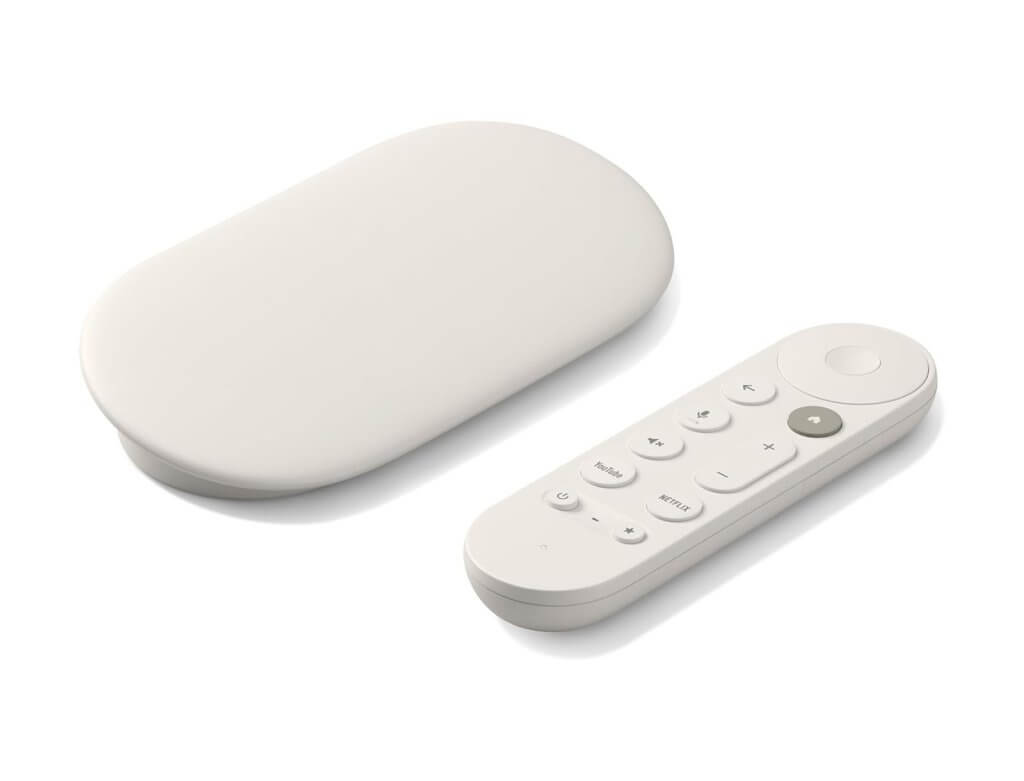
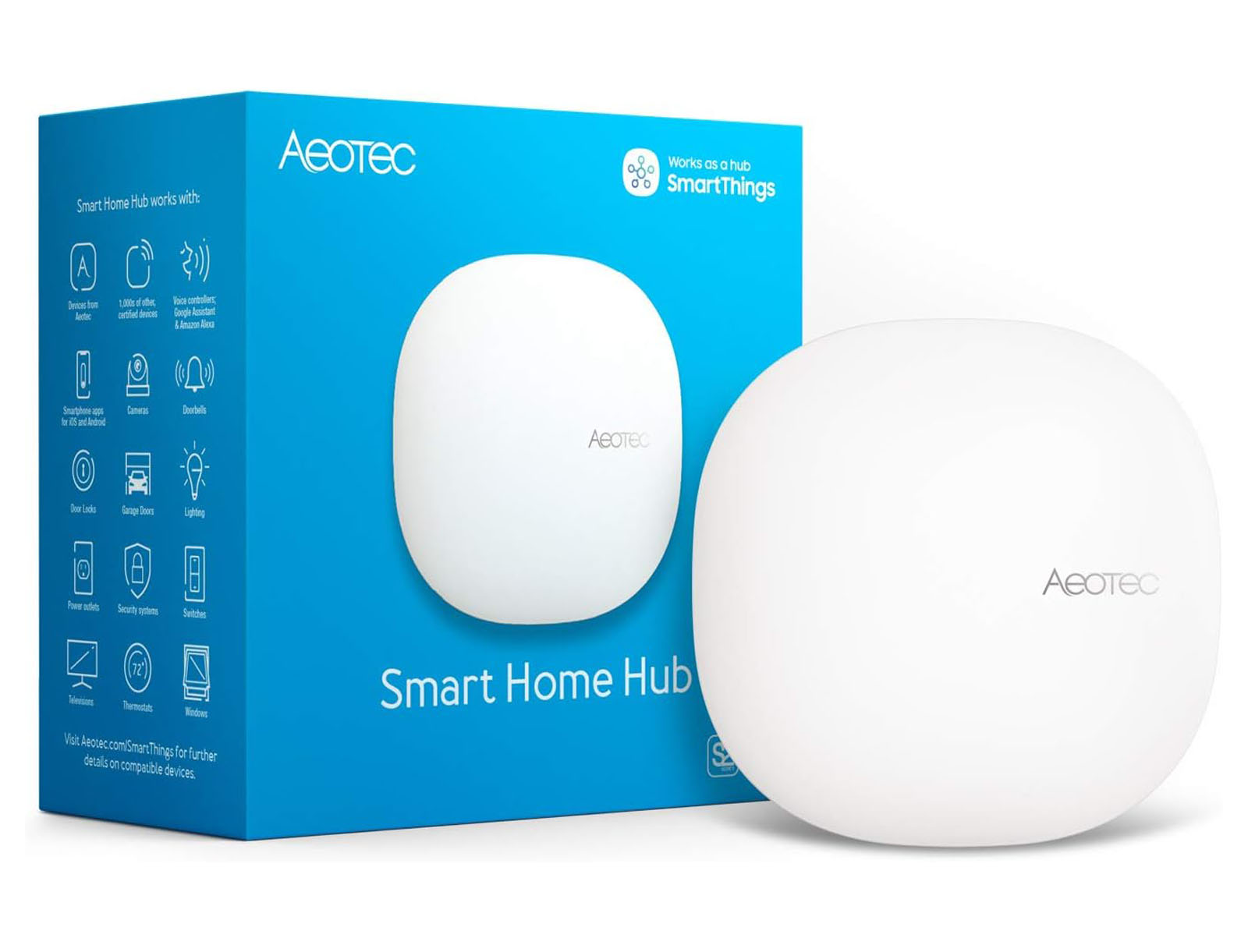
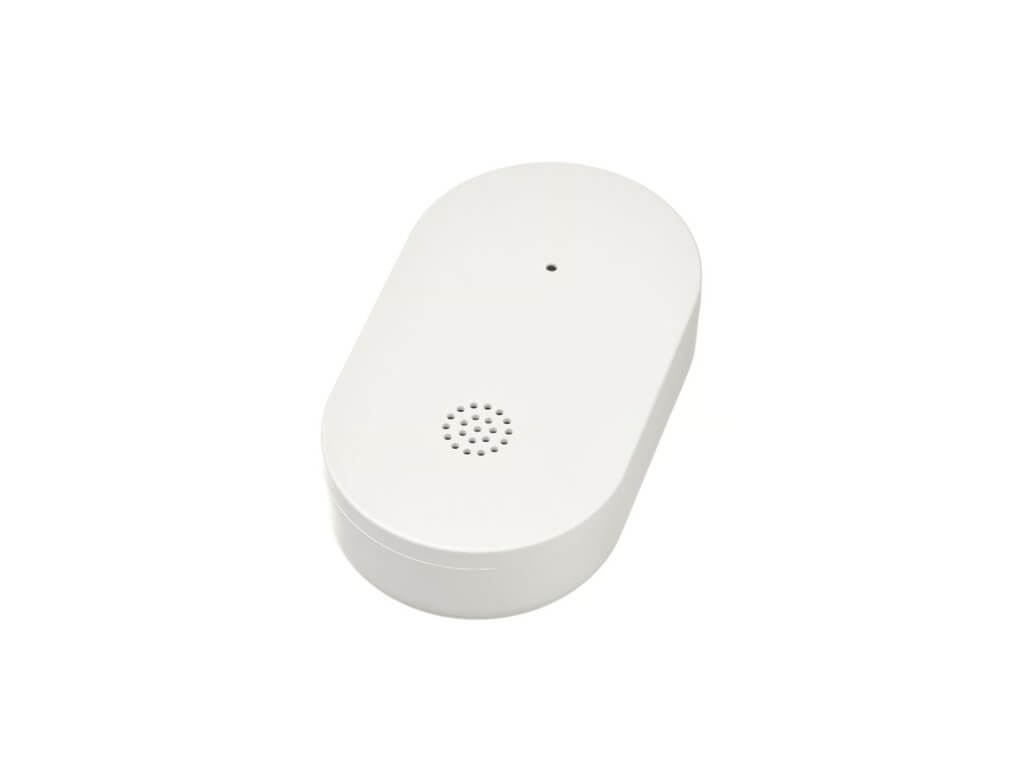
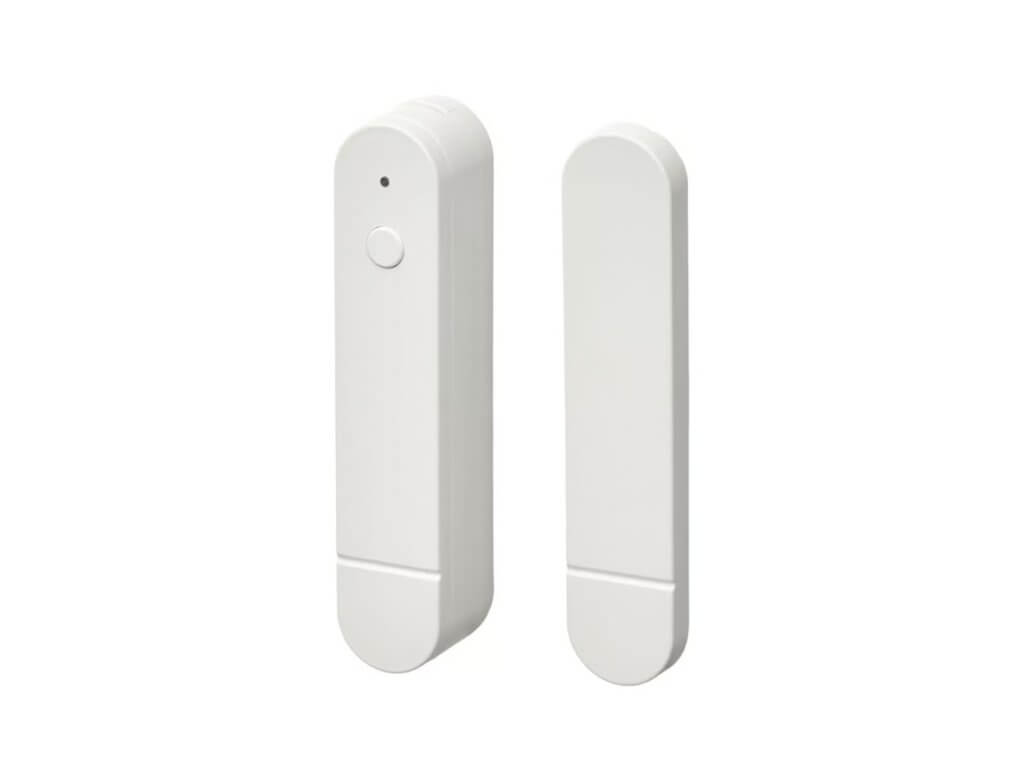
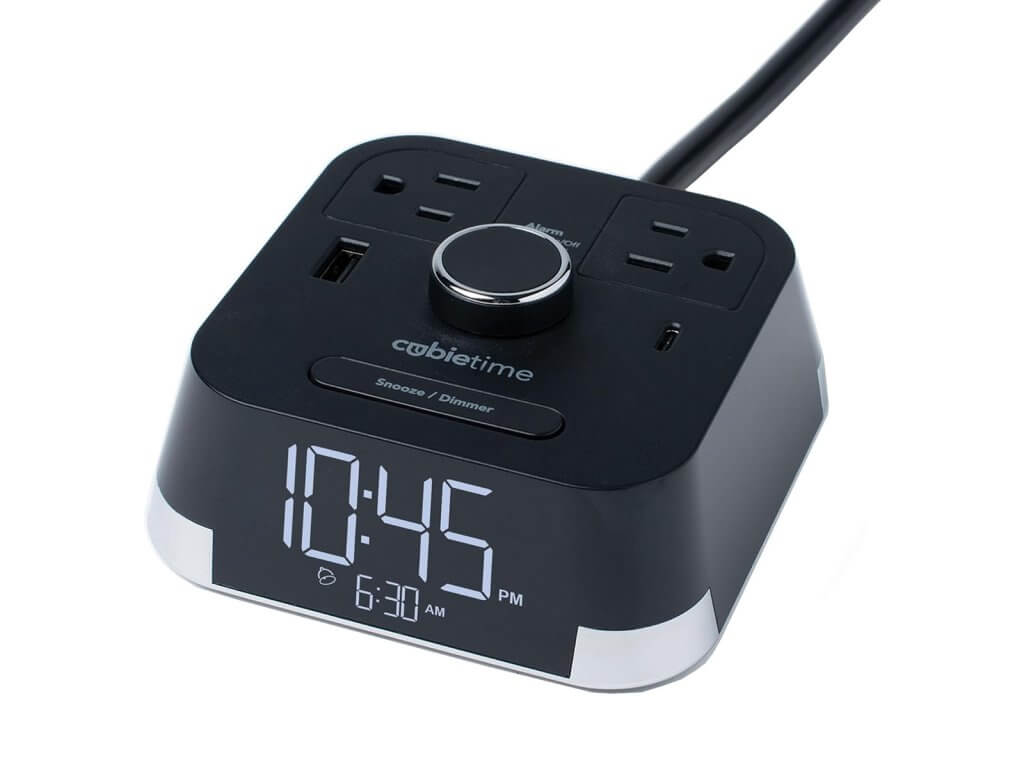
Our system is designed to support all the things you want to do to get started with smart home automation. Check out our recommended devices to get some ideas on what you can start automating at your short-term rental or Airbnb:
Recent Articles
We have extensive experience working in smart home automation for short-term rentals, and we want to share our knowledge with you. Check out some of our recent articles to learn all about how to automate smart devices (and more) at your vacation rental.
Built for Hosts Who Manage Properties Remotely
1
Individual Airbnb & Vrbo Hosts
Automate repetitive device changes between guest stays.
2

Remote Property Owners
Monitor and operate properties without being physically present.
3
Multi-Unit & Multi-Property Hosts
Standardize access, climate, alerts, and device behavior across locations.
Make Your Booking Calendar Run the Property
Stop manually programming locks, adjusting thermostats, turning water on and off, and resetting smart devices between guests. Connect your booking calendar once and let Rental Home Automator coordinate the property automatically.