Disclosure: This page contains affiliate links. If you purchase through these links, Rental Home Automator may earn a commission at no additional cost to you. As an Amazon Associate I earn from qualifying purchases.
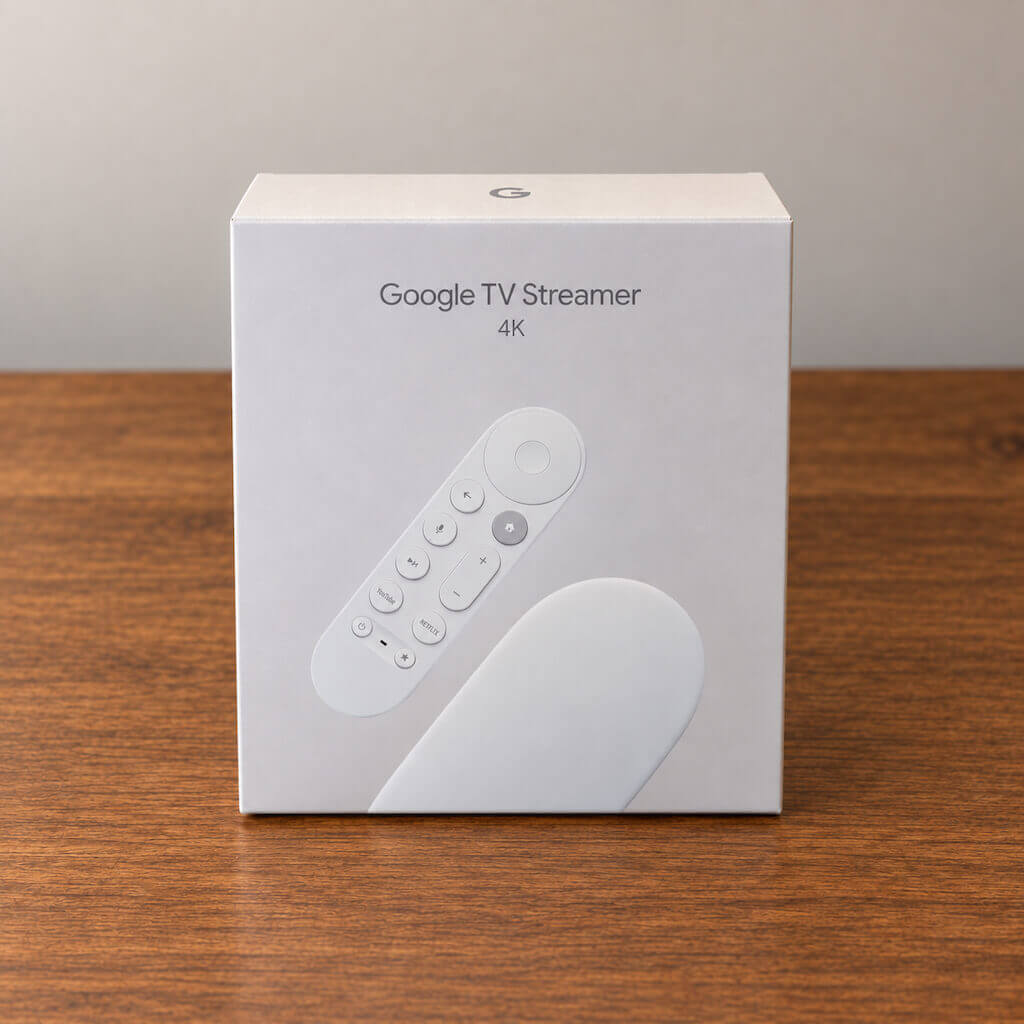
Google TV Streamer
The Google TV Streamer is our preferred streaming device for most short-term rentals.
We bought one shortly after Google released it in 2024 because we were looking for a simpler, more affordable replacement for the Nvidia Shield TV Pro we had traditionally used in our rental properties. The Shield is an excellent device, but it provides considerably more processing power than a typical guest needs just to watch Netflix, YouTube, Hulu, Disney+, or another streaming service.
For a short-term rental, our priorities are different. We want a streaming device that is fast, reliable, easy for almost anyone to understand, works with a single remote, and creates as few support calls as possible.
The Google TV Streamer does that very well.
Why Streaming Devices Matter in a Short-Term Rental
TV problems are a surprisingly common source of guest support calls.
A guest can’t find the right input. Someone changed a setting. There are three remotes on the coffee table. A streaming stick isn’t responding. The Wi-Fi signal behind the television is weak. Or the previous guest changed something and nobody knows how to put it back.
The best rental TV setup isn’t necessarily the one with the most features.
It’s the one guests can use without contacting you.
That’s why we prefer using a dedicated streaming device instead of relying on whatever smart-TV operating system happened to come with the television.
A standardized streaming device lets us give guests essentially the same experience across different TVs and properties.
A Simple, Familiar Interface
Google TV brings the major streaming services together in one interface and supports nearly every mainstream streaming app a guest is likely to use.
The device itself is considerably faster than the older Chromecast with Google TV, with 4 GB of memory and 32 GB of storage. In normal use, menus, applications, and switching between streaming services feel responsive enough that guests aren’t waiting for an underpowered smart TV to catch up.
For a rental, that’s important.
Guests don’t care what processor is inside the box. They care that pressing Netflix opens Netflix.
The Google TV Streamer does that reliably.
One Remote Is Better Than Three
One of our favorite parts of using a dedicated streaming box is being able to simplify the entire TV experience around a single remote.
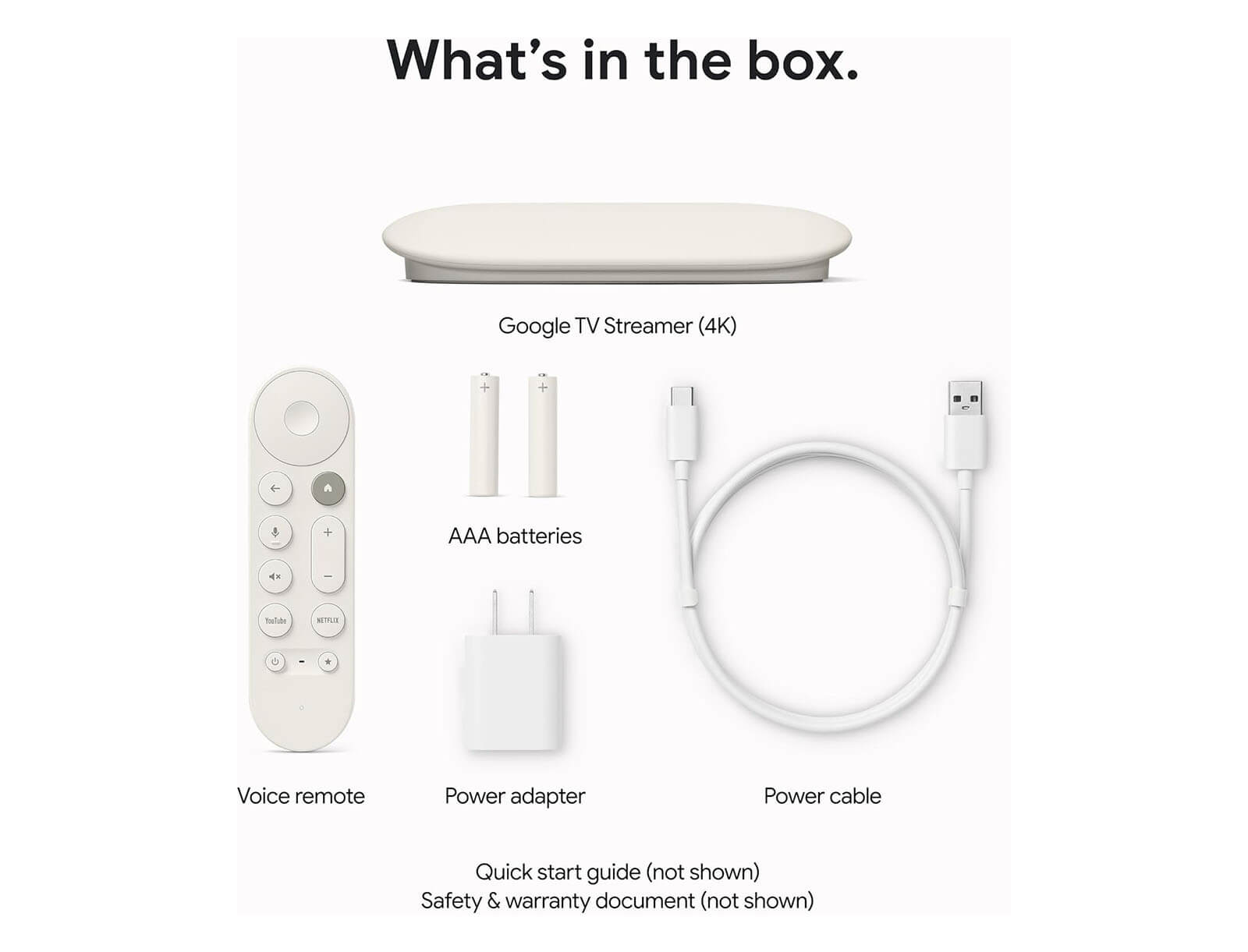
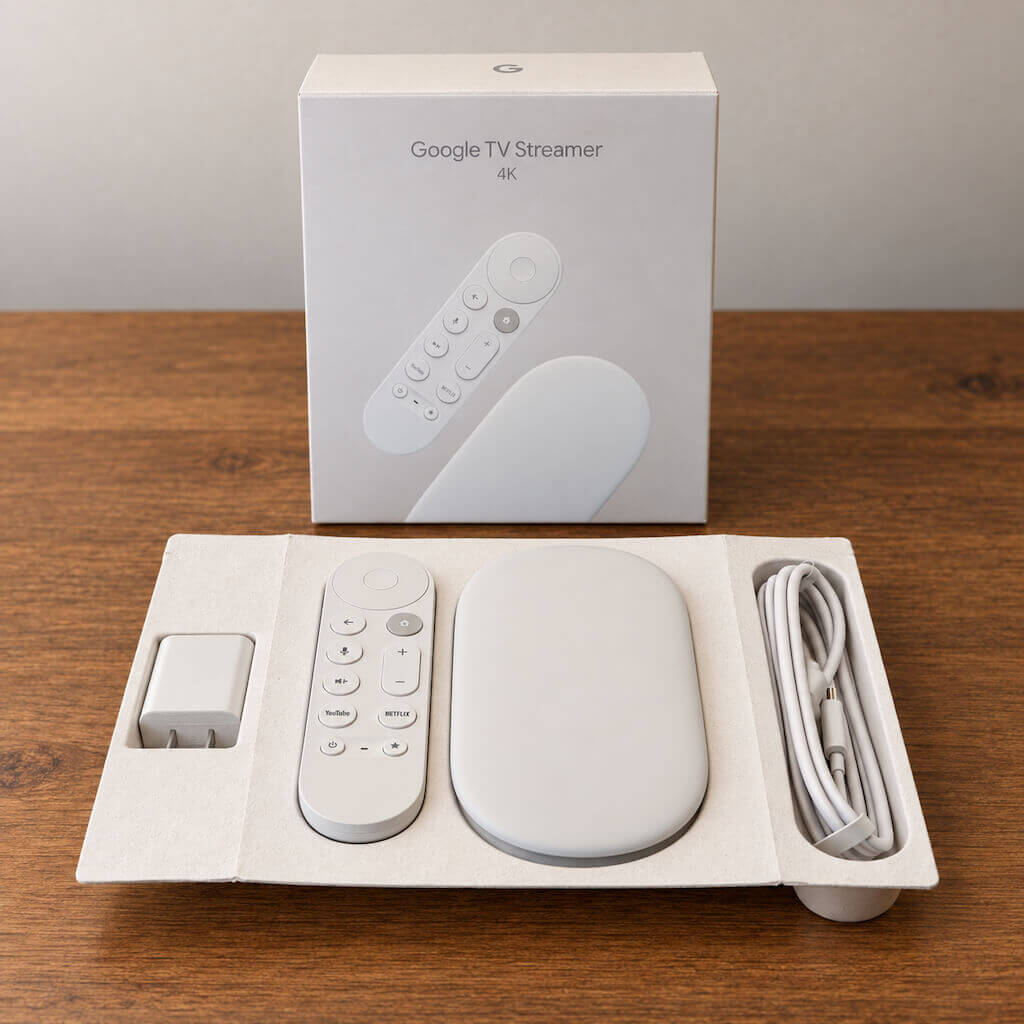
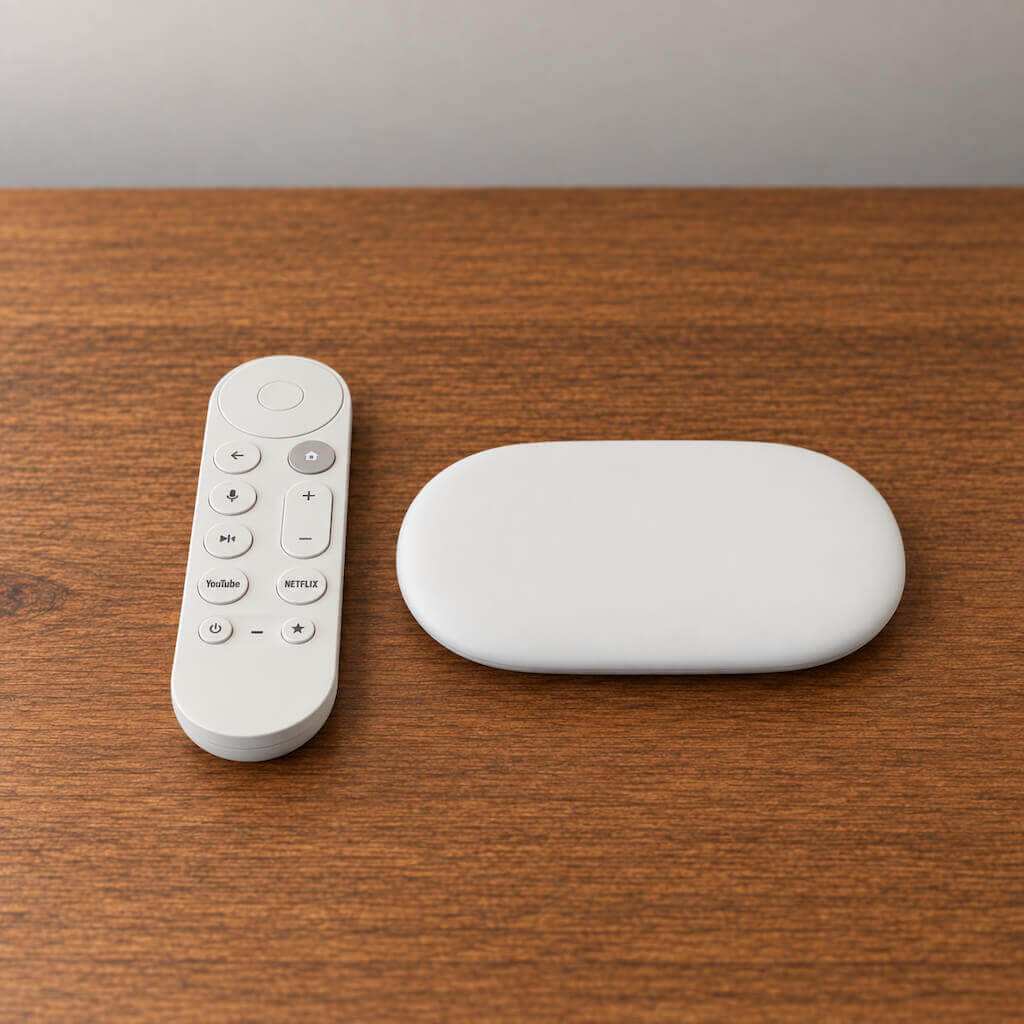
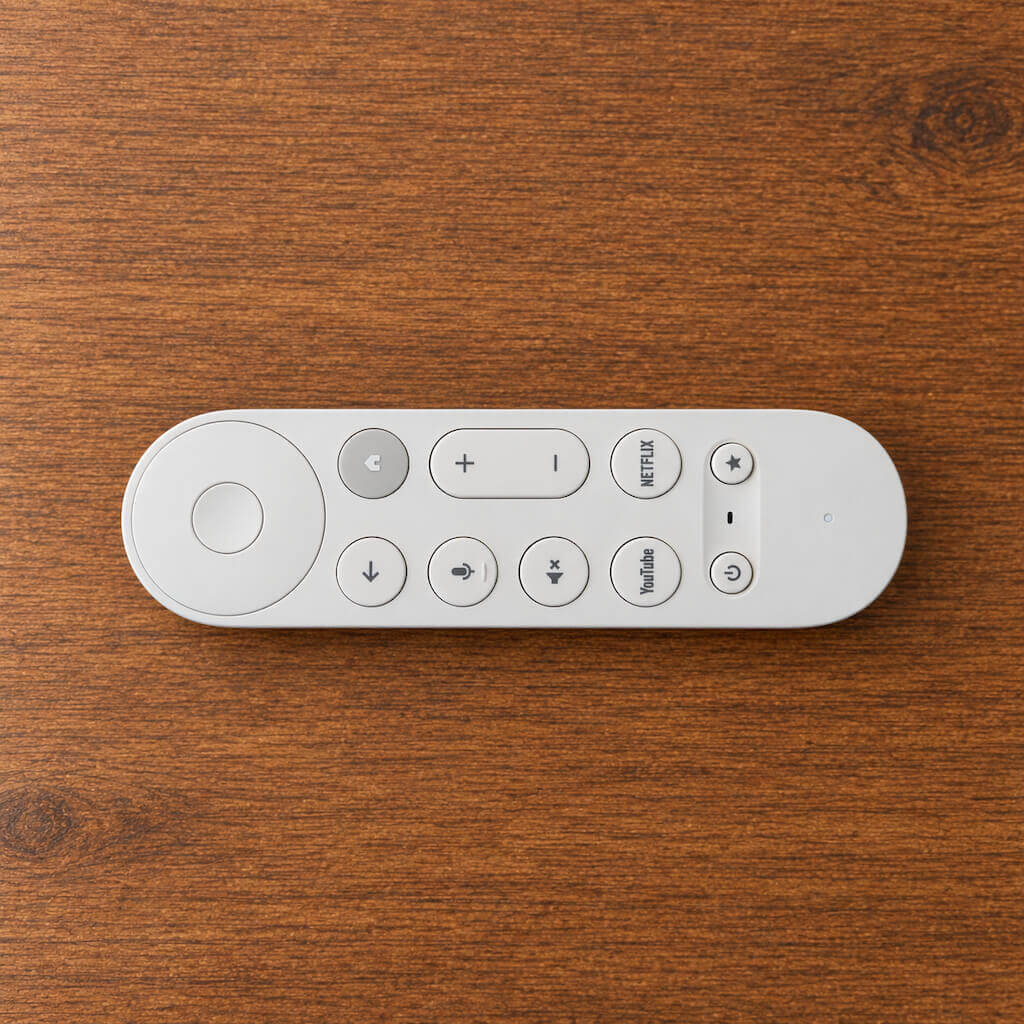
The Google TV Streamer remote can control compatible televisions, soundbars, and receivers, including power, volume, and input functions. It also includes a customizable button that can be assigned to a commonly used function.
That means most guests should never need the original television remote.
This is exactly what we want in a rental.
Every additional remote increases the chance that a guest changes the wrong setting, selects the wrong input, or simply doesn’t know which remote they’re supposed to use.
We recommend keeping the original television remote somewhere accessible to the owner or cleaner while leaving only the Google TV remote out for normal guest use.
Find My Remote Is Surprisingly Useful
The Google TV Streamer also includes a feature we wish every rental streaming device had: Find My Remote.
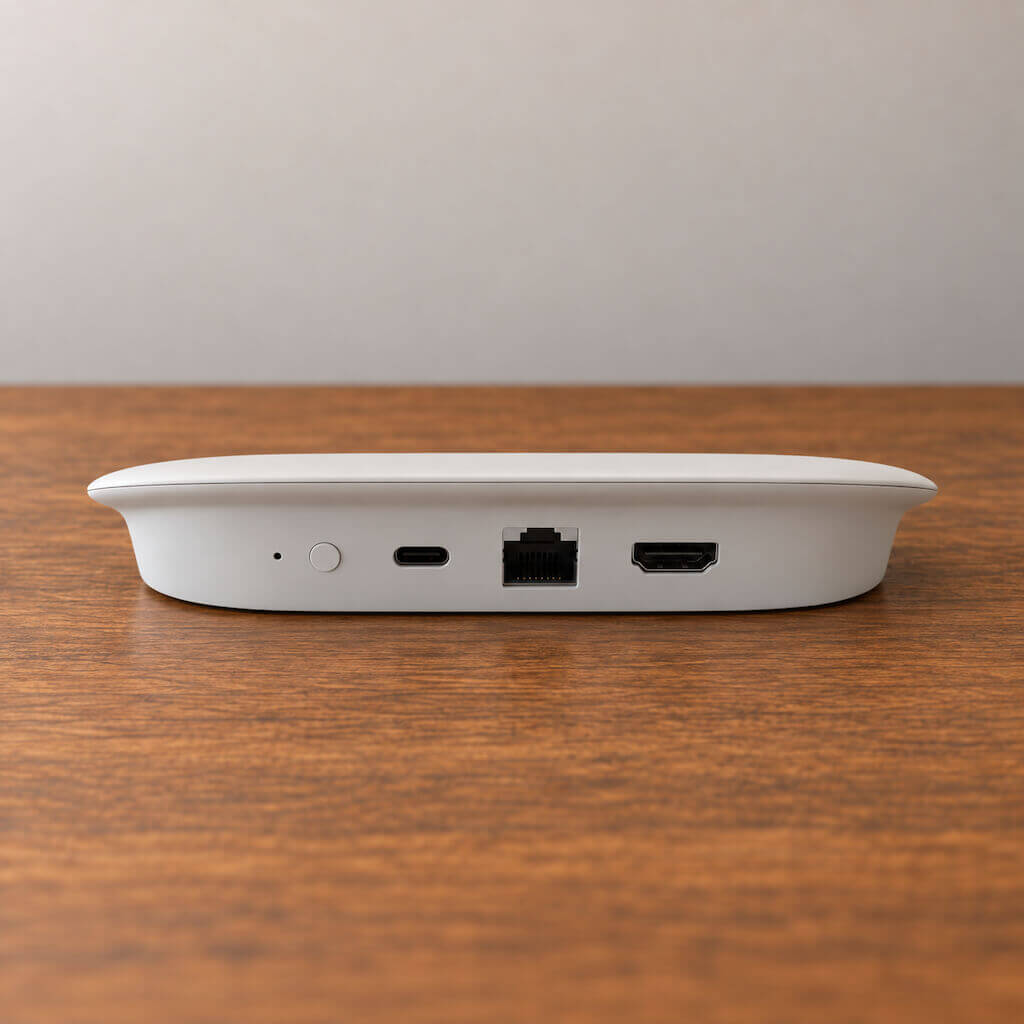
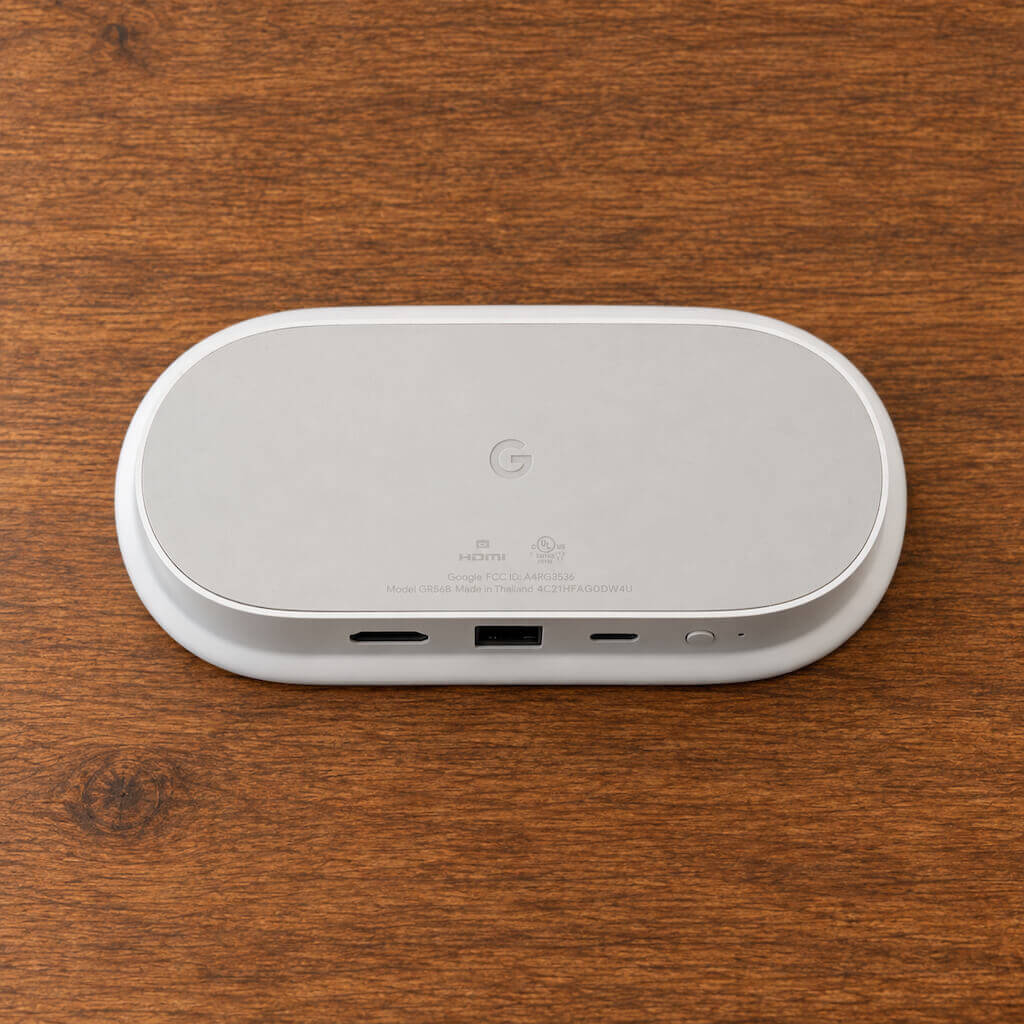
There is a button on the back of the Streamer that makes the remote ring, and it can also be located through supported Google controls.
That may sound like a minor feature until you’ve managed a rental where a guest left the TV remote under a bed, inside a couch, or in another room.
Anything that helps a cleaner find a missing remote before the next guest arrives is useful operationally.
Built-In Ethernet Is a Major Upgrade
The Google TV Streamer includes a built-in gigabit Ethernet port.
We strongly prefer using Ethernet whenever the television location makes it practical.
Streaming devices often sit behind or underneath large televisions, sometimes several rooms away from the property’s wireless access point. Even a good Wi-Fi network can experience interference or weaker signal strength in those locations.
A hardwired Ethernet connection removes that variable.
If you’re renovating, building, or already have Ethernet available near the television, plug the Streamer directly into the network and forget about it.
The device also supports 2.4 GHz and 5 GHz Wi-Fi when wiring isn’t practical.
Matter and Thread Are a Nice Bonus
The Google TV Streamer is also more than a streaming box.
It can function as a Google Home Matter hub and includes a built-in Thread border router.
That means compatible Matter and Thread smart-home devices can communicate through Google’s ecosystem using the Streamer as part of the smart-home infrastructure.
We consider this a useful bonus, particularly as Matter-over-Thread devices become more common.
However, we would not buy the Google TV Streamer specifically to replace the primary smart-home platform in a rental.
For Rental Home Automator installations, we still prefer having a dedicated automation platform or hub handle the operational devices that run the property.
The TV Streamer’s Matter and Thread capabilities are additional infrastructure, not the primary reason we recommend it.
Guest Accounts Are the Biggest Weakness
The Google TV Streamer was designed primarily for homes, not hotels or vacation rentals, and account management reflects that.
Google supports multiple profiles, and Apps Only mode can be used to hide personalized recommendations when guests are using the television.
For a rental, we recommend setting the device up with a dedicated Google account for the property, not your personal Google account.
Guests can then use the installed streaming applications, sign into their own services when necessary, or cast compatible content from their phones.
The biggest limitation is that Google TV isn’t specifically designed around the short-term-rental checkout cycle.
You should still provide clear instructions asking guests to sign out of any personal streaming accounts before departure.
We would love to see Google eventually offer a true rental or hotel mode that automatically clears guest application logins at checkout.
Google TV Streamer vs. Nvidia Shield TV Pro
We have used Nvidia Shield TV Pro devices extensively in our short-term rentals and still think they are excellent streaming boxes.
The Shield is more powerful and gives advanced users considerably more flexibility.
But that’s also the problem for a typical rental.
Most guests do not need the additional computing power, gaming capabilities, or advanced functionality that helps justify the Shield’s premium positioning.
The Google TV Streamer gives us the parts we actually care about for a rental: a responsive interface, a good remote, Ethernet, mainstream streaming applications, casting, reliable 4K playback, and a simpler overall experience.
For most new rental installations, that’s what we would buy today.
Setup Recommendations for a Rental
We recommend creating a dedicated Google account for each property or rental operation rather than using an owner’s personal account.
Install the major streaming applications guests are likely to use and keep the interface as simple as possible.
Configure the Google TV remote to control television power, volume, and inputs so guests don’t need a second remote.
If Ethernet is available, use it.
We also recommend keeping a spare remote available to the cleaner or property manager. A paired spare can be much easier than trying to troubleshoot a damaged or missing remote during a turnover.
Finally, clearly label the device and TV input if guests have any reason to change inputs.
The objective is simple: a guest should be able to sit down, press the power button, and start watching television without instructions.
What We Like
The Google TV Streamer strikes the right balance for a vacation rental.
It’s fast enough to avoid the sluggishness common with inexpensive built-in smart-TV platforms. The remote is easy to understand and can control the television. Ethernet gives us a more reliable networking option. Find My Remote solves a very real rental-property annoyance. Casting is built in, and 32 GB of storage gives the device plenty of room for streaming applications.
The Matter hub and Thread border router are also welcome additions, even though we consider them secondary to the Streamer’s primary job.
Most importantly, it’s straightforward for guests.
What We Don’t Like
There are still a few things we would change.
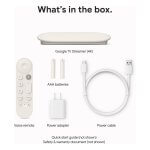
Google does not include the HDMI cable required to connect the Streamer to the television, which is an odd omission for a device whose entire purpose is connecting to a television.
The device also uses Wi-Fi 5 rather than a newer Wi-Fi standard, although that matters much less when Ethernet is available.
We would also like to see better support for hospitality and short-term-rental use, particularly a guest mode capable of automatically clearing streaming-service logins after checkout.
And while the Google TV Streamer is less complicated than many premium entertainment setups, it is more device than a cheap streaming stick. If your only priority is obtaining the lowest-cost way to open Netflix, there are less expensive options.
That’s not our priority.
Our priority is reducing problems.
Google TV Streamer Review
The Google TV Streamer is our recommended streaming device for most short-term rentals. It isn't a critical automation device like a smart lock, thermostat, water valve, or smart-home hub. A rental can operate perfectly well without it. What it does is solve a different problem: guest friction. A consistent streaming platform, a single easy-to-use remote, wired Ethernet, Find My Remote, broad application support, and fast everyday performance all help reduce one of the most annoying categories of unnecessary guest support calls. The Matter and Thread functionality is a useful bonus, but it isn't why we recommend the device. We recommend it because guests can sit down, turn on the television, and use it without calling you. For a short-term rental, that's exactly what a streaming device should do.
9/10
Total Score
-
Suitability for STRs9/10Easy for guests to use, reliable, and simple to standardize across properties.
-
Cost8/10More expensive than basic streaming sticks, but worth it for the better hardware and reliability.
-
Usability10/10Simple interface, easy remote, and very little learning curve for guests.
-
Reliability9/10Strong performance, with Ethernet available to avoid common Wi-Fi streaming issues.
The Good
- Simple, guest-friendly Google TV interface
- One remote can control TV power, volume, and inputs
- Built-in Find My Remote feature
- Hardwire cable or Wi-Fi connection options
- Matter hub and Thread border router included
The Bad
- No true short-term-rental or hospitality mode
- No backlit keys on the remote
- More expensive than basic streaming sticks
- HDMI cable is not included
About our reviews: We test and evaluate smart-home devices specifically for short-term rental use. Our goal is to help hosts choose equipment that is reliable, secure, and compatible with rental automation. Rental Home Automator is our software platform, so our recommendations also consider how devices fit into an automated rental setup.
Other Device Reviews