A collection of articles to learn about how to run and automate your short term rental.
Guides
Guides provide step-by-step instructions that show you exactly how to set up devices and automations for your short-term rental. Each guide walks through the specific configuration, settings, and best practices needed to connect smart devices, link calendars, and verify automations are working as expected—so you can confidently get everything up and running without guesswork.

Guides
Water damage is one of the most expensive and destructive risks short-term rental owners face. A single failed hose, loose…
Read MoreGuides
Tips to Eliminate TV-Related Support Calls at Your Short-Term Rental
TV issues are one of the most common—and most frustrating—support calls short-term rental hosts receive. In most cases, the problem…
Read MoreGuides
Adding a Well Control Device to your Smart Home (Short-Term Rental Guide)
Water damage is one of the most expensive and destructive risks for short-term rental owners—especially for properties that rely on…
Read MoreGuides
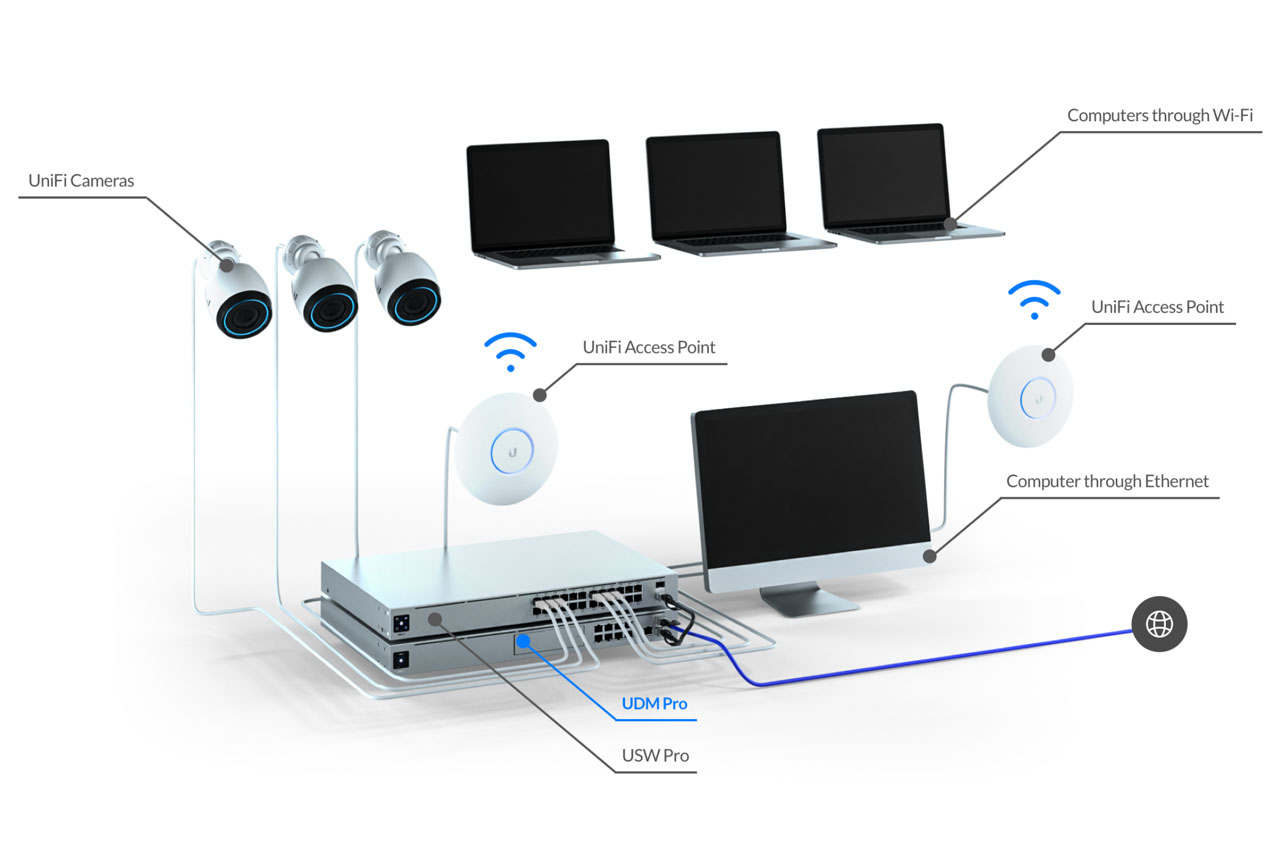
UniFi: Network Setup and Configuration for Short Term Rentals (Complete Guide)
Reliable internet is one of the most important amenities at a short-term rental—and one of the most common sources of…
Read MoreGuides
How to Restrict Thermostat Changes at Your Short-Term Rental
One of the most common and costly issues at short-term rentals involves guests changing thermostat settings in ways that strain…
Read MoreGuides
How To Use Rental Home Automator at Your Short Term Rental
In the competitive world of short-term rentals, automation can give you a significant edge. It streamlines operations, enhances guest experiences,…
Read MoreGuides
Using SmartThings to Automate Your Short-term Rental
The SmartThings ecosystem is compatible with a wide array of smart home devices which can help you manage your short-term…
Read MoreDidn’t find what you’re looking for?
Drop us a line and we’ll do our best to get back to you with an answer – even if we have to ask around to get it for you.
You can also click on the little chatbox in the lower right-hand corner of your screen and send us a question that way too!