It was 6am when the temperature alert came through. The heating system at one of our rental properties had failed overnight. Because the alert fired early, a technician was dispatched before guests woke up. The repair happened that morning. Guests never knew anything was wrong.
Without that alert, they would have woken up to a 52-degree rental and left a 2-star review.
This is what short-term rental monitoring is supposed to do: give you a window to fix problems before they reach your guests. That window is the entire value. Most smart home platforms don’t deliver it. Either they weren’t built for rental properties, or they flood you with so many alerts that the important ones disappear into the noise.
Rental Home Automator’s Smart Alerts system is designed around a different question: does this situation actually require action from the host? If the answer is no, you don’t hear about it. When the answer is yes, you know immediately.
Why Generic Smart Home Alerts Fail STR Hosts
The problem with generic smart home monitoring isn’t the devices — it’s the lack of context.
Generic platforms have no idea whether your property is occupied or vacant. They have no concept of a booking calendar, a cleaning window, or a guest check-in. Without that context, every alert gets treated the same way: something happened, notify the host. A motion sensor firing at 2am could be a guest getting water or it could be a security concern — a generic platform can’t tell the difference, so it alerts on both.
The second problem is threshold logic. Generic platforms typically alert the moment something happens. Without configurable delays and thresholds, a device that reconnects on its own after a few minutes still generated a notification. Consequently, hosts learn to tune out their alert systems entirely — which means the one alert that actually mattered also got ignored.
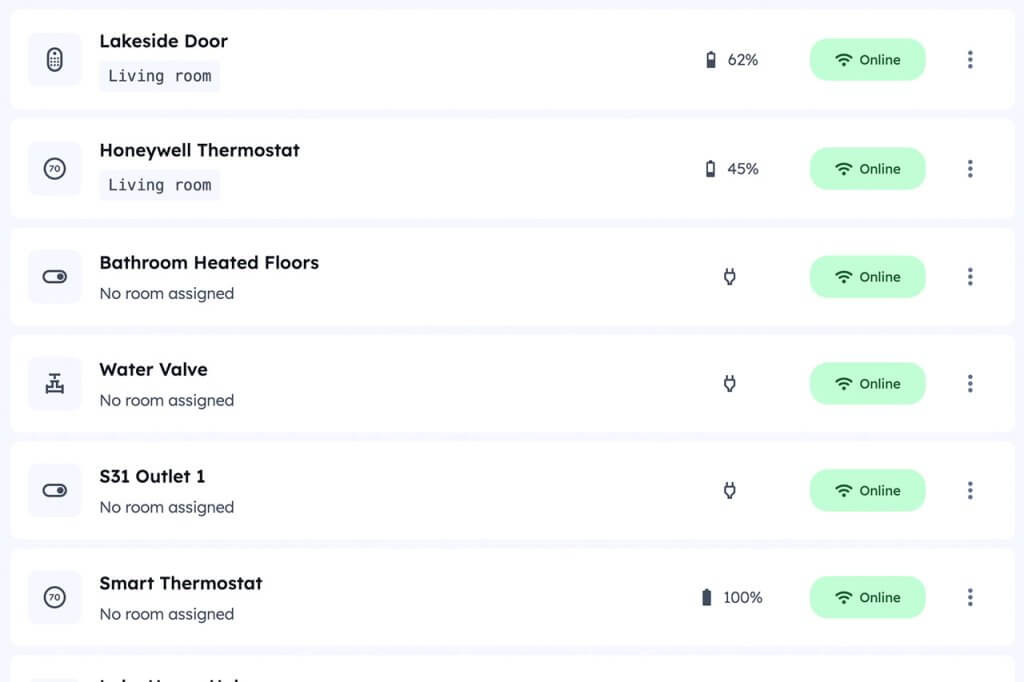
The third problem is fragmentation. Because devices come from different manufacturers, alerts live in different apps — the lock app, the thermostat app, the hub app. None of them give you a unified view across multiple properties, and none of them know what’s happening in the other apps.
For hosts managing properties remotely, fragmented context-free alerting is worse than no alerting at all.
The Full RHA Alert System
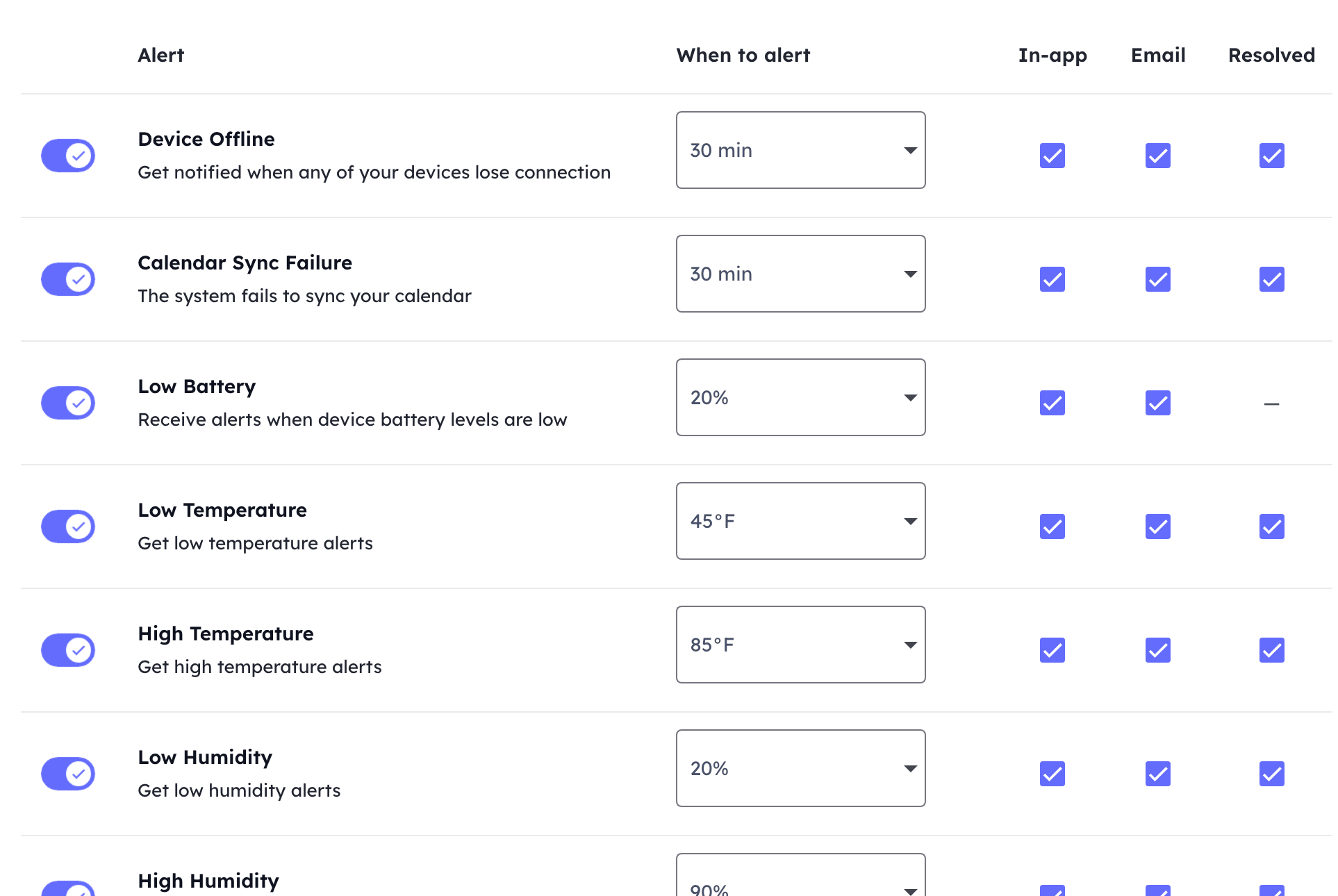
Rental Home Automator monitors across four areas: device health, environmental conditions, water safety, and lock code reliability. Each alert type has a configurable threshold so you only hear about something when it has genuinely crossed into needing your attention.
Device Health
Device Offline — Fires when a device loses connection and stays offline past your configured delay. Brief disconnects that resolve on their own never reach you. When an alert fires, it persists until the device reconnects. RHA can also send a resolution notification when it comes back online, so you know the situation has cleared without checking manually.
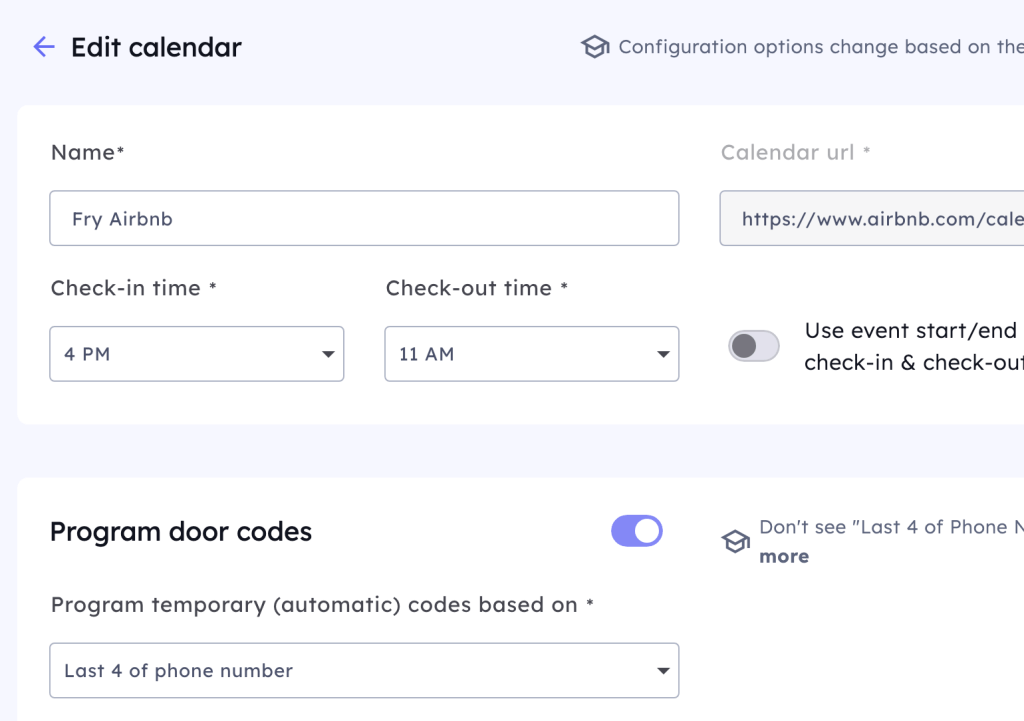
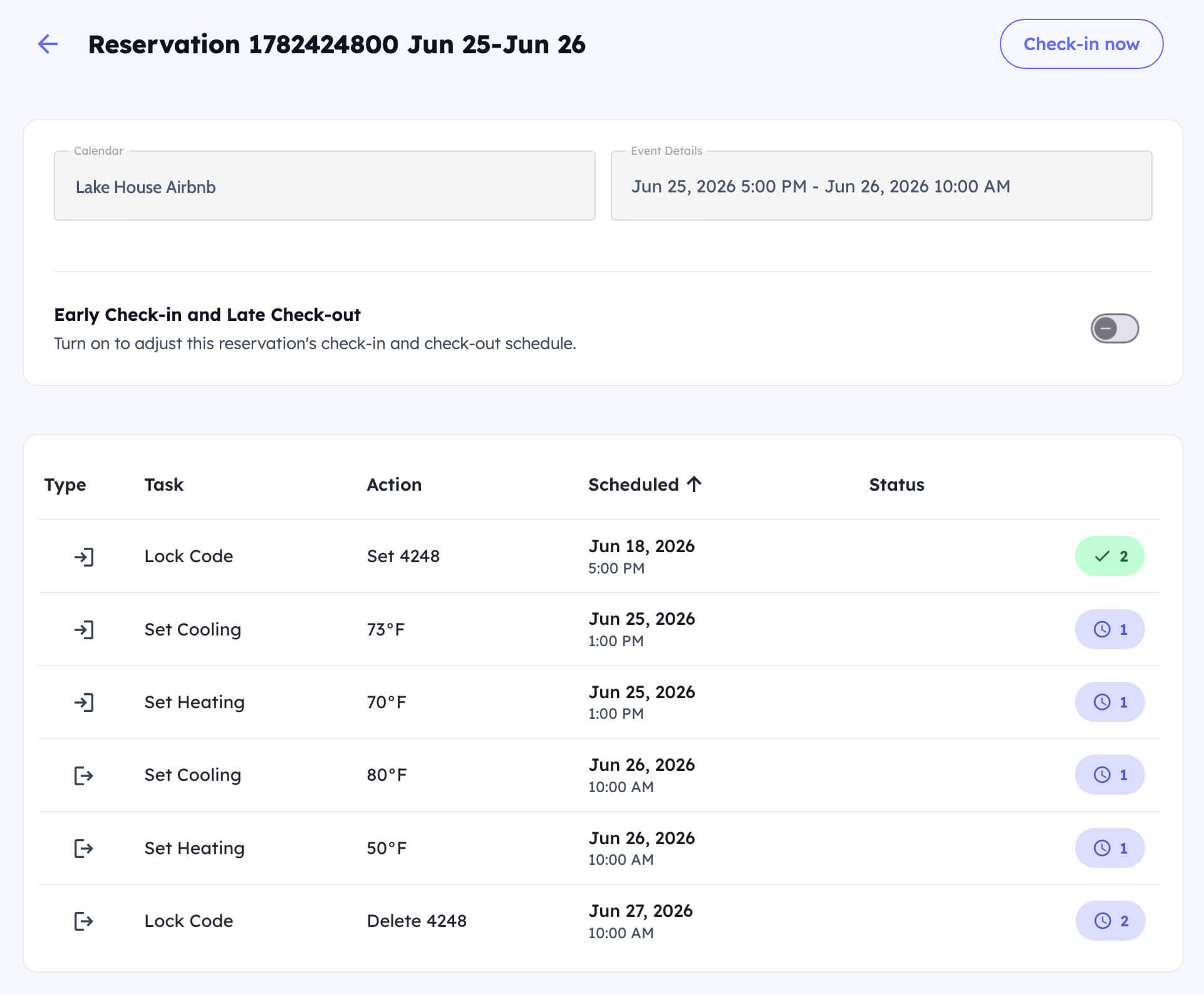
Calendar Sync Failure — Fires when the system fails to sync your booking calendar. Because the calendar is what drives every automation, a sync failure that persists is something that needs your attention before it affects a guest’s check-in.
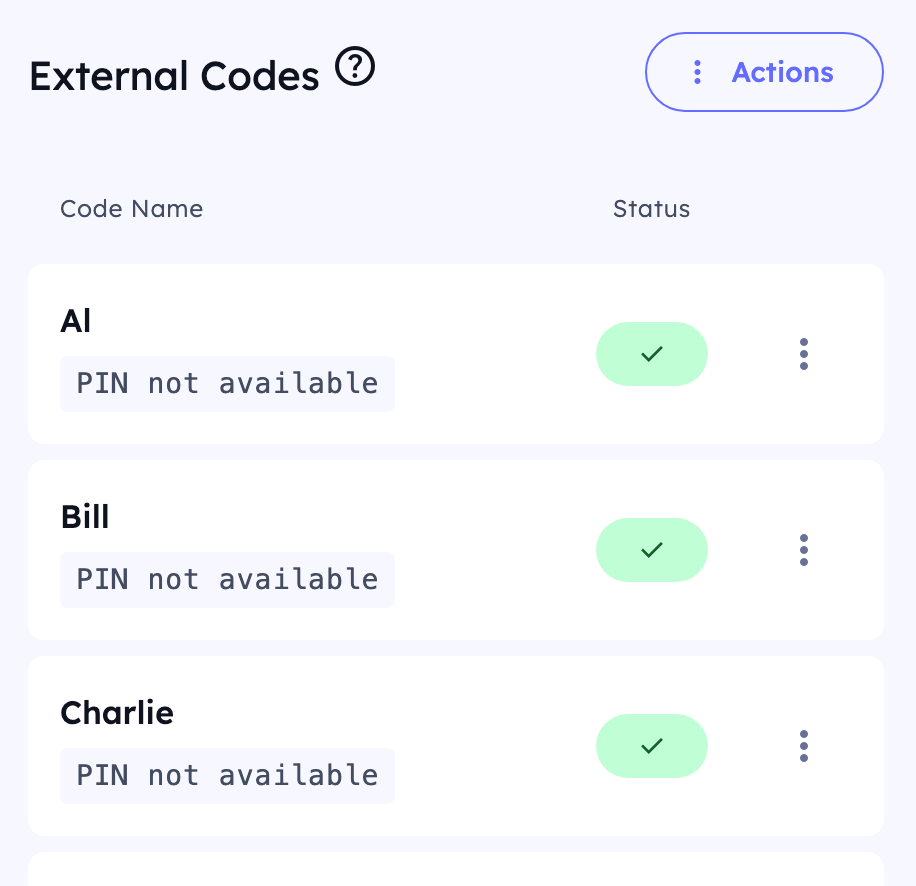
Code Programming Failure — Fires when the system is unable to add a lock code after repeated attempts. This is the alert that protects a guest from arriving at a property where their code was never programmed.
Code Removal Failure — Fires when the system is unable to remove a code after checkout. Unremoved codes are a security concern and this alert ensures they don’t go unnoticed.
Duplicate Code — Fires when a code that already exists on the lock conflicts with one being scheduled.
Code Scheduled While Offline — Fires when a code is due to be programmed but the lock is offline at that moment. This gives you the window to intervene before a guest arrives.
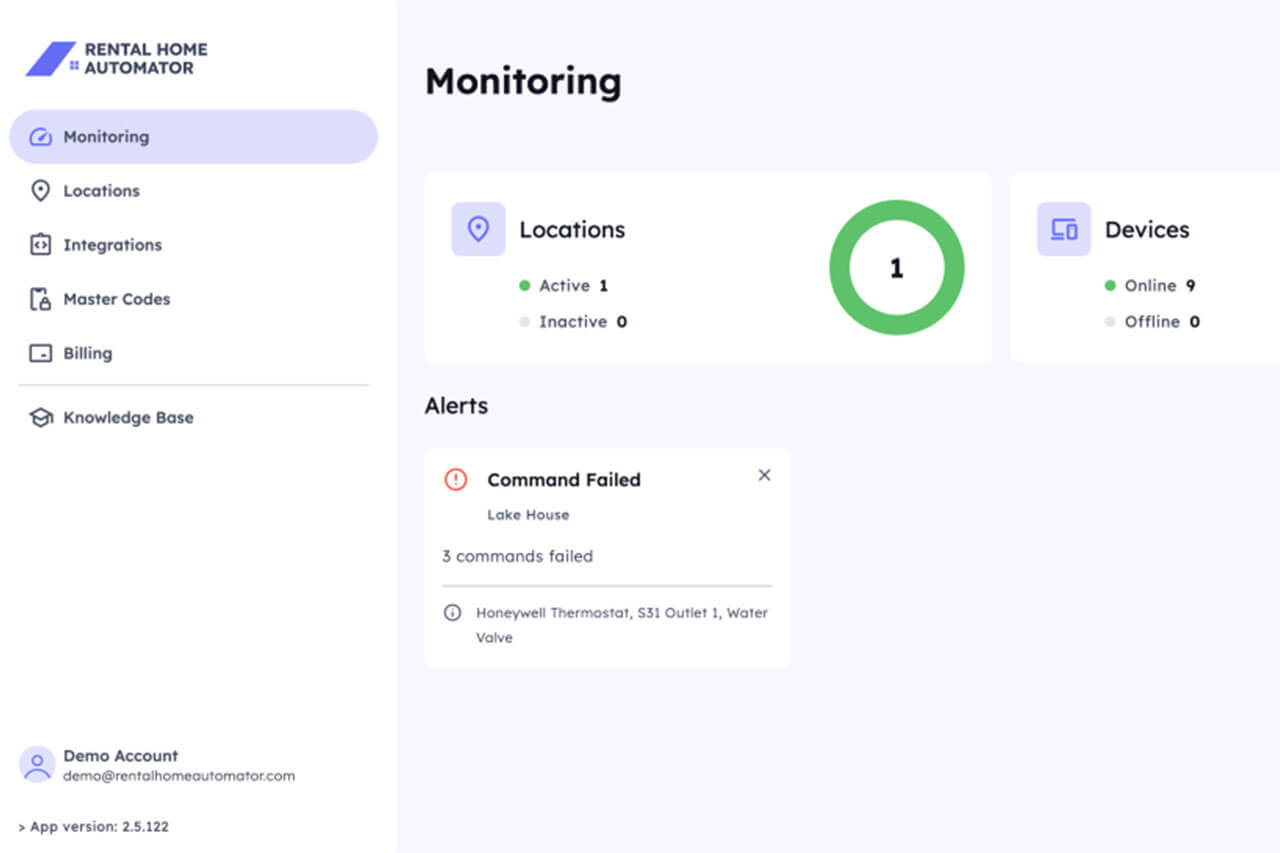
Command Failure — Fires when a scheduled command — a thermostat change, a switch, a water valve — fails to execute after retries. The automatic retry system handles transient failures quietly. This alert fires only when retries have been exhausted and the issue still needs resolution.
Command Scheduled While Offline — Fires when a command is scheduled to run but the target device is offline at execution time.
Battery Alerts
Low Battery — Fires when a device’s battery level drops below your configured threshold. You set the percentage based on your maintenance schedule. Setting it higher — say, 30% — gives you more lead time to handle replacements during a scheduled turnover rather than responding to a failure mid-stay. All battery alerts appear in one centralized view across every device at every property.
Environmental Alerts
Low Temperature — Fires when a property’s temperature drops below your configured threshold. For properties in cold climates, this is critical during vacancy windows. A pipe that freezes and bursts while the property sits empty can cause tens of thousands of dollars in damage. An early alert gives you time to dispatch maintenance or adjust the thermostat remotely before damage happens. This pairs well with water valve automation — the valve stays closed during vacancies, and temperature monitoring adds a second layer of freeze protection.
High Temperature — Fires when temperature exceeds your configured threshold. Useful for catching HVAC failures during a stay before guests notice, or for monitoring properties in hot climates where extreme heat can damage equipment.
Low Humidity — Fires when humidity drops below your configured threshold. Relevant for properties with wood floors, musical instruments, or art that can be damaged by extremely dry conditions.
High Humidity — Fires when humidity exceeds your configured threshold. High humidity in an unoccupied property is a mold risk, particularly in humid climates during shoulder seasons.
Leak and Water Alerts
Active Leak Detection — Fires when a sensor is actively reporting wet conditions. This is the immediate alert — something is wet right now.
Leak Detected Check — Fires when a leak was detected but conditions are now dry. Critically, this alert persists until manually cleared. A leak that dried on its own still warrants investigation — the source hasn’t necessarily been fixed. This persistent alert ensures it doesn’t get missed. See our guidance on how to handle water monitoring at your short-term rental for the full approach.
How RHA Monitoring Compares to Generic Platforms
| Feature | Generic Smart Home Apps | Rental Home Automator |
|---|---|---|
| Device offline alerts | ✅ Yes — no threshold control | ✅ Yes — configurable delay per device |
| Occupancy-aware alerts | ❌ No | ✅ Yes — calendar-aware |
| Battery monitoring | ⚠️ Some apps, not centralized | ✅ Centralized, configurable threshold |
| Temperature and humidity alerts | ⚠️ Thermostat apps only | ✅ High and low, all sensors |
| Leak detection alerts | ❌ Sensor apps only | ✅ Active and persistent post-detection |
| Lock code failure alerts | ❌ No | ✅ Programming, removal, duplicate, offline |
| Calendar sync failure alerts | ❌ No | ✅ Yes |
| Persistent notifications | ❌ Fire and forget | ✅ Persists until resolved |
| Resolution notifications | ❌ No | ✅ Optional when issue clears |
| Multi-property view | ❌ No | ✅ All properties, all devices |
Frequently Asked Questions: Short-Term Rental Monitoring
What types of alerts does RHA send? RHA monitors device health (offline status, calendar sync failures, command failures), lock code reliability (programming failures, removal failures, duplicate codes, offline locks), battery levels, environmental conditions (temperature high/low, humidity high/low), and water leak detection. Each has a configurable threshold so alerts fire only when something genuinely needs your attention.
How is this different from the alerts my thermostat or lock app already sends? Manufacturer apps only alert on their own devices and have no context about your booking calendar or occupancy status. RHA centralizes alerts across every device at every property, applies configurable thresholds, and makes every alert occupancy-aware. It also persists alerts until issues resolve and can send resolution emails when they clear. Manufacturer apps do none of those things.
Can I configure different thresholds for different alert types? Yes. Offline delays, battery percentage thresholds, and temperature and humidity thresholds are all configurable. That means you can set each alert to fire at the point where it becomes actionable for your specific property and maintenance schedule — not at a generic default that may not fit your situation.
Will I get flooded with alerts? No — that’s the core design goal. Configurable thresholds filter out temporary conditions that resolve on their own. The automatic retry system handles transient command failures before they become alerts. The goal is for every alert you receive to require action. Everything else stays out of your way.
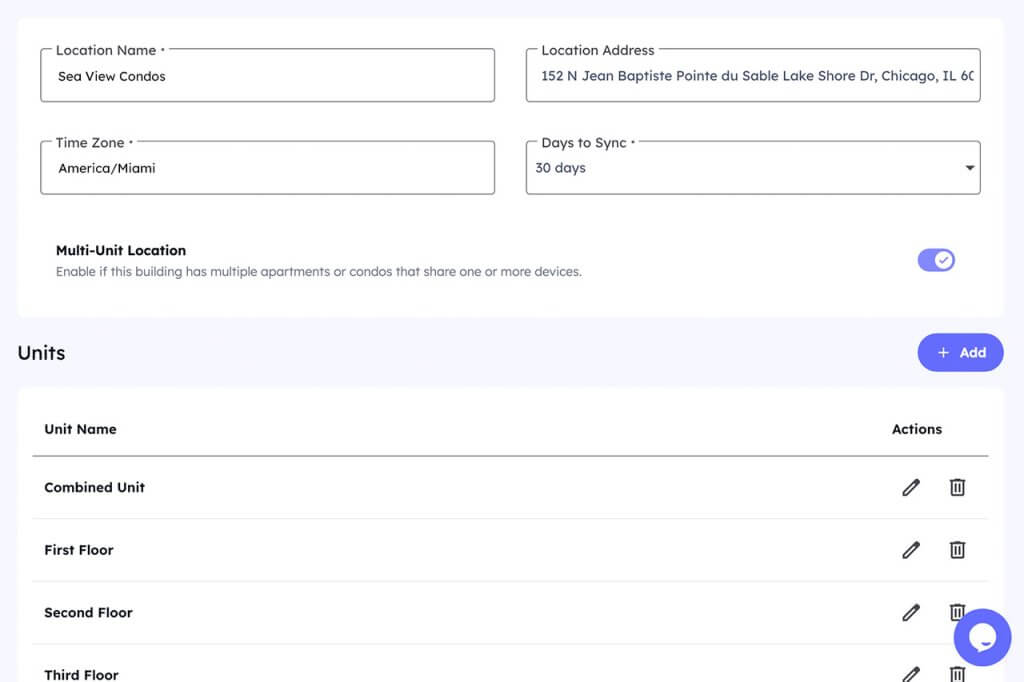
Does RHA monitoring work across multiple properties? Yes. All devices, all properties, and all alert types appear in one centralized view. This replaces the fragmentation of checking separate manufacturer apps with a single picture of everything happening across your portfolio.
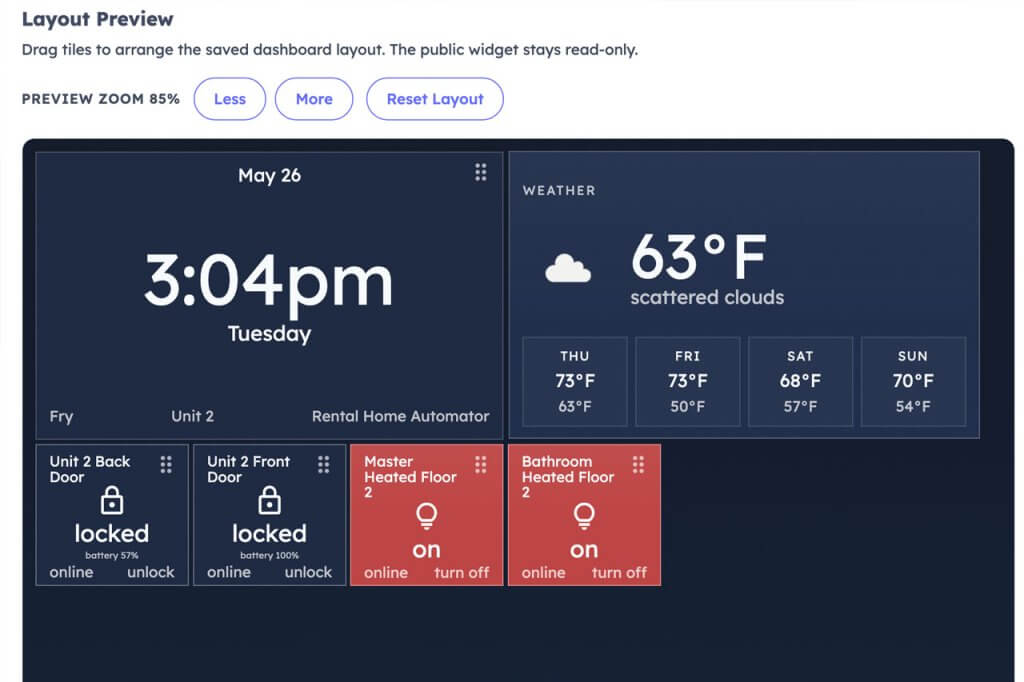
Does the monitoring system know if a guest is currently at the property? Yes. Because RHA runs on your booking calendar, every alert carries occupancy context — occupied, vacant, or in a cleaning window. That context determines which alerts fire and how urgently they need your attention.
Stop Reacting, Start Monitoring
A 52-degree rental at 6am is avoidable with the right monitoring in place. Dead lock batteries and burst pipes during vacancies are equally preventable.
Short-term rental monitoring built around your actual use case gives you the window to prevent all three. No noise from the dozens of things that don’t need attention.