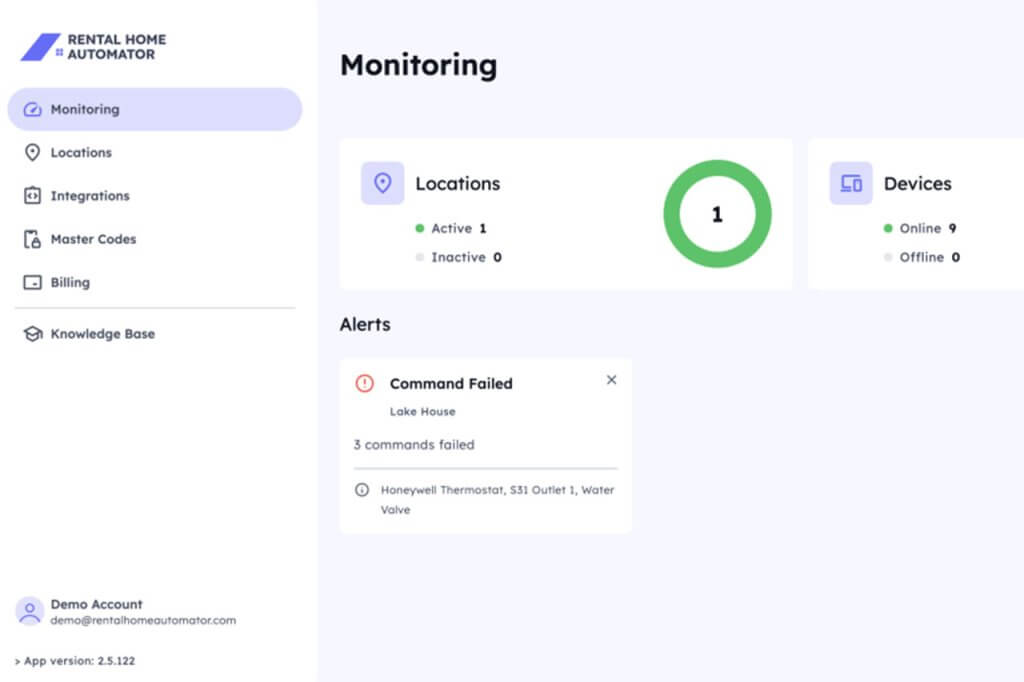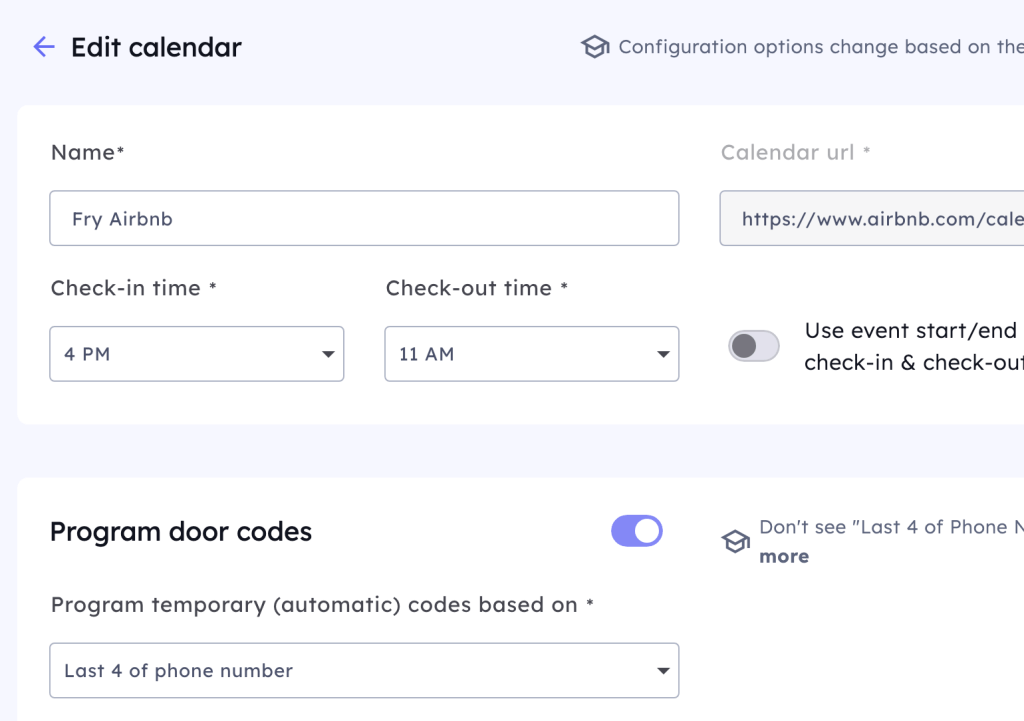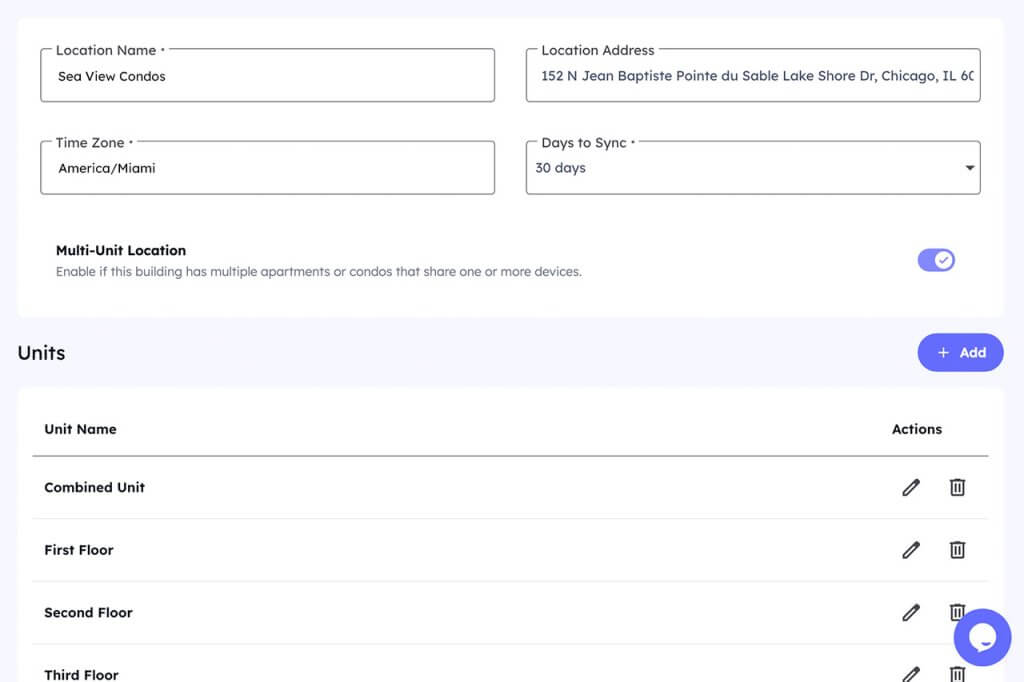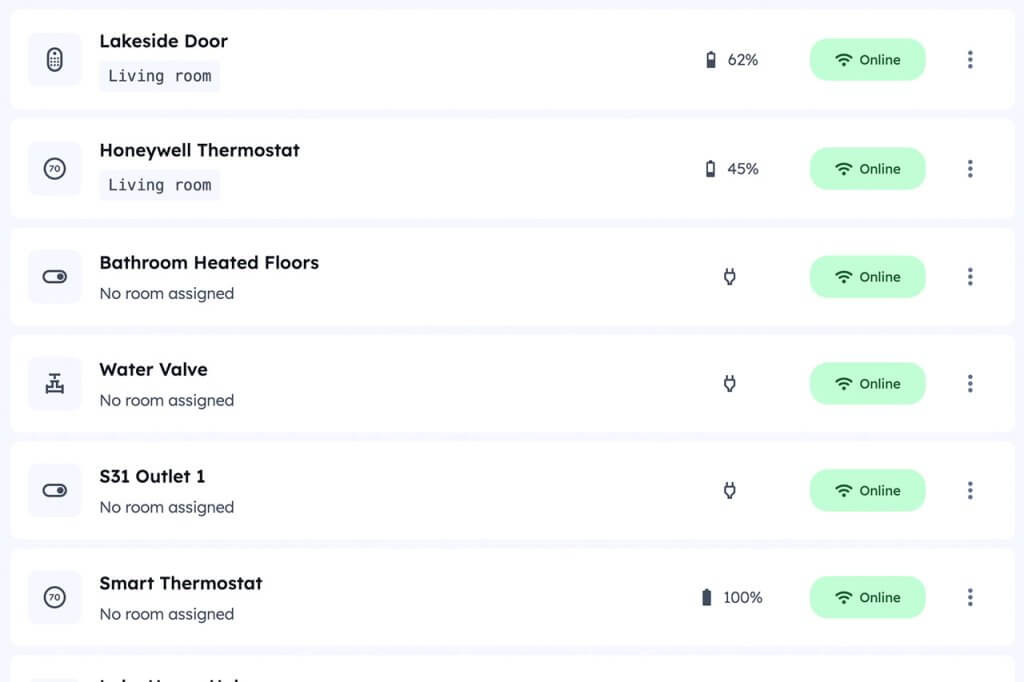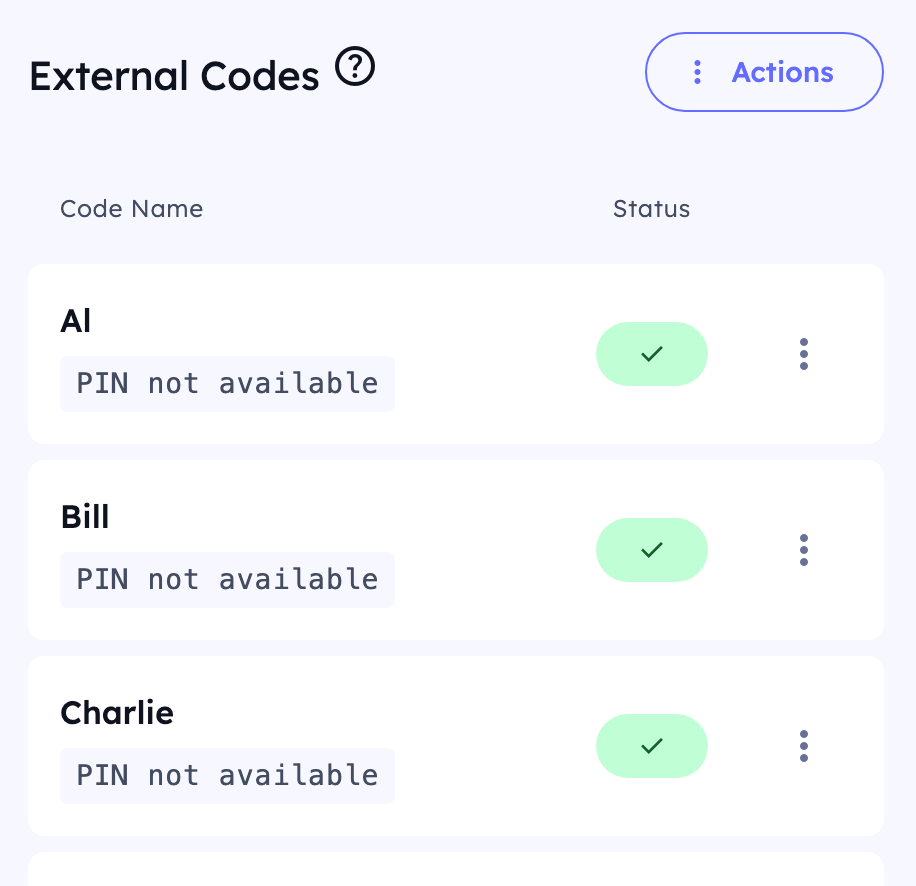
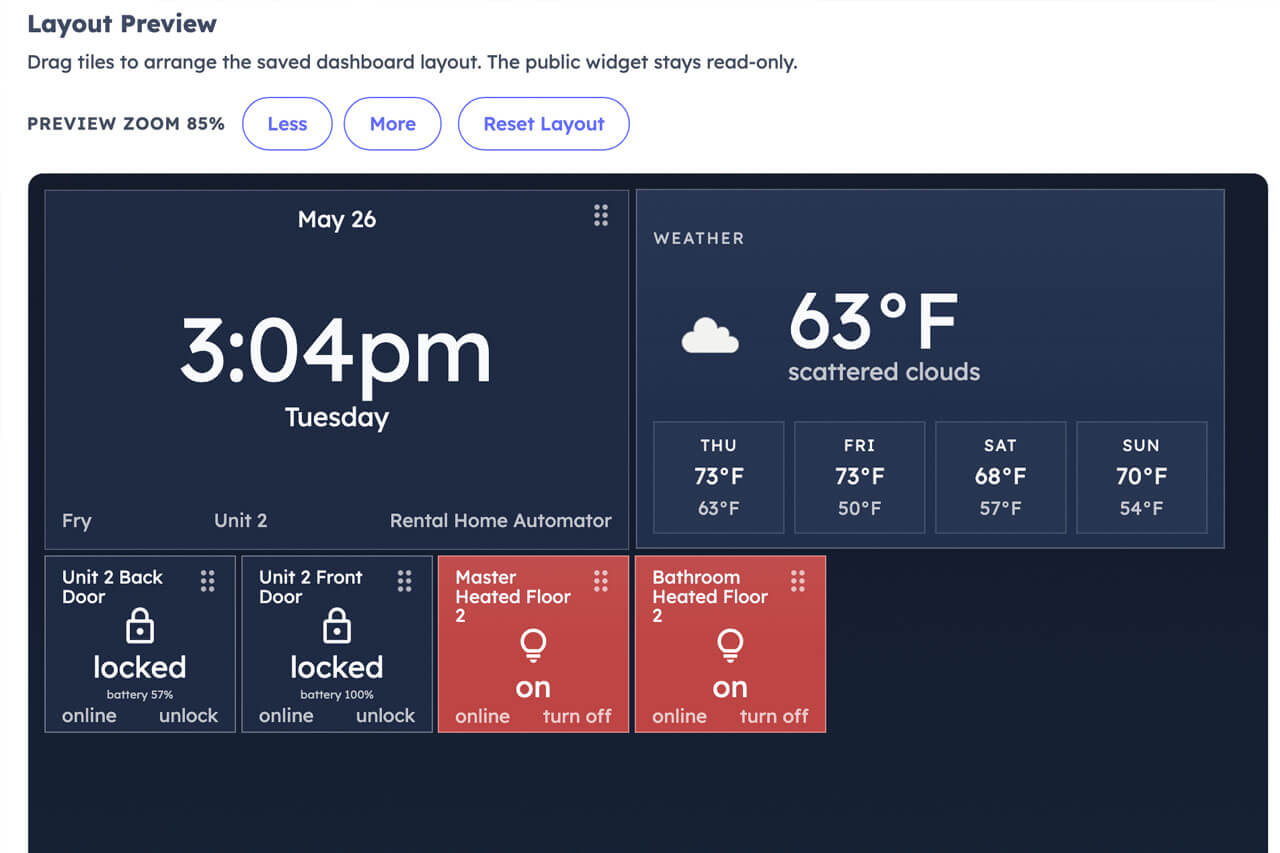
The Device Dashboard gives you a tile-based control panel for all your SmartThings devices, accessible from any browser on any device. Build it once, share it securely, and control everything from a wall tablet, your phone, or your laptop — wherever you are.
Available on all Rental Home Automator plans.
One Panel. Every Device.
Stop opening the SmartThings app every time you need to check a lock or flip a switch. The Device Dashboard puts your devices in a single visual layout built for quick access and at-a-glance status.
Supported device types include lights, locks, sensors, and switches — anything you’ve already connected to SmartThings.
Built Into Your Rental Home Automator Account
The Device Dashboard isn’t a separate app or add-on subscription. It’s part of Rental Home Automator, available on every plan. If you’re already managing your property automations here, your SmartThings devices are already connected — adding a dashboard takes minutes.
No app install required. Fully browser-based
Looking for an ActionTiles Replacement?
ActionTiles shut down in November 2025 with no warning, leaving thousands of SmartThings users without a dashboard. The Device Dashboard was built to fill that gap — a tile-based, browser-accessible SmartThings control panel with real access security built in.
It’s not a feature-for-feature recreation of ActionTiles at launch, but it covers the core use case and is actively being developed. Read more about what happened and how the Device Dashboard compares →
Get Started
Connect your SmartThings account, add your devices, and build your first dashboard panel — all inside Rental Home Automator. Available on all plans, no upgrade required.
Already a Rental Home Automator user? The Device Dashboard is available in your account under your Location/Unit Settings. No additional setup required beyond your existing SmartThings connection.