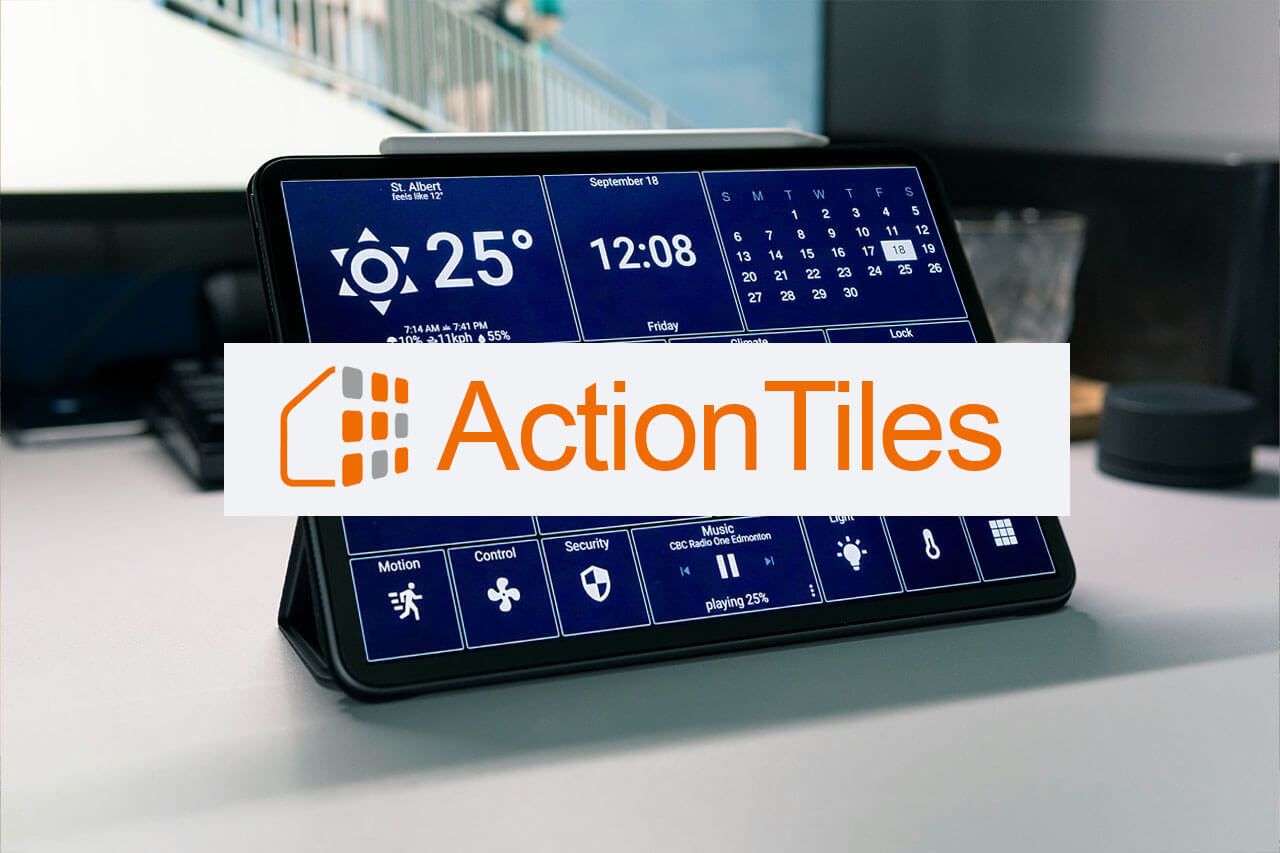
If you had ActionTiles running on a wall-mounted tablet, you already know what happened. On November 21, 2025, the entire platform went dark — no warning, no migration window, no final email. Panels stopped loading. The website stopped responding. The app disappeared from Google Play a week later.
For a lot of smart home users, that was a gut punch. ActionTiles had been the go-to SmartThings dashboard for years, and suddenly every tablet mounted by the front door or in the garage was showing a blank screen.
This post explains what happened and introduces a working ActionTiles replacement: the Device Dashboard inside Rental Home Automator — a password-protected, tile-based SmartThings control panel you can pull up on any device.
What Was ActionTiles?
ActionTiles, built by Thingterfaces LP, was a web-based dashboard creator for Samsung SmartThings. You’d connect it to your SmartThings location, build a panel of tiles — lights, locks, thermostats, sensors, switches — and load that panel on a tablet or any web browser. It was clean, flexible, and stable for years.
People used it in all kinds of setups: wall-mounted tablets at home, rental property control panels, garage displays, bedside dashboards. It was especially popular among SmartThings users who wanted a visual control surface that didn’t require opening the SmartThings app.
What Happened When ActionTiles Shut Down
On November 21, 2025, the ActionTiles domain stopped resolving entirely. No announcement, no sunset timeline — just DNS queries being refused and panels going blank across thousands of homes. The app was pulled from Google Play on November 28th.
As of this writing, there has been no official statement from Thingterfaces LP. The service appears to have shut down permanently, and no data migration path was ever offered.
If you paid for ActionTiles and relied on it, you’re not alone in being frustrated.
What You’re Actually Looking For in a Replacement
Before jumping to alternatives, it’s worth being clear about what made ActionTiles useful in the first place:
- A tile-based visual layout — quick glance at device states, tap to control
- SmartThings integration — connected directly to your SmartThings hub and devices
- Browser-based access — worked on any tablet, phone, or desktop without a dedicated app
- No ongoing tinkering required — set it up once, leave it running
That last one matters more than people realize. The reason ActionTiles had such a loyal following wasn’t that it was the most powerful dashboard — it’s that it stayed working without you constantly maintaining it.
Rental Home Automator’s Device Dashboard
We built the Device Dashboard inside Rental Home Automator as a direct response to how we actually use SmartThings — in rental properties and homes where you need a reliable, browser-accessible control panel without the overhead.
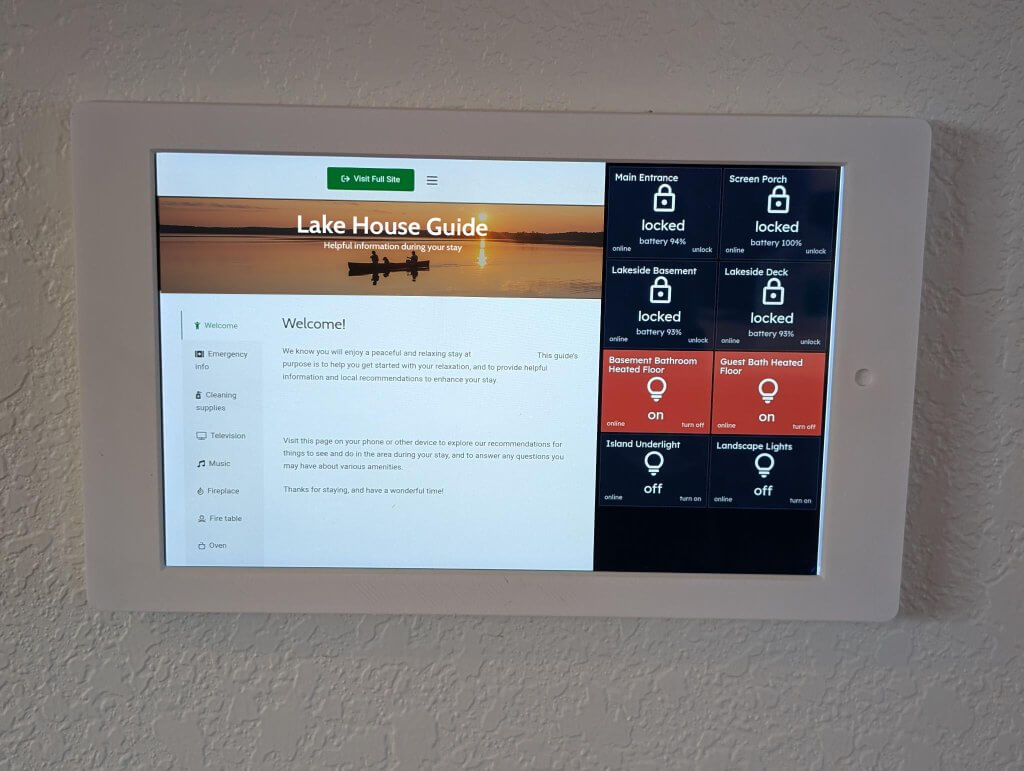
How It Works
The Device Dashboard connects to your SmartThings account and pulls in your devices. You build a panel of tiles — each tile represents a device or group — and the result is a panel URL you can load on a wall tablet, bookmark on your phone, or share with a co-host or property manager.
It’s built into the Rental Home Automator platform, so the dashboard lives in the same account where you’re already managing your property automations and devices.
Access Is Protected by a Secret
This is worth explaining clearly, because it affects how you use the dashboard.
When someone opens your panel URL, they’re prompted to enter a secret — a separate passphrase you set when you create the panel. The URL alone does nothing without it. That means you can use the link without worrying that anyone who stumbles across it or bookmarks it on a shared device can access your locks and switches.
In practice, you load the URL on any browser without needing an account. If you ever need to revoke access, you change or reset the secret.
This is a meaningful security improvement over systems where the URL itself is the only credential. Your devices are behind two things: the link and the secret.
What It Supports
- SmartThings connected — works with devices you’ve already added to SmartThings
- Tile-based layout — switches, locks, thermostats, sensors, and more
- URL with secret access — load it on any browser, any device
- Remote access — check and control devices from anywhere
- No app install required — fully browser-based
Where It’s Headed
If you’re evaluating it specifically as an ActionTiles replacement, here’s the honest picture: this isn’t a feature-for-feature recreation of ActionTiles at launch. ActionTiles had years of development behind it, and we’re building from a different foundation — one integrated with a broader automation and property management platform.
What the Device Dashboard does today covers the core use case: a visual, protected, browser-based SmartThings control panel. We’re actively developing it, and the roadmap is shaped by what users actually need.
If there’s something specific you relied on in ActionTiles, reach out and tell us. That feedback directly influences what gets built next.
The Best ActionTiles Replacement Options Right Now
A few other options are worth knowing about if you’re evaluating alternatives to ActionTiles:
SharpTools.io is the most direct like-for-like replacement if you want maximum dashboard flexibility. It supports both SmartThings and Hubitat, includes a visual rule engine, and has an active development team. It runs on a freemium model with a paid tier for advanced features. If you were a power user who built elaborate ActionTiles panels, SharpTools is probably worth your time.
Home Assistant is the fully open-source route. It’s more capable than either ActionTiles or what we offer, but it requires self-hosting and a meaningful setup investment. If you’re technically inclined and want full control, it’s the gold standard — but it’s not a quick swap.
DAKboard covers a different need — it’s more of a wall display (calendar, weather, photos) with some smart home capability. Not a direct replacement for device control.
As an ActionTiles replacement, the Rental Home Automator Device Dashboard sits in a different lane than all of the above. It’s not trying to be the most powerful dashboard for power users. It’s the right fit if you want a clean SmartThings control panel with real access security, especially if you’re managing devices across a rental property or multiple locations and want the dashboard integrated with the rest of your automation setup — not bolted on from a separate tool.
Getting Started
The Device Dashboard is available inside your Rental Home Automator account. If you’re not already a user, you can create an account — the dashboard is accessible once you connect your SmartThings account.
If you’re coming from ActionTiles and have questions about supported devices or how panel setup works, contact us directly. You’ll hear back from a real person.
The Bottom Line
ActionTiles shutting down without warning was a rough lesson in what happens when you build around a single-purpose SaaS product with no enterprise backing. It worked great right up until it didn’t.
As an ActionTiles replacement, the Device Dashboard won’t match every feature ActionTiles had on day one. But it gives you back the core: a visual, browser-based SmartThings control panel — with real access security built in, and integrated with a platform that isn’t going anywhere.
Have a specific ActionTiles feature you’re trying to replace? Get in touch — we read every message.