In 2026, reliable high-speed internet is no longer a “nice to have” — it’s one of the most important amenities guests expect from an Airbnb or short-term rental. Whether guests are traveling for remote work, streaming entertainment, attending virtual meetings, or managing smart home devices in your unit, strong and stable Wi-Fi is essential.
Poor internet is one of the top reasons guests leave negative reviews, and it’s one of the easiest issues for hosts to solve proactively. Investing in better Wi-Fi leads to higher guest satisfaction, more 5-star stays, and a competitive advantage in crowded markets.
Why Quality Internet Is Essential for Airbnb Guests in 2026
Guests expect your rental to feel like home — or better. Here’s why fast, reliable Wi-Fi is now a core part of that expectation.
1. Guests Work Remotely and Need Reliable Speeds
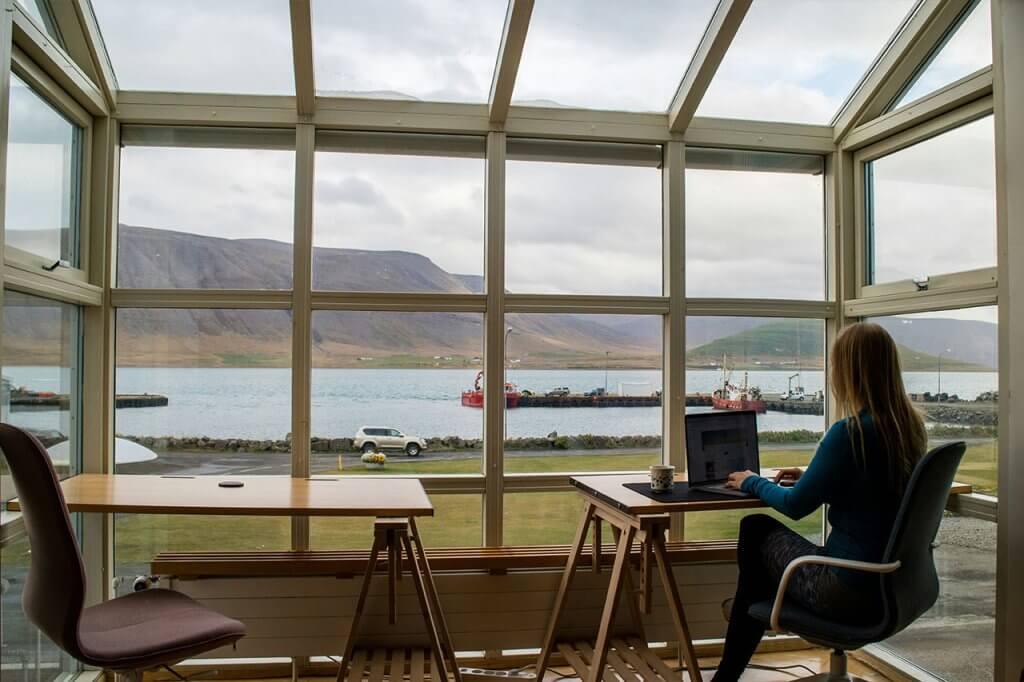
More travelers than ever work remotely, even while on vacation. They aren’t just checking email — they’re running Zoom calls, screen sharing, transferring files, and streaming video.
Poor internet = poor reviews + cancellations.
To support remote workers, hosts should aim for:
- At least 100 Mbps download / 20 Mbps upload
- Low latency (< 40 ms) for video conferencing
- A separate guest network for speed and security
- Strong coverage in every room
If you advertise your Airbnb as “remote-friendly,” your Wi-Fi must perform consistently.
2. Streaming, Smart TVs, and Entertainment Demand More Bandwidth
Most guests today bring multiple devices:
- Laptops
- iPads
- Smartphones
- Game consoles
- Smart TVs
Streaming in HD or 4K is now the default. If your network slows during peak hours or can’t support multiple users, guests will notice immediately.
3. Smart Home Devices Depend on Strong Connectivity
In 2026, many Airbnb hosts rely on smart home technology:
- Smart locks
- Thermostats
- Security cameras (exterior)
- Lighting automation
- Water shutoff systems
- Temperature or noise monitors
- Calendar-based automations
All of these depend on reliable Wi-Fi.
Even brief outages can cause:
- Failed automations
- Missed device commands
- Tech support messages from guests
- Lock or thermostat delays
Good Wi-Fi = fewer issues for both guests and hosts.
How to Meet Wi-Fi Expectations at Your Airbnb
Improving your rental’s internet performance doesn’t have to be expensive. Here are the most impactful upgrades hosts can make.
1. Upgrade Your Router (Most Hosts Use One That’s Too Old)
A router older than 3–4 years can drastically limit internet speed and coverage.
Look for a device with:
- Wi-Fi 6 or Wi-Fi 6E support
- Dual-band or tri-band capabilities
- Easy guest network setup
- Remote management features
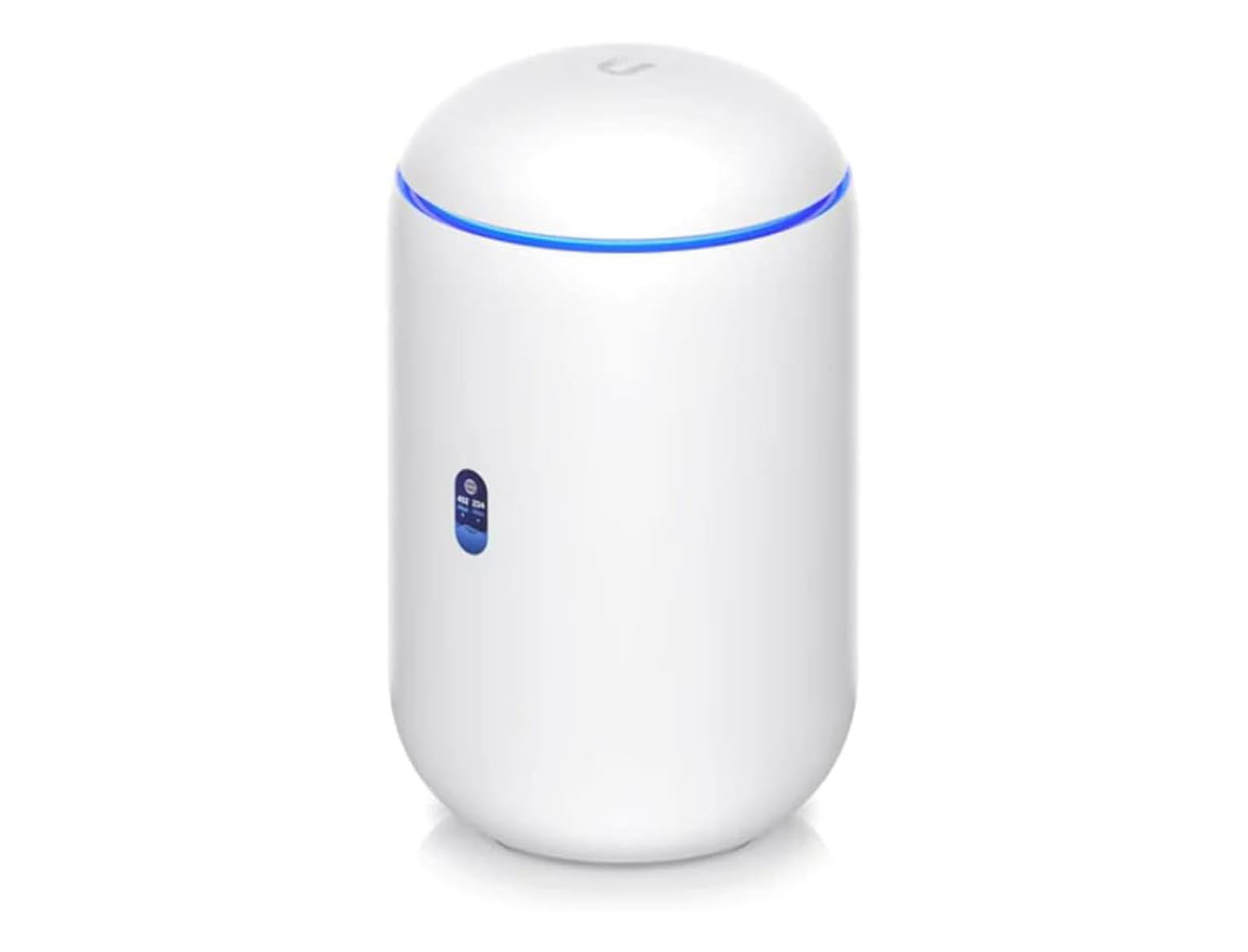
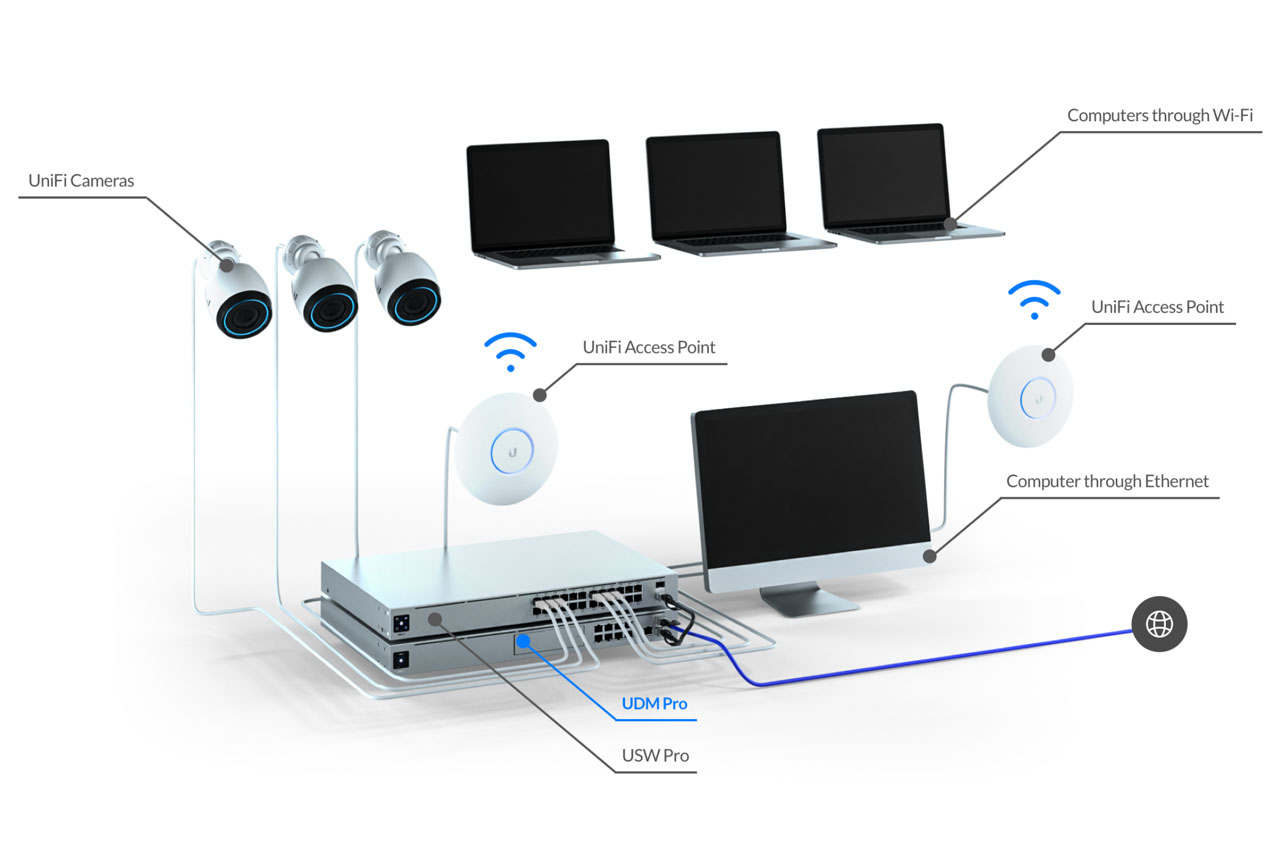
Brands that perform well for Airbnb hosts include Ubiquiti UniFi, eero, ASUS, and TP-Link Deco.
2. Use a Mesh Wi-Fi System for Larger Homes
If your property has:
- multiple floors
- thick walls
- detached units
- dead zones
…a mesh system is the best choice.
Mesh networks ensure strong coverage everywhere — bedrooms, patios, garages, and basements.
3. Place the Router in a Central, Elevated Location
Placement matters more than most hosts realize.
For best results:
- Avoid closets, cabinets, and basements
- Keep the router away from metal & dense objects
- Reduce interference from microwaves, TVs, and appliances
- Keep the signal as central as possible to the entire home
Bad placement = bad Wi-Fi even if you pay for high speeds.
4. Set Up a Separate Guest Network
A dedicated guest Wi-Fi network improves:
- Security
- Speed consistency
- Privacy
Guests should never connect to the same network where your smart home devices live. We created step-by-step guides to walk you through how to set up a dedicated guest network in our UniFi network setup article.
Preventing Internet-Related Guest Complaints
Here’s how to stay ahead of problems before they happen.
1. Provide the Wi-Fi Details Clearly
Include:
- Network name
- Password
- QR code for easy connection
- Troubleshooting instructions
Place this on a laminated card or in your welcome book. We also recommend posting QR codes for connecting to the Wi-Fi network around the property in convenient locations.
2. Add Battery Backup for the Modem/Router
During short power blips, guests will retain connectivity — especially important for remote workers.
3. Keep an Eye on ISP Performance
Some hosts intentionally choose:
- Fiber providers for reliability
- Modern coax or Ethernet runs
- Higher upload speeds
Those factors matter more in 2026 than ever.
How Quality Internet Impacts Your Airbnb Listing
Wi-Fi strength is a direct driver of:
- Better reviews
- Fewer cancellations
- Higher occupancy rates
- Improved visibility on booking channels
- Better remote automation reliability
Many guests now filter listings, and many of the channels are starting to list Wi-Fi speed as a filter option. If your property doesn’t meet their expectations, they’ll choose another rental.
Frequently Asked Questions (FAQ)
Aim for at least 100 Mbps, but 200–500 Mbps is ideal for families or remote workers.
Yes. Poor Wi-Fi commonly leads to 3- or 4-star reviews, even if the rest of the stay is excellent.
Absolutely. It improves security, makes troubleshooting easier, and prevents guests from disrupting your smart home setup.
Not always — unreliable internet can break automations, delay lock commands, or disconnect thermostats and sensors. But robust systems (like Rental Home Automator) will automatically retry & recover.
If you have a multi-floor home or weak spots, mesh is one of the best upgrades you can make. We recommend the UniFi system for best connectivity around your short-term rental property.
In 2026, high-quality internet is one of the most important amenities you can offer as an Airbnb host. It impacts guest experience, reviews, booking rates, and your ability to run smart home automations smoothly. With the right equipment and setup, you can provide a fast, reliable, frustration-free connection that keeps guests happy and your listing competitive.
Want to find out more about how to set up smart devices and connect them to your rental calendar at your short-term rental?