Short-term rentals don’t operate on a single, generic schedule. Guest stays, owner blocks, maintenance visits, and vacancies all have different automation needs — and treating them the same leads to wasted energy, guest issues, and unreliable automation.
Rental Home Automator’s Calendar Settings give you precise control over how automations behave for each calendar and event type.
Instead of one-size-fits-all rules, RHA lets you define exactly when and how automations run, based on the type of event on your calendar.
Customize Automations Per Calendar and Event Type
With Calendar Settings, you can customize automation behavior for:
- Guest reservations
- Owner stays
- Maintenance blocks
- Vacancies
- Any other calendar event you use
Each calendar can trigger different automation actions, ensuring your devices respond appropriately to what’s actually happening at the property.
This is especially powerful when combined with:
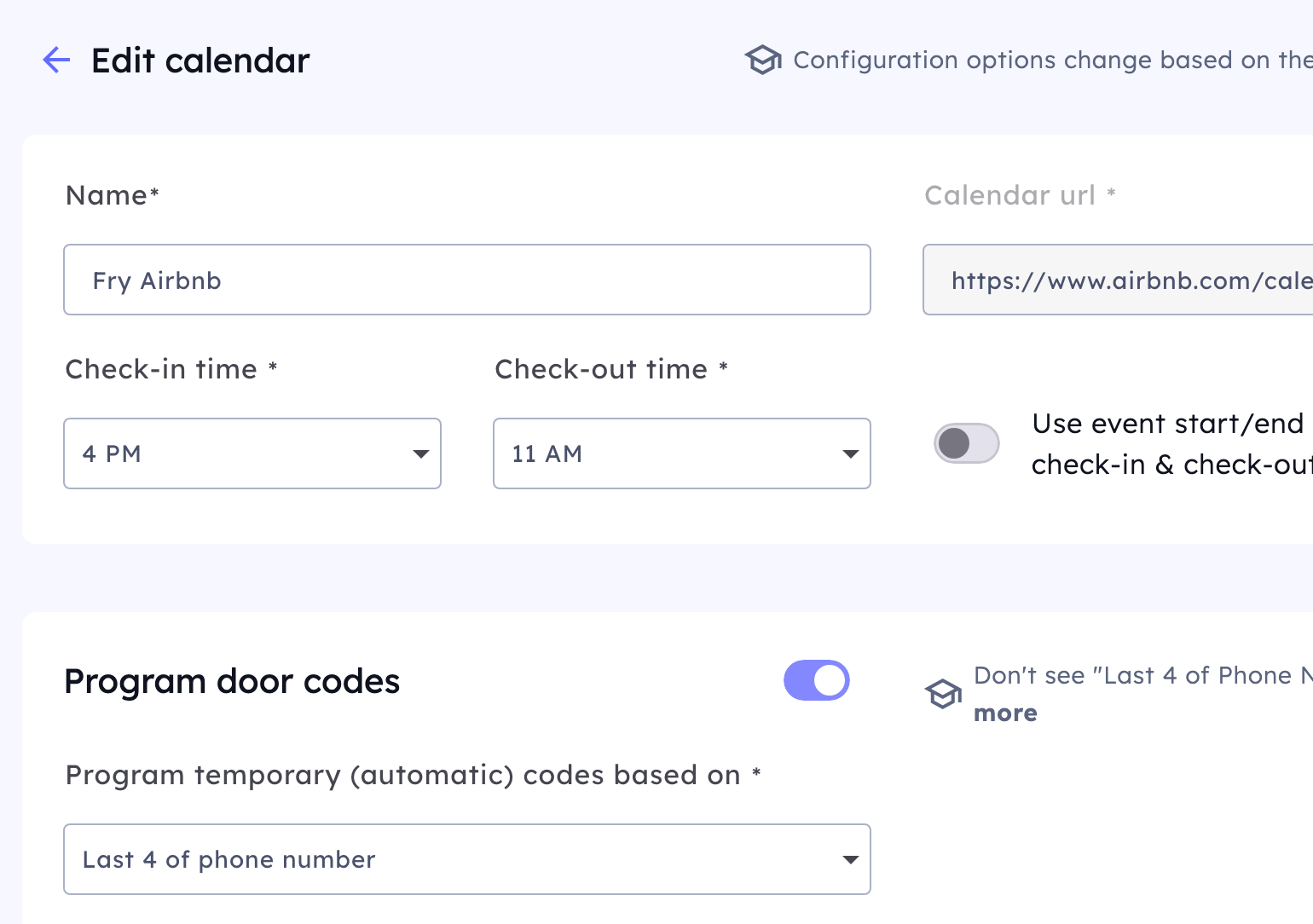
Define Standard Check-In and Check-Out Times — With Offsets
Most platforms assume fixed check-in and check-out times.
RHA lets you go further.
You can define:
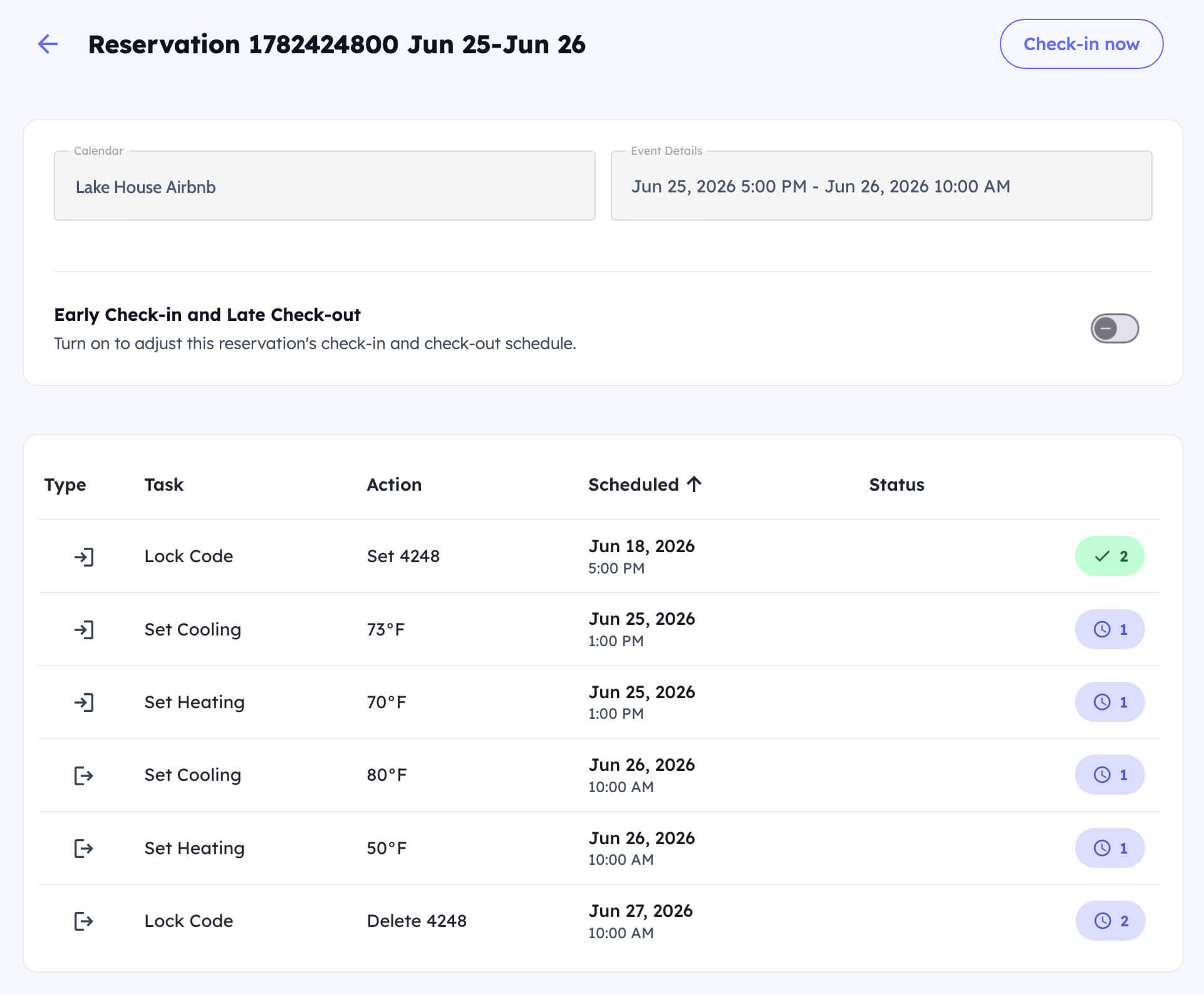
- Standard check-in times (e.g., 4:00 PM)
- Standard check-out times (e.g., 10:00 AM)
- Custom offsets before or after those times
This allows automations like:
- Pre-conditioning the home before guest arrival
- Delaying vacancy automations until after cleaners leave
- Adjusting lighting or HVAC behavior relative to real-world operations
Offsets give you flexibility without requiring guests or calendars to be perfectly timed.
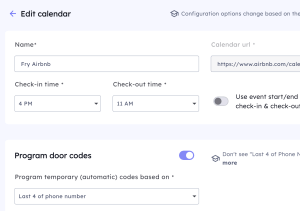
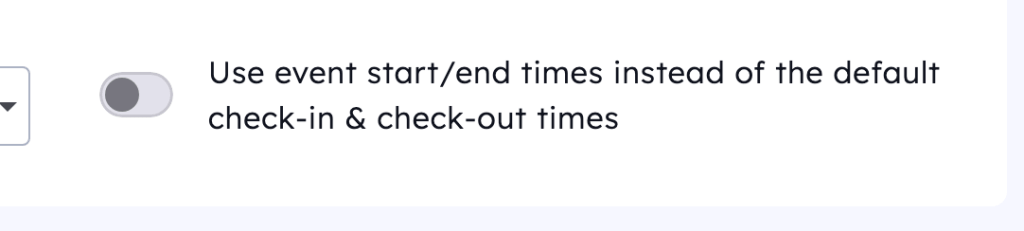
Use Event Start and End Times Instead of Standard Times
Not all events follow standard check-in/check-out rules.
For owner stays, maintenance visits, or custom blocks, you can configure RHA to:
- Trigger automations based on the event’s actual start time
- Trigger automations based on the event’s actual end time
This ensures:
- Devices react when the event truly begins
- Automations stay accurate even with irregular schedules
- No reliance on artificial check-in/check-out assumptions
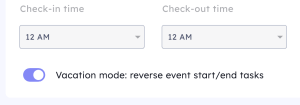
Vacation Mode: Turn Occupancies Into Vacancies
You may want to schedule vacancies (or vacations) at your property, so things trigger on everyone being away from the home instead of occupying the home.
Vacation Mode allows you to mark specific calendar events so they:
- Are treated as vacancies instead of guest stays
- Trigger energy-saving and safety automations
- Prevent guest-style access and comfort settings
This is ideal for:
- Owner vacations
- Long-term holds
- Seasonal shutdowns
- Extended empty periods between bookings
It’s a small setting with a big operational impact.
Why Calendar Settings Matter for Automation Accuracy
Calendar Settings are what make RHA’s automation predictable, reliable, and scalable.
By aligning automation behavior to:
- Event type
- Calendar source
- Actual timing
- Occupancy intent
RHA ensures your smart locks, thermostats, lights, switches, and safety devices all respond consistently — without manual intervention or fragile rules.
Calendar Settings Are the Foundation of Calendar-Aware Automation
Every automation in Rental Home Automator starts with the calendar.
Calendar Settings give you the control needed to:
- Eliminate edge cases
- Reduce guest issues
- Improve energy efficiency
- Scale across multiple properties confidently
They turn your calendar from a simple booking tool into a true automation engine.
Calendar Settings are the foundation of reliable, calendar-aware automation. With Rental Home Automator, you can align smart locks, thermostats, lighting, and safety devices to the exact timing and intent of every event on your calendar — without workarounds or guesswork.