Fast, reliable internet has become one of the most important amenities in short-term rentals. Guests rely on it for work, streaming, video calls, and managing their daily lives — and they notice immediately when it doesn’t perform well.
At the same time, many hosts unknowingly overload that same Wi-Fi network with smart devices: locks, plugs, switches, sensors, thermostats, cameras, and more. While each device may seem harmless on its own, together they quietly compete with guests for bandwidth, airtime, and reliability.
The result?
Slower speeds, unstable connections, and frustrated guests — even when you’re paying for “fast” internet.
Wi-Fi Isn’t Just About Speed — It’s About Congestion
Most hosts focus on advertised internet speed: 300 Mbps, 500 Mbps, gigabit plans. But in real-world usage, Wi-Fi performance is limited by congestion, not raw throughput.
Every Wi-Fi device:
- Competes for airtime
- Requires frequent communication with the router
- Introduces latency, retries, and interference
Consumer routers — even good ones — were never designed to manage dozens of always-connected smart devices plus multiple guests streaming, gaming, and video conferencing at the same time.
This isn’t theoretical. Independent technical analysis has shown that filling a network with Wi-Fi-based smart devices can degrade performance for everything else on the network — especially in busy environments like short-term rentals.
Why This Matters More in Short-Term Rentals Than Homes
In a primary residence:
- The number of devices is relatively stable
- Users tolerate occasional slowdowns
- Troubleshooting happens gradually
In a short-term rental:
- New guests arrive constantly
- Each stay introduces unknown devices
- Expectations are higher
- Patience is lower
Guests don’t care why the internet is slow. They only care that:
- Zoom calls drop
- Streaming buffers
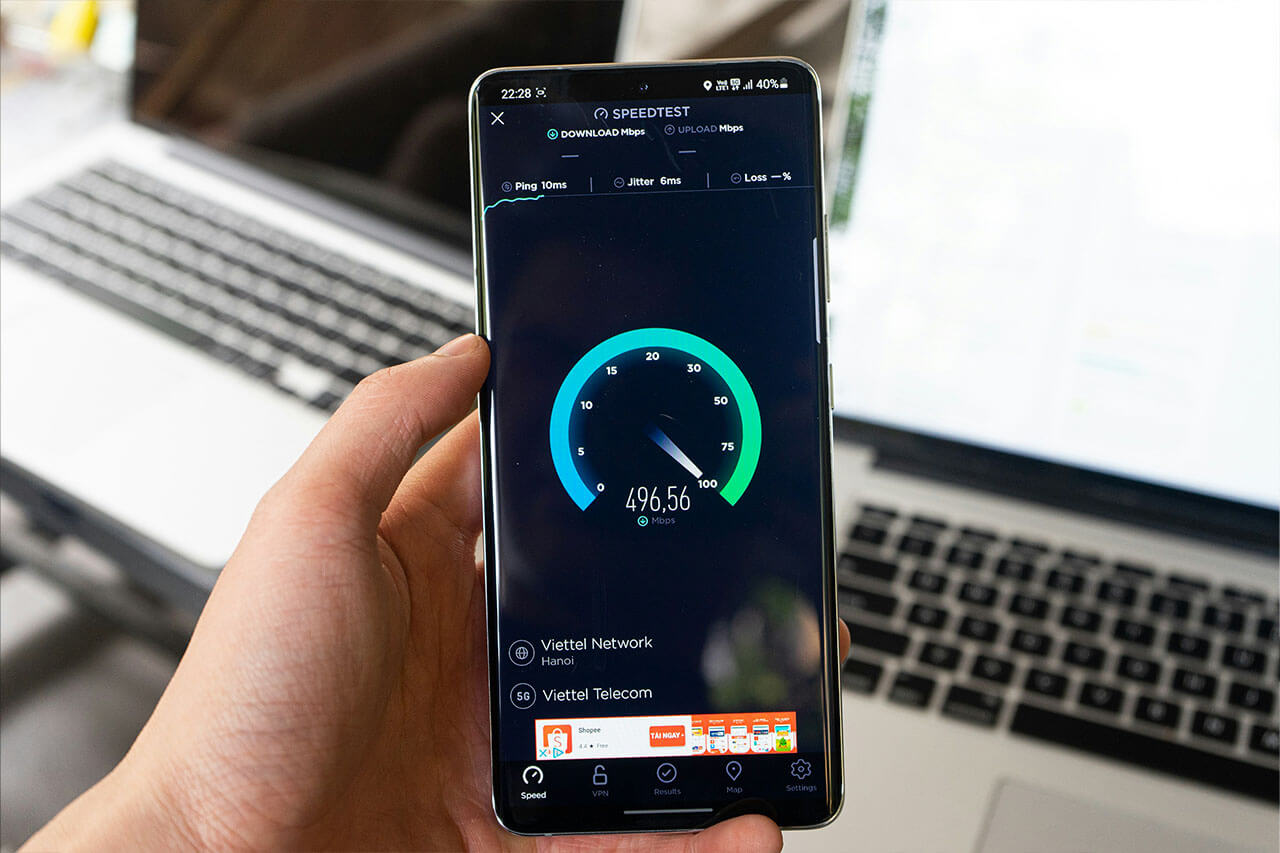
- Speed tests don’t match the listing
And once that happens, the review damage is done.
The Architectural Mistake: Putting Everything on Wi-Fi
The core issue isn’t smart homes — it’s using Wi-Fi as the backbone for everything.
Wi-Fi is excellent for:
- Phones
- Laptops
- TVs
- Guest devices
It is not ideal for:
- Low-bandwidth sensors
- Locks
- Switches
- Environmental monitors
- Always-on infrastructure devices
These devices don’t need high speeds — they need reliability.
Why Z-Wave and Zigbee Are Better for Smart Devices
Protocols like Z-Wave and Zigbee were designed specifically for smart home infrastructure.
They:
- Operate on dedicated radio frequencies (not your Wi-Fi)
- Use mesh networking to improve reliability
- Consume minimal bandwidth
- Continue working even if internet performance fluctuates
Most importantly for short-term rentals:
They keep your guest Wi-Fi clean and fast.
By moving smart devices off Wi-Fi, you reduce:
- Network congestion
- Router load
- Interference
- Support issues related to “slow internet”
The Missing Piece: A Dedicated Smart Home Hub
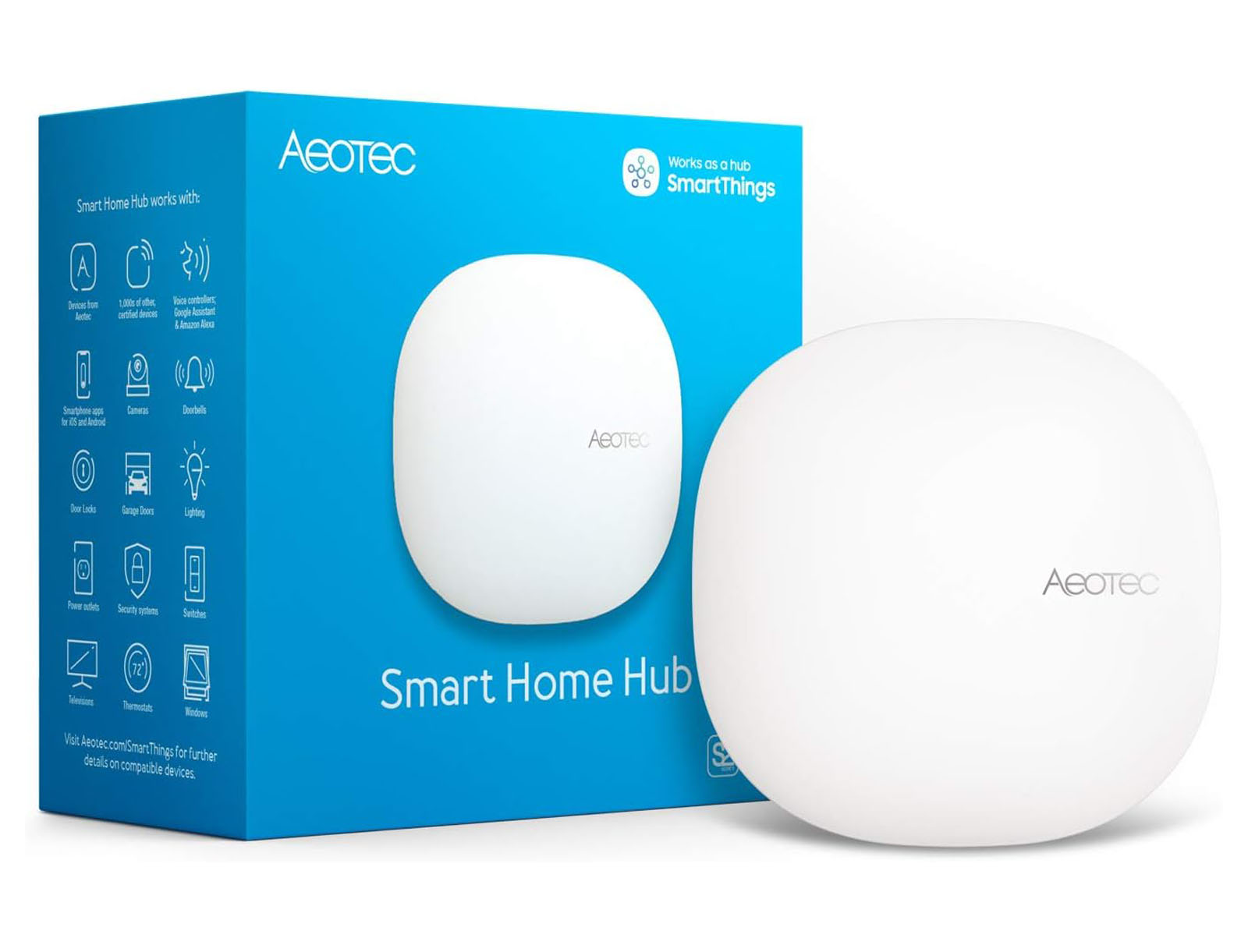
Z-Wave and Zigbee devices don’t connect directly to the internet — and that’s a good thing.
They connect to a local smart home hub, which:
- Manages all device communication
- Acts as a single, efficient bridge to the cloud
- Keeps smart traffic off guest Wi-Fi
- Improves reliability and control
Instead of 30–50 smart devices individually talking over Wi-Fi, you now have:
One optimized connection handling everything.
This is the architecture used by professional installers, property managers, and large-scale smart buildings — because it scales cleanly and predictably.
Smart Devices Should Work With Your Calendar, Not Against Your Network
Once devices are on the right protocol and managed through a hub, automation becomes significantly more reliable.
That’s where calendar-based automation comes in.
With the right setup, you can:
- Enable and disable access automatically
- Adjust temperature at check-in and check-out
- Reduce energy usage between stays
- Protect the property when vacant
- Avoid manual device management entirely
And because your smart devices aren’t competing with guests for Wi-Fi, everything works more consistently — even during peak usage.

This Is a Guest Experience Decision, Not a Technical One
Choosing non-Wi-Fi smart devices isn’t about being “more technical.” It’s about protecting the one thing guests care deeply about:
Internet quality.
Guests may never notice that your locks use Z-Wave or that your sensors run on Zigbee.
They will notice when:
- Wi-Fi is fast
- Streaming works
- Video calls are stable
- Everything “just works”
The Smart Short-Term Rental Stack Going Forward
More hosts are moving toward a clear separation:
- Wi-Fi for guests
- Dedicated protocols for smart devices
- A hub to manage everything locally
- Automation tied to the booking calendar
This approach reduces friction, improves reliability, and creates a better experience for both guests and hosts.
Next Step: Build a Smarter Foundation for Your Rental
If you’re already investing in smart devices, the next step is making sure they’re built on the right foundation — one that protects guest Wi-Fi and enables reliable automation.