Disclosure: This page contains affiliate links. If you purchase through these links, Rental Home Automator may earn a commission at no additional cost to you. As an Amazon Associate I earn from qualifying purchases.
Yale Assure Lock 2
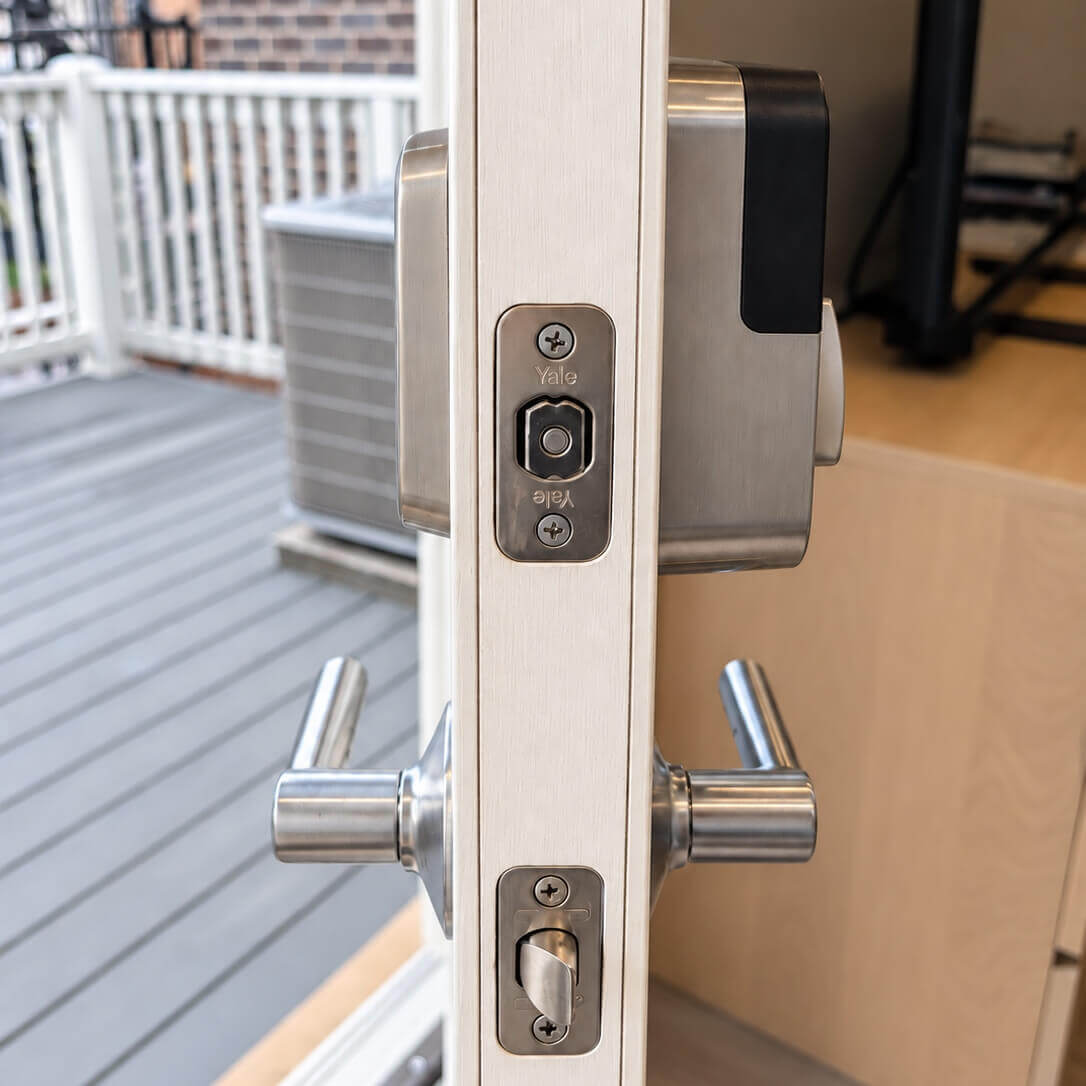
The Yale Assure Lock 2 is the smart lock we recommend for most short-term rental properties.
We have tested Yale locks across multiple properties and configurations, and the Assure Lock 2 gets the fundamentals right: reliable keypad entry, strong Z-Wave automation, replaceable AA batteries, excellent guest usability, physical-key options, and a modular design that gives owners flexibility if their smart-home platform changes later.
For a normal homeowner, app features and convenience may matter most. For an Airbnb or vacation rental, our priorities are different. The lock needs to work for hundreds of guests who have never seen it before, accept and remove access codes reliably, operate when the internet is unavailable, and be maintainable remotely without constant battery changes or troubleshooting.
That is where the Yale Assure Lock 2 stands out.
Our Recommendation: Buy the Z-Wave Version
The Assure Lock 2 is available in several configurations, including Wi-Fi and Z-Wave.
For a dedicated short-term rental, we recommend the Yale Assure Lock 2 with Z-Wave Plus.
Wi-Fi may look easier because it connects directly to the property network without requiring a hub, but we generally don’t want critical rental infrastructure depending directly on guest Wi-Fi. Wi-Fi also consumes considerably more power than low-power smart-home protocols such as Z-Wave.
With Z-Wave, the lock communicates with a compatible local hub such as SmartThings rather than connecting directly to the property’s Wi-Fi network.
That gives us several advantages for a rental:
- Better battery efficiency
- Reliable hub-based communication
- Strong support for automated lock-code management
- Independence from the guest Wi-Fi network
For the broader reasoning behind that recommendation, see our guide to smart lock technology for Airbnb and why we currently prefer Z-Wave.
We Prefer the Physical Keypad
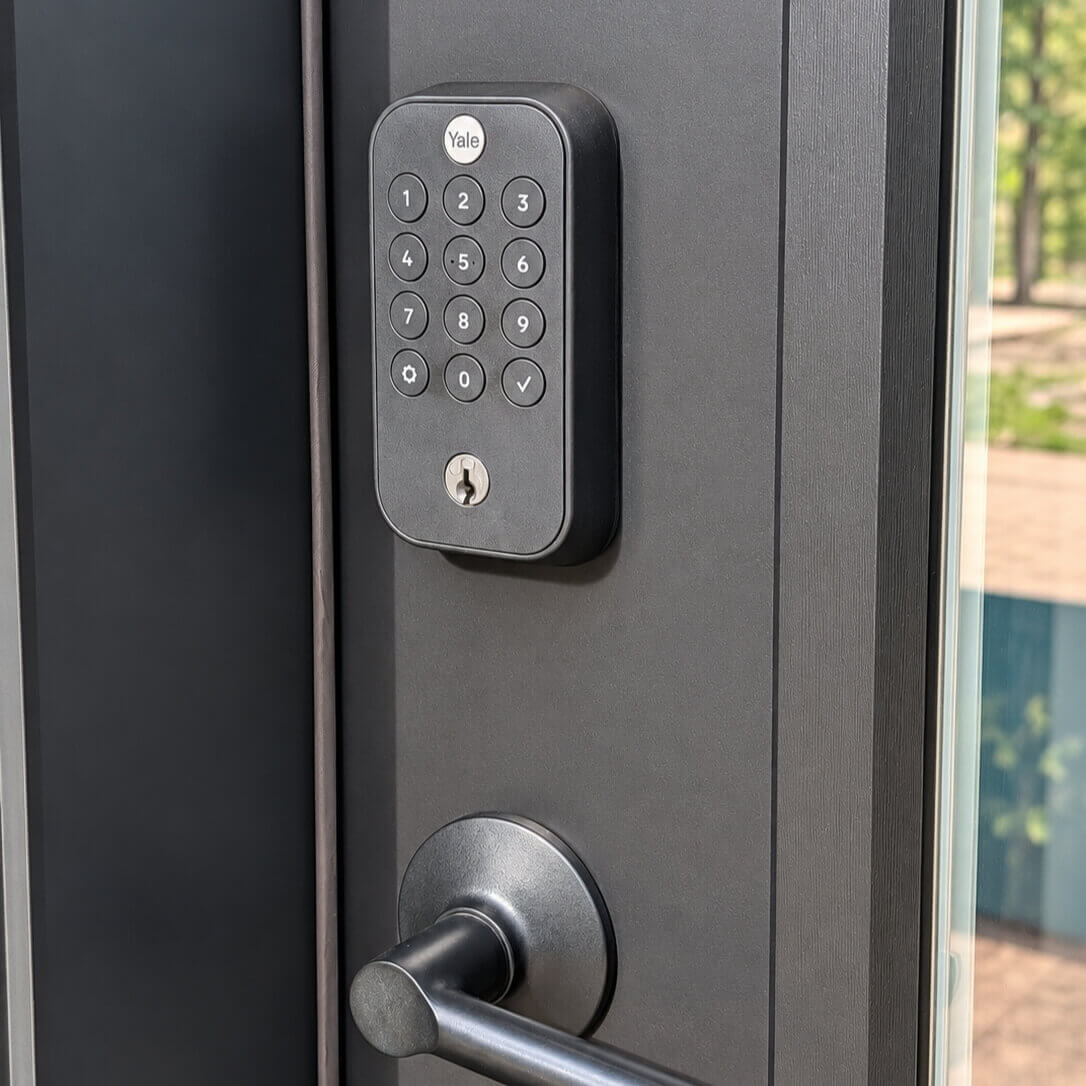
The Assure Lock 2 is available with several exterior interfaces, including touchscreen and physical-button keypad versions.
For a rental, we prefer the physical keypad.
Guests shouldn’t need instructions to operate the front door. Physical buttons provide tactile feedback, remain easy to see in bright sunlight, work well with wet or gloved hands, and make entering a code obvious even for guests who aren’t comfortable with smart-home technology.
We’ve also seen touchscreen locks take more cosmetic abuse over time. A short-term rental front door can see thousands of interactions from people who don’t treat the hardware like an owner would.
The keypad version isn’t as flashy, but that’s exactly why we prefer it.
For rental hardware, boring and reliable usually wins.
Choose the Version With a Physical Key
We also recommend the keyed version for a primary rental entrance.
A smart lock should eliminate routine key management, but that doesn’t mean we want to eliminate the mechanical backup.
If something unusual happens — failed electronics, installation problems, a severely discharged battery, hub issues, or a guest who simply can’t operate the lock — a physical key gives the owner, cleaner, or local property manager another way into the property.
Yale offers keyed Assure Lock 2 models, and the keyed locks can also be re-keyed to match compatible existing locks.
For an owner-occupied home, a key-free exterior may be appealing. For a remotely managed rental, we prefer redundancy.
Real-World Reliability
Reliability is the primary reason the Yale Assure Lock 2 remains our preferred lock.
Across our own testing and rental-property use, Yale’s Z-Wave locks have been consistently dependable once they are installed correctly and connected to a healthy Z-Wave network.
Guest codes are created and removed as expected, keypad operation is straightforward, and the hardware itself has held up well under the repeated use that comes with short-term rentals.
That distinction matters.
A lock can have an excellent mobile app and still be a poor rental lock if remote code changes fail occasionally. An Airbnb host may be creating and deleting codes for every reservation, cleaners, maintenance workers, contractors, and owners.
The lock isn’t just an electronic deadbolt. It becomes part of the property’s operating system.
Guest Codes and Rental Automation
The Z-Wave version supports up to 250 entry codes, which is substantially more than a typical short-term rental should ever need at one time.
When the lock is connected to a compatible smart-home platform, those codes can be managed remotely and incorporated into a broader rental automation system.
With Rental Home Automator, for example, a reservation can become the trigger for the access workflow rather than requiring someone to manually manage the lock for every guest.
A guest code can be associated with the reservation, activated around check-in, and removed after checkout. Cleaner, maintenance, owner, and master codes can be managed separately.
That’s the real value of a connected rental lock.
The keypad isn’t the automation.
The automation is eliminating the repetitive work behind the keypad.
Yale Access App and Z-Wave Setup
One correction we want to make from some of our earlier Assure Lock 2 coverage is the role of the Yale Access app.
For current Z-Wave installations, Yale’s setup process uses the Yale Access app to initialize the lock, configure the smart module, and begin the Z-Wave enrollment process. You then complete the connection in the compatible third-party Z-Wave platform.
Once enrolled, a platform such as SmartThings can handle the day-to-day Z-Wave control and, when supported by the platform, PIN-code management.
You therefore shouldn’t think of the Yale Access app as the operating platform for a Z-Wave rental installation. It’s primarily part of setup, configuration, Bluetooth access, and maintenance (firmware updates).
We prefer to keep ongoing rental operations in the smart-home and rental-automation platforms rather than requiring property managers to jump between individual manufacturer apps.
Battery Life
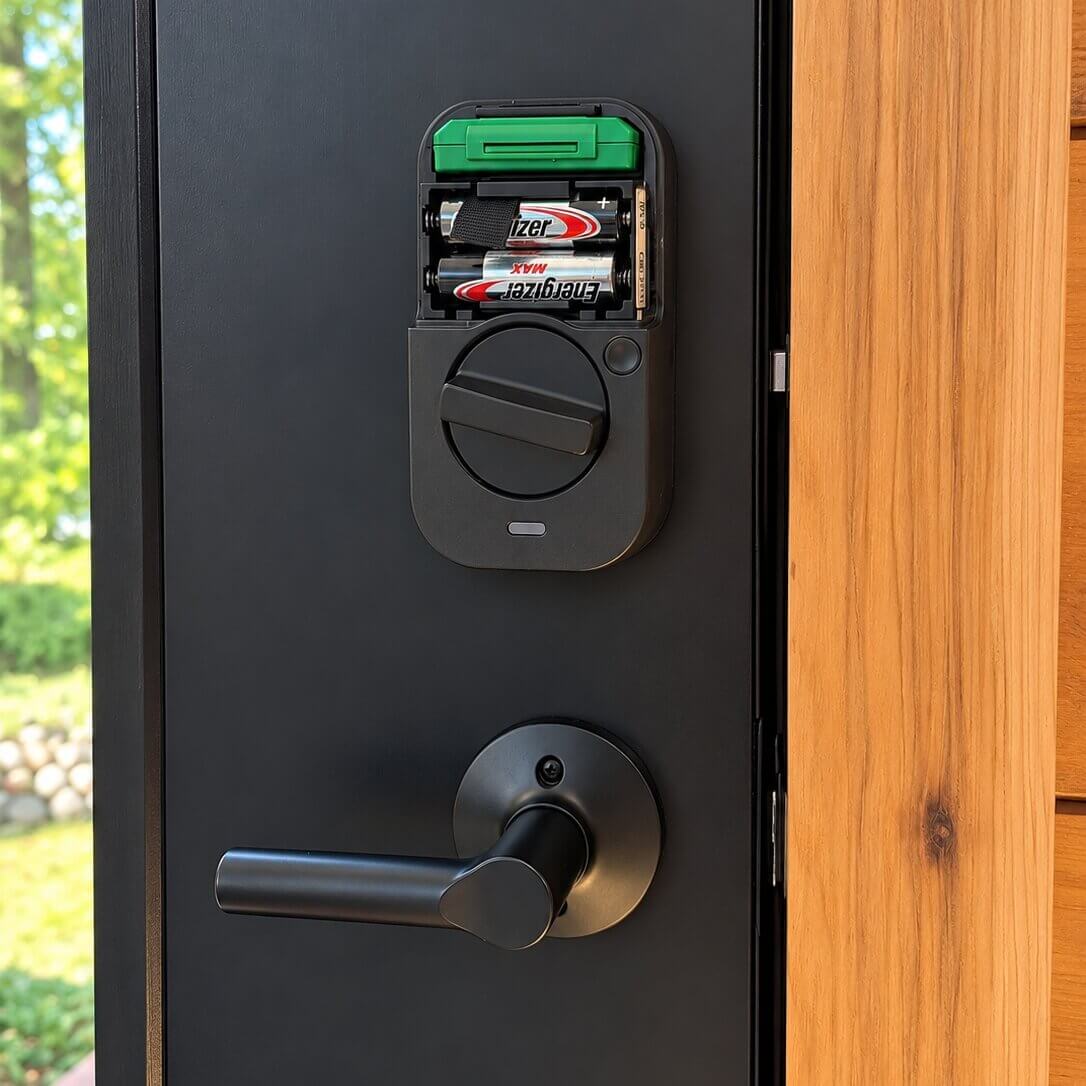
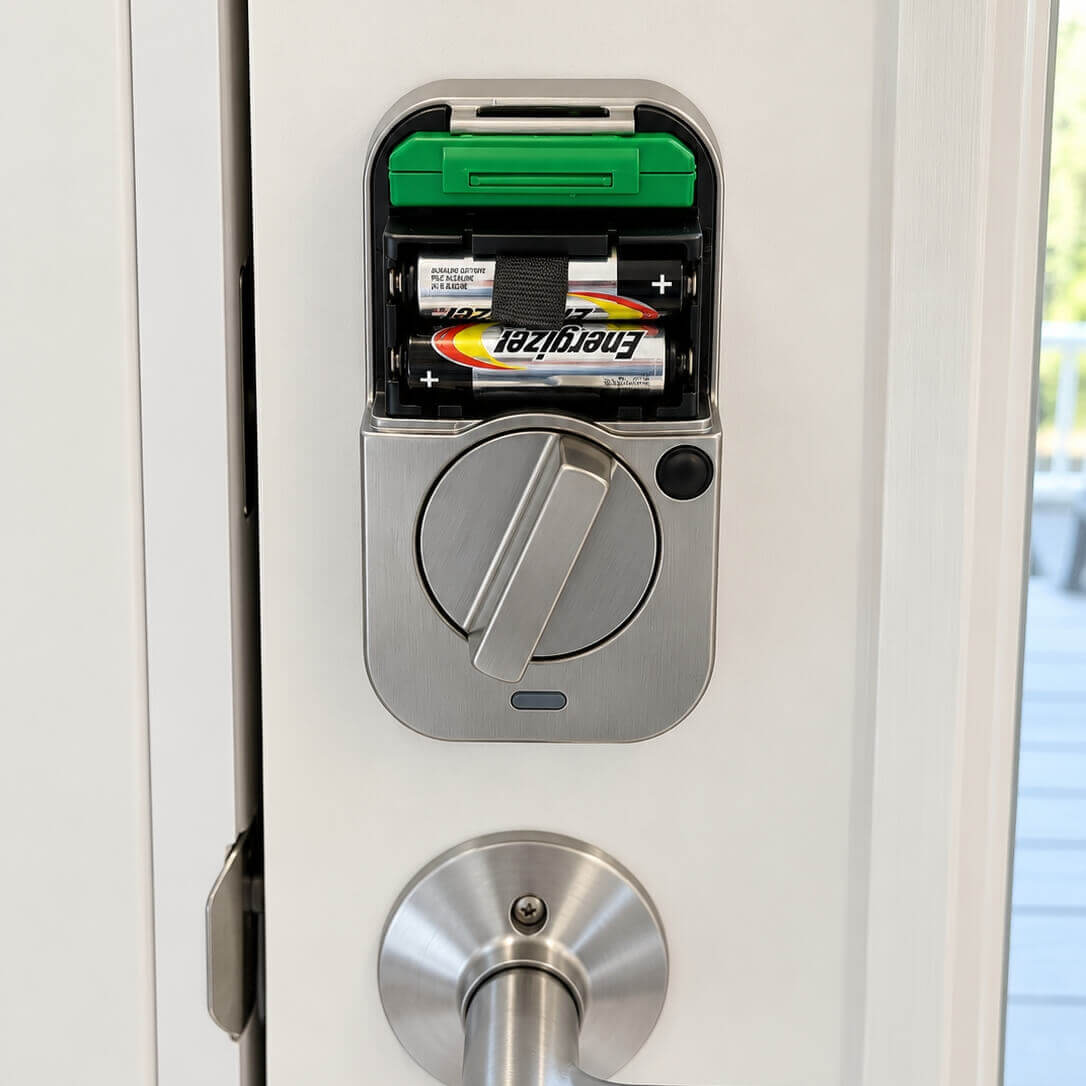
The Assure Lock 2 uses four standard AA batteries, another feature we strongly prefer for rental properties.
Yale currently rates the Z-Wave version for up to 9–12 months of battery life under typical conditions. Actual battery life depends on usage, deadbolt friction, environmental conditions, and the quality of the Z-Wave connection.
Our experience has generally been very good, with roughly a year of service being a reasonable expectation in a properly installed rental environment.
The important installation detail is deadbolt friction.
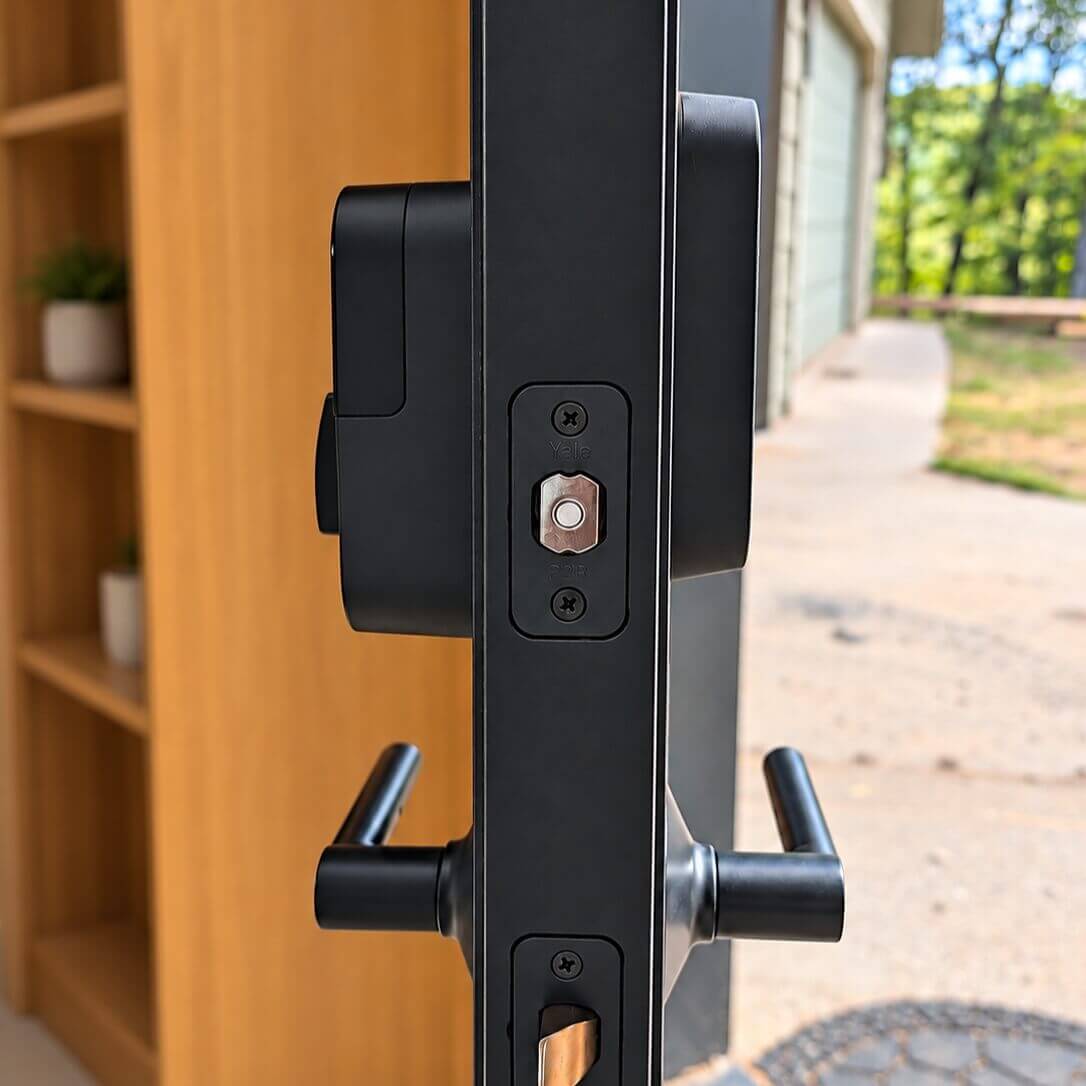
A motorized lock that has to force the deadbolt into a poorly aligned strike plate will consume more power and can eventually create reliability problems. The deadbolt should move freely when you install the lock, which can sometimes be tricky.
Battery status can also be monitored through compatible Z-Wave platforms, allowing the owner to replace batteries proactively rather than waiting for a guest to report a low-battery warning.
The Replaceable Smart Module Is a Major Advantage
One of the most interesting parts of the Assure Lock 2 architecture is that the connectivity module is replaceable.
Instead of permanently building one wireless protocol into the lock hardware, Yale designed the platform so different smart modules can be installed.
That means the expensive mechanical lock hardware doesn’t necessarily need to be replaced simply because the preferred smart-home protocol changes.
Yale currently supports Wi-Fi and Z-Wave options for the Assure Lock 2 family and has also announced Matter support for compatible configurations. Module availability and compatibility vary by Assure Lock 2 model, however, so we recommend checking Yale’s current compatibility information before buying a module specifically for a future upgrade.
We consider the modular design a significant advantage, even without relying on any particular future protocol.
Why We Don’t Recommend the Wi-Fi Version for Most Rentals
The Wi-Fi version isn’t a bad lock.
In fact, for someone who wants a simple consumer installation without a smart-home hub, it can be easier to set up.
But that’s not how we would design a serious short-term rental automation system.
Wi-Fi locks place another critical device directly on the property’s Wi-Fi network and consume more battery power because Wi-Fi wasn’t designed as a low-power smart-home protocol.
For a single vacation property where the owner simply wants remote app access, Wi-Fi may be perfectly reasonable.
For a property that is being systematically automated around reservations, we prefer the Z-Wave version connected through a compatible hub.
Our Best Smart Home Devices for Airbnb guide explains how the lock fits into the rest of the rental smart-home stack.
What We Like
The strongest part of the Yale Assure Lock 2 is that there isn’t one gimmick responsible for the recommendation.
It’s the combination.
The hardware feels substantially better than many inexpensive smart locks. The physical keypad is intuitive. The keyed version provides a useful backup. Four AA batteries are easy for a cleaner or property manager to replace. Z-Wave provides strong automation capabilities without depending directly on Wi-Fi, and the modular architecture gives the owner options later.
Most importantly, it performs reliably in the job we actually care about: providing predictable access to a short-term rental.
What We Don’t Like
The Assure Lock 2 isn’t perfect.
It costs more than many inexpensive Wi-Fi and Bluetooth locks, and the Z-Wave version requires a compatible hub.
Yale’s product lineup and smart-module compatibility can also be confusing. There are multiple Assure Lock 2 variants, multiple connectivity options, and different capabilities depending on the exact model and module.
We also wish the entire setup could be handled directly through the Z-Wave platform. Yale currently uses the Yale Access app as part of initial Z-Wave configuration.
None of those issues outweigh the lock’s reliability for us, but buyers should understand the system they’re building before ordering.
Yale Assure Lock 2 vs. Other Smart Locks
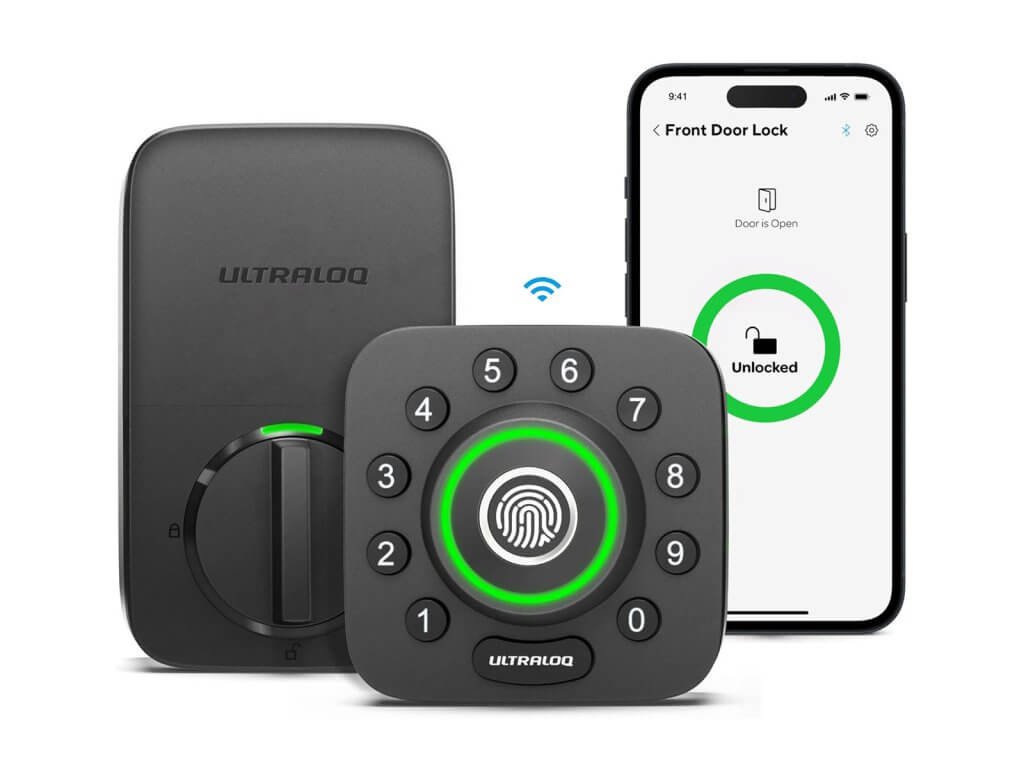
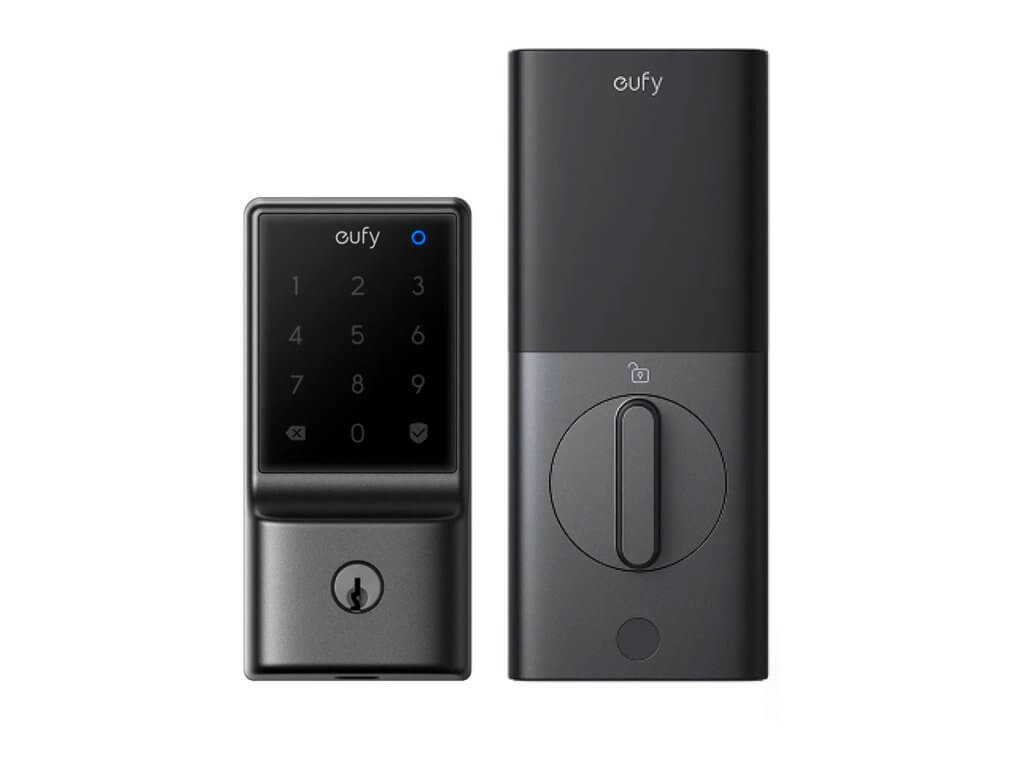
There are several smart locks we like enough to test and evaluate, including newer Wi-Fi and Matter-based options.
But we still judge rental locks by a different standard than consumer smart-home reviewers.
Fingerprint readers, smartphone unlocking, flashy touchscreens, and direct Wi-Fi connectivity don’t matter much if the lock is unreliable when the 47th guest of the summer arrives at 11:30 PM.
For a short-term rental, we prioritize:
- Reliable PIN-code operation
- Remote code management
- Long battery life
- Easy guest interaction
- Strong automation-platform support
- A practical backup method
The Yale Assure Lock 2 with Z-Wave continues to meet those requirements better than the alternatives we’ve tested.
Yale Assure Lock 2 Review
The Yale Assure Lock 2 with Z-Wave is our recommended smart lock for most short-term rentals. It's not the cheapest lock and it isn't the newest technology on the market. That's part of why we like it. The Assure Lock 2 combines mature Z-Wave automation, excellent keypad usability, standard AA batteries, physical-key options, strong build quality, generous code capacity, and a replaceable smart-module architecture. Most importantly, we've found it reliable in actual rental-property use. For a short-term rental, that's the feature that matters most. If you're building an automated property from scratch, our preferred configuration is the Yale Assure Lock 2 physical keypad with Z-Wave and a physical key cylinder, connected to a compatible Z-Wave hub and integrated with reservation-based automation. It isn't the fanciest smart lock. It's the one we trust to let the guest in.
10/10
Total Score
-
Suitability for STRs10/10Physical keypad options, key backup, strong reliability and excellent guest-code functionality.
-
Automation Capabilities10/10Excellent Z-Wave lock/code automation with compatible hubs and platforms.
-
Cost8/10Good value for a premium modular smart lock, but certainly not a budget lock.
-
Privacy/Security10/10Z-Wave keeps core hub communication off the guest Wi-Fi network; security still depends on proper hub configuration and code management.
The Good
- Excellent reliability in our STR testing
- Physical-button keypad option, including physical key backup
- Strong SmartThings/Z-Wave automation
- Premium build quality
The Bad
- Yale Access app is involved in initial configuration/maintenance
- More expensive than basic smart locks
- Requires a compatible hub for Z-Wave remote control
- Matter/module availability and feature support are still evolving
About our reviews: We test and evaluate smart-home devices specifically for short-term rental use. Our goal is to help hosts choose equipment that is reliable, secure, and compatible with rental automation. Rental Home Automator is our software platform, so our recommendations also consider how devices fit into an automated rental setup.
Other Device Reviews