If you’ve landed on this page, you’re probably already past the “do I need an Airbnb smart lock or short-term rental smart lock?” question. You know you need one. The question is which one — and whether the Yale Assure Lock 2 is actually worth the recommendation it gets from practically every serious STR automation guide.
The short answer is yes, it’s the best Airbnb smart lock available for operators who care about reliability and automation. But “the best” deserves a real explanation, not a bullet list. This article covers what makes this lock work specifically in short-term rental conditions, which model to buy, which to avoid, and a few things most reviews don’t mention.
For context on how smart lock protocol choice fits into the broader decision, see our Ultimate Guide to Short-Term Rental Automation and our complete guide to smart lock technology for Airbnb.
Why the Yale Assure Lock 2 Is Our Recommended Airbnb Smart Lock
There are a handful of solid smart locks on the market. The Yale Assure Lock 2 stands out for STR use for three specific reasons that go beyond what spec sheets capture.
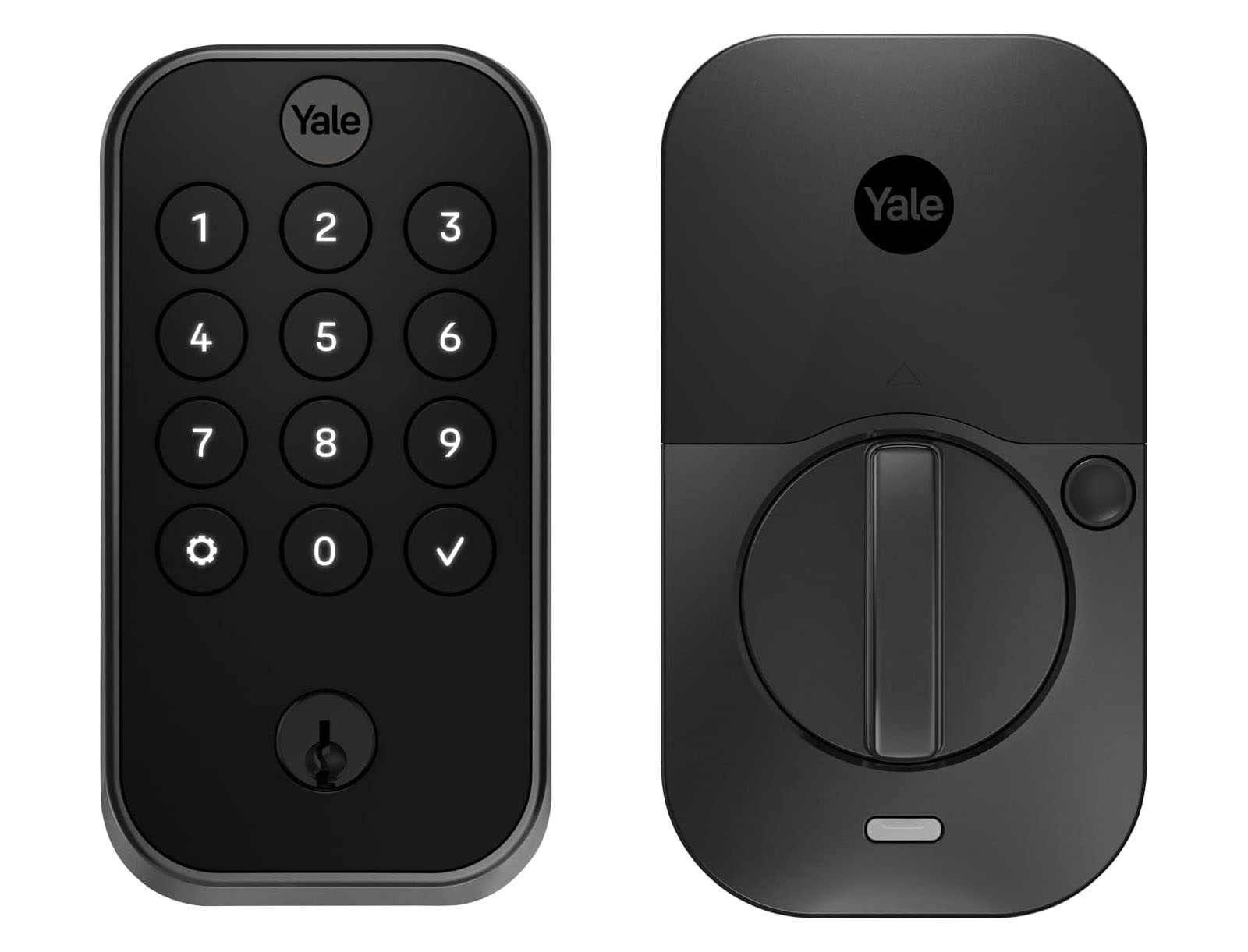
Build quality that feels premium. The Assure Lock 2 is noticeably better made than most competitors in its price range. The exterior hardware has a weight and finish quality that communicates solidity to guests — not a cheap afterthought, but something that looks like it belongs on the door. The matte finish resists fingerprints well, which matters when dozens of guests are entering codes every month.
A swappable smart module makes it genuinely future-proof. The Assure Lock 2 uses a modular connectivity system — the smart protocol (Z-Wave, Wi-Fi, or eventually Matter) lives in a separate module that can be swapped without replacing the lock hardware. This is a meaningful distinction from competitors where the connectivity is baked into the lock body. When Matter lock APIs eventually mature and Thread becomes a viable Airbnb smart lock protocol, you can upgrade the module without touching the deadbolt, the wiring, or the door hardware. That’s a real hedge against obsolescence.
The overall experience in testing has been excellent. After testing this lock across multiple properties and use cases, reliability has been consistently high. Once the Z-Wave connection is established and the mesh network is solid, the lock performs exactly as expected: codes are created, used, and deleted without failures; battery life holds up to manufacturer claims; and the hardware shows no signs of wear under heavy STR use.
Which Airbnb Smart Lock Model to Buy — and Which to Skip
The Assure Lock 2 comes in several configurations. For STR use, the choice matters.
Z-Wave Plus — the one to buy
The Yale Assure Lock 2 with Z-Wave Plus is the right model for any serious STR operator. You can review the full specs and module options on Yale’s official product page. Z-Wave gives you 12-18 months of battery life under STR conditions, full integration with SmartThings and every major Z-Wave automation platform, and complete independence from your guest Wi-Fi network.
Physical keypad buttons — not the touchscreen
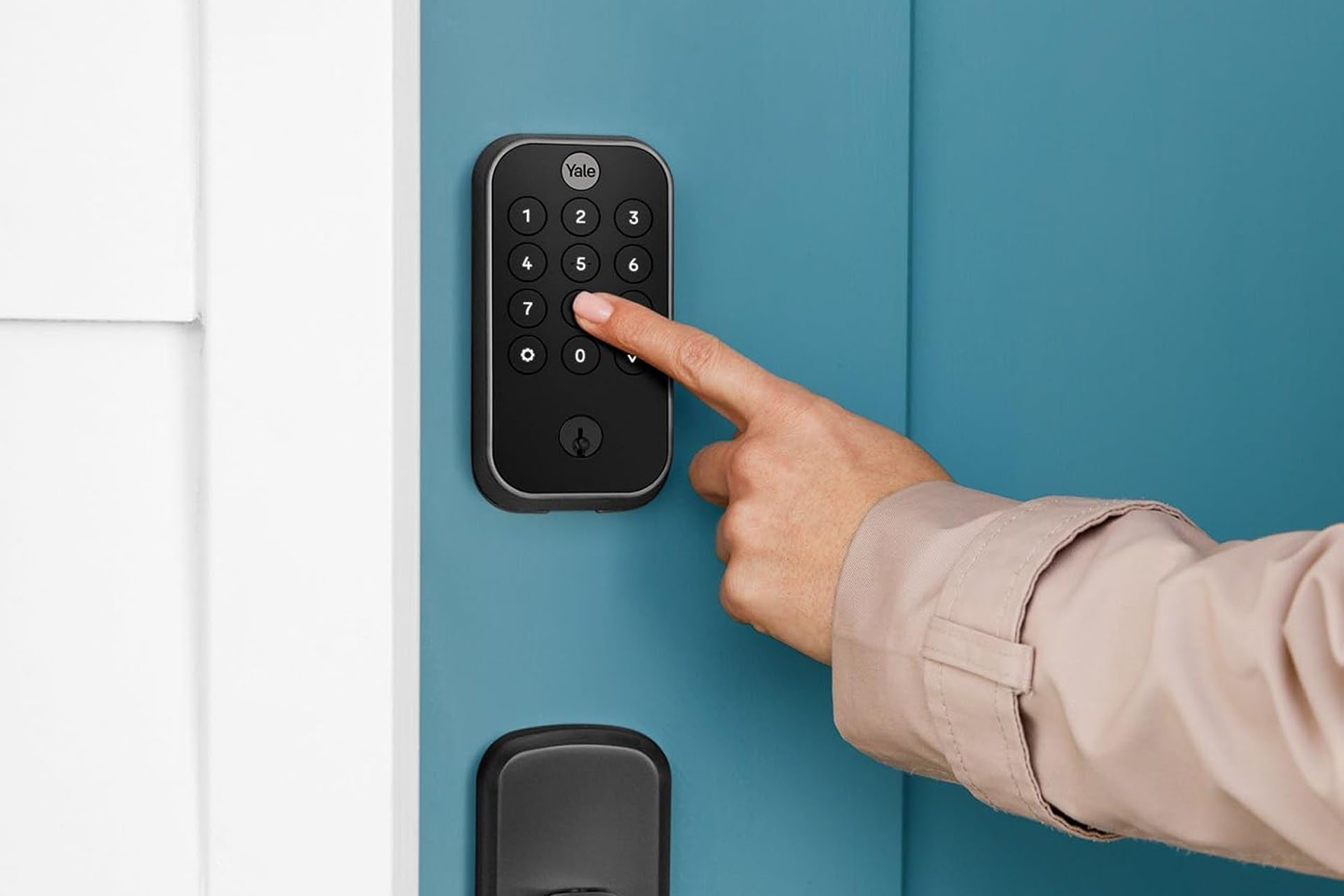
The Assure Lock 2 is available with physical tactile buttons or a touchscreen keypad. For STR use, physical buttons are the right choice — no exceptions.
The reason is simple: guests of all ages and varying levels of tech comfort need to get in reliably. Physical buttons have tactile feedback, work with gloves, work in direct sunlight that washes out touchscreens, and work when fingers are wet from rain. The touchscreen is a cleaner aesthetic but it introduces a category of failure modes that physical buttons don’t have. For a property you’re managing remotely, every failure mode that requires guest support is a cost.
With backup physical key — at least for the main entry
The Assure Lock 2 is available with or without a physical key cylinder. For your main entry door, always buy the version with the key backup.
Smart locks fail occasionally. Batteries die at inconvenient moments. Z-Wave mesh networks need occasional repair. When a lockout happens at 10pm with guests arriving in 30 minutes, a physical key held by a trusted local contact is the difference between a recoverable situation and a disaster. The keyless version is acceptable for secondary entrances (garage doors, back entries, pool gates) where a lockout has lower stakes — but the main entry should always have a physical key backup.
Practical tip from experience: The Assure Lock 2 only ships with one key blank. Order a spare when you order the lock. It’s an inexpensive insurance policy.
Additional tip: If you’re using the deadbolt model, pair it with a non-locking passage lever handle on the same door. A locking lever handle on a door with a smart deadbolt creates a common guest lockout scenario where they unlock the deadbolt but get stuck because the lever handle is also locked. The passage lever eliminates that failure mode entirely.
What to Know Before Setting Up Your Smart Lock for Vacation Rentals
Yale app and registration — what short-term rental smart lock setup actually requires
Before your Airbnb smart lock goes live, Yale pushes you toward creating a Yale account and setting up the lock through their Yale Access app when you first unbox it. For STR operators adding this lock to SmartThings as a Z-Wave device, you can skip the Yale app entirely — but there’s an important caveat.
Firmware updates for the Assure Lock 2 are delivered via Bluetooth through the Yale app. Unlike some Z-Wave devices, the Assure Lock 2 maintains its Bluetooth connection even after the Z-Wave module is installed and active — you can still connect via Bluetooth to run firmware updates at any time. What the Yale app loses once the lock is on the Z-Wave network is code management and automation control, which move entirely to SmartThings.
The practical sequence to follow:
- Unbox the lock. Before adding to SmartThings, connect to the Yale app via Bluetooth and check for any pending firmware updates. Run them now — it’s easiest before the Z-Wave pairing process begins, though you can always reconnect via Bluetooth later.
- Install the Z-Wave module in the lock.
- Add the lock to SmartThings via Z-Wave pairing — not through the Yale linked service option in SmartThings. Use the keypad sequence: Master Code → 7 (Settings) → 1 (Join Network), then add the device in SmartThings.
- SmartThings now handles all code management and automation. The Yale app no longer manages codes, but Bluetooth connectivity remains available for future firmware updates.
Yale account registration is not required for Z-Wave SmartThings setup. Yale prompts you toward it during setup, but it’s optional. Skip it if your intent is a clean Z-Wave integration.
Battery life expectations
Under normal STR use — multiple daily unlocks, code rotations between guests — expect 12+ months from a set of four AA batteries. This battery life advantage is one of the core reasons the Yale Assure Lock 2 is the right smart lock for vacation rental operators managing properties remotely — Wi-Fi alternatives typically need replacement every 3-6 months at the same usage level.
If you’re using Rental Home Automator, battery low alerts can be customized so you’re never caught off guard.
Code capacity
The Z-Wave Plus version supports up to 250 unique access codes. For context: a heavily booked property with daily turnovers, a regular cleaner, occasional maintenance visits, and a property manager code still won’t exceed 50 active codes at any point. 250 slots is ample for any STR operation.
What No Airbnb Smart Lock Does On Its Own
The Assure Lock 2 is excellent Airbnb smart lock hardware. What it doesn’t include is the automation layer — the part that creates guest codes automatically before check-in and deletes them after checkout, handles your cleaner’s access window, manages early check-ins and late checkouts, and syncs codes across multiple properties from a single dashboard.
That automation layer is the difference between a smart lock that saves you 10 minutes per booking and one that saves you from thinking about access control at all.
The SmartThings lock limitation that trips up most hosts is exactly this: SmartThings can control the lock, but its native tools for scheduling and managing codes across multiple booking sources are limited and it falls back to manual work.
For the lock automation setup that handles all of this automatically — including full calendar sync across all booking platforms — the External Lock Codes feature helps you keep track of all the codes on your device, and Master Door Codes is where permanent access management across multiple properties lives.
Quick Specs: Yale Assure Lock 2 as an Airbnb Smart Lock
| Feature | Yale Assure Lock 2 (Z-Wave Plus) |
|---|---|
| Protocol | Z-Wave Plus (500 series) |
| Code capacity | 250 unique codes |
| Battery type | 4x AA alkaline |
| Battery life (STR use) | 12-18 months |
| Keypad type | Physical buttons (recommended) or touchscreen |
| Physical key backup | Available (recommended for main entry) |
| Smart module | Swappable (Z-Wave, Wi-Fi, Matter when available) |
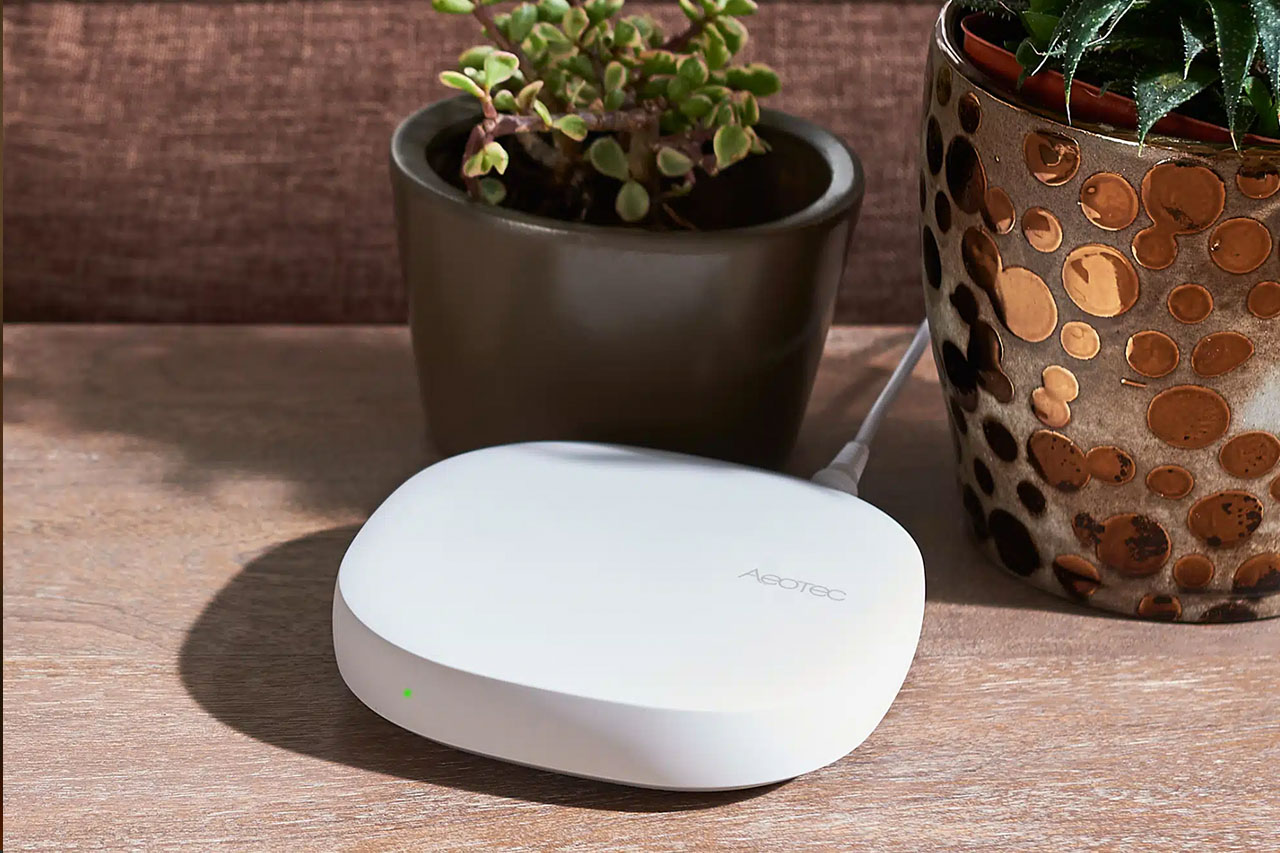
| Hub required | Yes — Aeotec SmartThings Hub Gen 3 recommended |
| Firmware updates | Via Bluetooth (Yale app) |
Frequently Asked Questions About the Yale Assure Lock 2 as an Airbnb Smart Lock
Is the Yale Assure Lock 2 the best Airbnb smart lock in 2026? Yes — it’s the best Airbnb smart lock and vacation rental smart lock for most STR operators. The combination of Z-Wave reliability, 12-18 month battery life, 250-code capacity, physical button keypad, swappable smart modules, and premium build quality makes it the strongest all-around choice. The main competition is the Schlage BE469 Z-Wave, which is similarly reliable but lacks the user experience and modular future-proofing of the Assure Lock 2.
Do I need a Yale account to set up the Assure Lock 2 with SmartThings? No. Yale will prompt you toward account creation during setup, but it’s optional for Z-Wave integration. Add the lock directly to SmartThings via the keypad Z-Wave pairing process without going through the Yale app. The one exception: do any firmware updates through the Yale app via Bluetooth.
Should I get the touchscreen or keypad version? Keypad with physical buttons, every time. Physical buttons work in all weather and lighting conditions, with gloves, and for guests of all ages without any learning curve. The touchscreen is aesthetically cleaner but introduces failure modes that physical buttons avoid. For a property you’re managing remotely, that tradeoff isn’t worth it.
Do I need a physical key backup on a smart lock? Yes, for your main entry. Smart locks occasionally fail — batteries die, Z-Wave mesh issues occur. A physical key backup held by a trusted local contact is your recovery option when remote resolution isn’t possible. The keyless version is acceptable for secondary entrances with lower stakes.
How many codes can the Yale Assure Lock 2 hold? The Z-Wave Plus version supports 250 unique codes. That’s sufficient for any STR operation regardless of booking volume.
What happens to guest codes after checkout? With the smart lock alone, nothing — codes remain active until you manually delete them. With a calendar-connected automation platform like Rental Home Automator, guest codes are automatically deleted at checkout time based on your booking calendar. No manual action required.
Your Airbnb Smart Lock Is Set — Now Automate It
Once you’ve chosen the right Airbnb smart lock — and the Yale Assure Lock 2 is the right choice — the next question is whether you’re still managing codes manually before every check-in.
The Automatic Lock Codes feature connects your booking calendar directly to your lock. Guest codes are created automatically at check-in time and deleted at checkout. Cleaner codes have their own access window. Maintenance codes, master codes, and permanent access for property managers are all managed alongside the automatic codes.
For a full comparison of smart lock protocols and why Z-Wave remains the primary recommendation for STR use, see our best smart lock for Airbnb protocol guide.